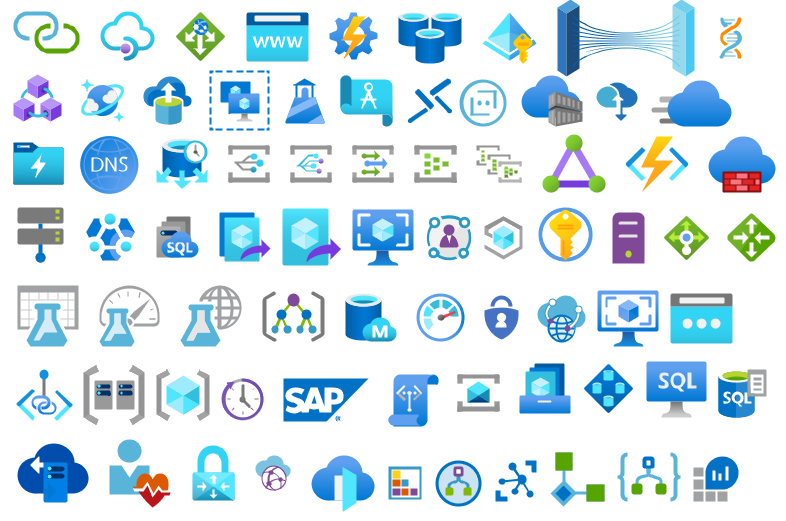
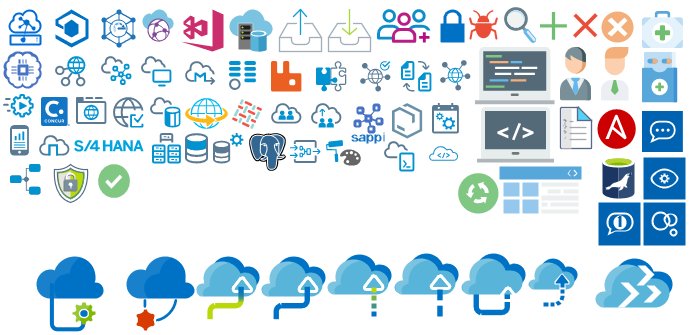
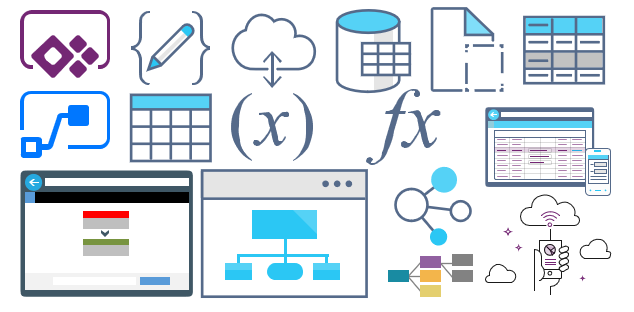
In my previous update, I discussed my intention to release a new major version of my stencils. However, I’ve opted for a gradual approach, releasing minor updates along the way. This way, it becomes easier for me because I don’t need to spend long periods allocated to this task, and at the same time, all of you can start enjoying these new icons.
Keeping my promise, I’m presenting another update. I hope it meets your expectations! If you have any specific requests, don’t hesitate to share them with me.
What’s new in this version? (for now)
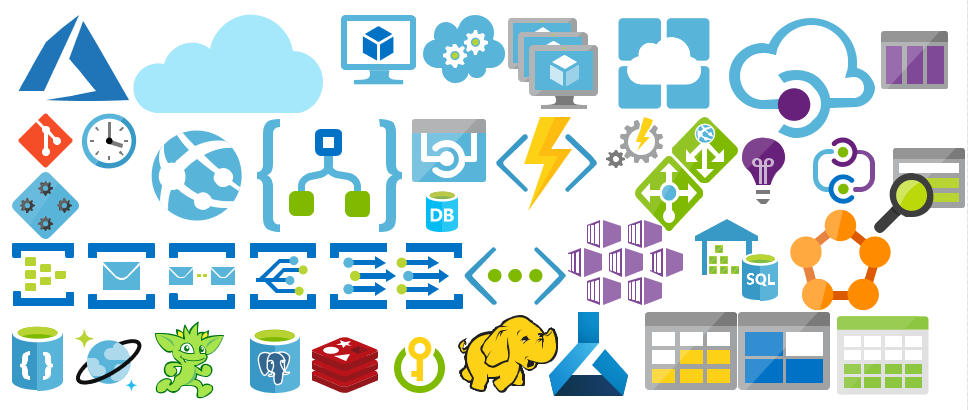
The main goal of this release was to provide the new icons present in the Azure Portal, on the Power Platform, and new existing Services. In this version, the changes and additions are:
New stencil packages: Additional stencil packages were incorporated into this project to enhance the discoverability of shapes:
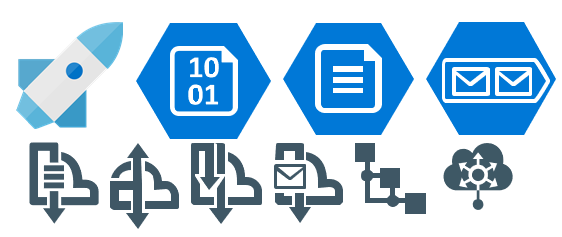
MIS Azure Integration Services: this file contains shapes related to Azure Integration Service and messaging.
MIS Microsoft Fabric: this file contains shapes related to Microsoft Fabric – This was actually a request made by a community member. And credits to Sam Debruyn for these Microsoft SVG files. I only had the work to “convert” them into proper Visio stencils.
Move some shapes: I reorganized and relocated certain shapes to other files within this package.
SVG Files: Add new SVG files;
Special Highlights: API Center, Policy fragments, Event Grid, Event Grid: Namespace, Partner namespaces and Partner registrations or APIM Schemas
Microsoft Integration, Azure, Power Platform, Office 365, and much more Stencils Pack
Microsoft Integration, Azure, Power Platform, Office 365, and much more Stencils Pack it’s a Visio package that contains fully resizable Visio shapes (symbols/icons) that will help you to visually represent On-premise, Cloud or Hybrid Integration and Enterprise architectures scenarios (BizTalk Server, API Management, Logic Apps, Service Bus, Event Hub…), solutions diagrams and features or systems that use Microsoft Azure and related cloud and on-premises technologies in Visio 2016/2013:
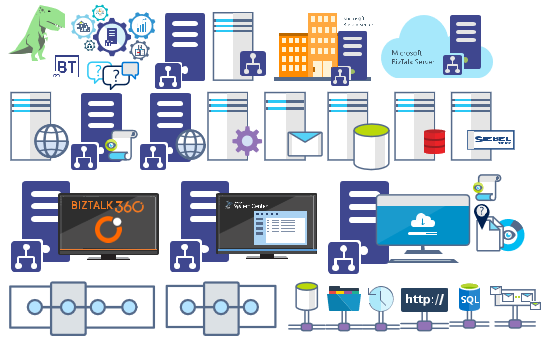
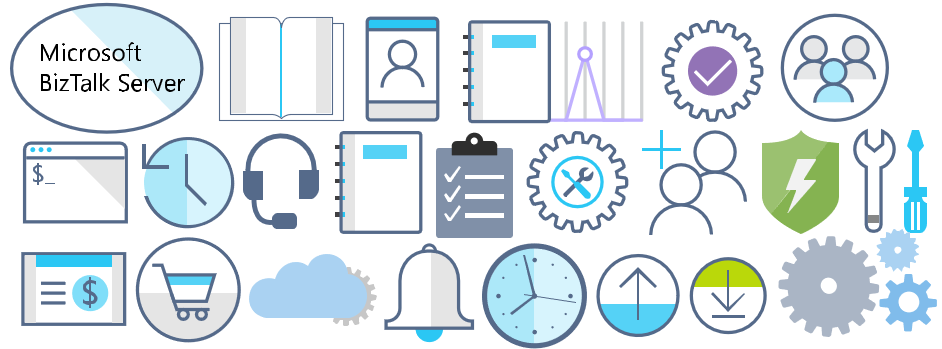
BizTalk Server
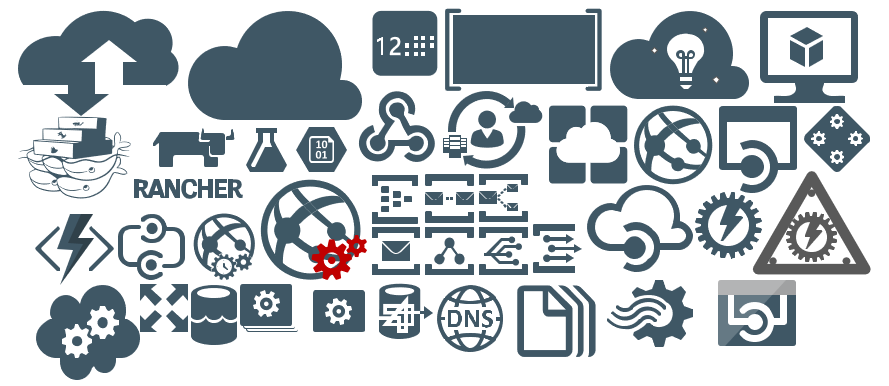
Microsoft Azure
Integration
Integration Service Environments (ISE)
Logic Apps and Azure App Service in general (API Apps, Web Apps, and Mobile Apps)
Azure API Management
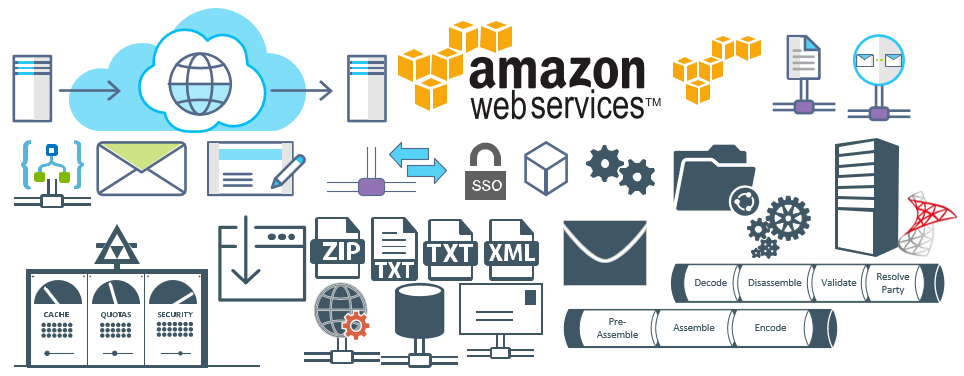
Messaging: Event Hubs, Event Grid, Service Bus, …
Azure IoT and Docker
AI, Machine Learning, Stream Analytics, Data Factory, Data Pipelines
SQL Server, DocumentDB, CosmosDB, MySQL, …
and so on
Microsoft Power Platform
Microsoft Flow
PowerApps
Power BI
Office365, SharePoint,…
DevOps and PowerShell
Security and Governance
And much more…
… and now non-related Microsoft technologies like:
SAP Stencils
The Microsoft Integration Stencils Pack is composed of 29 files:
Microsoft Integration Stencils
MIS Additional or Support Stencils
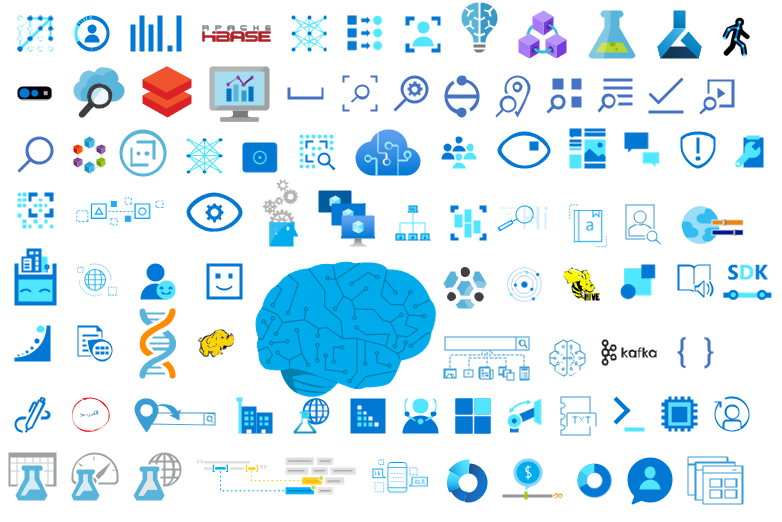
MIS AI and Machine Learning Stencils
MIS Apps and Systems Logo Stencils
MIS Azure Additional or Support Stencils
MIS Azure Integration Services
MIS Azure Mono Color
MIS Azure Old Versions
MIS Azure Others Stencils
MIS Azure Stencils
MIS Buildings Stencils
MIS Databases and Analytics Stencils
MIS Deprecated Stencils
MIS Developer Stencils
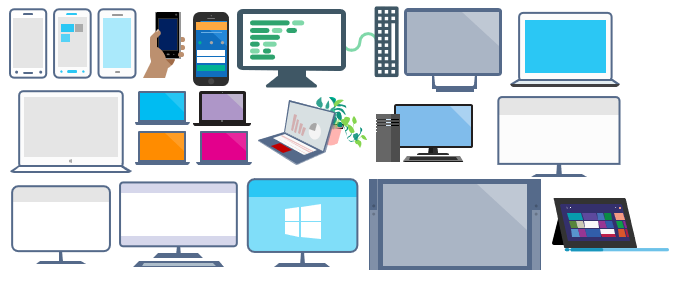
MIS Devices Stencils
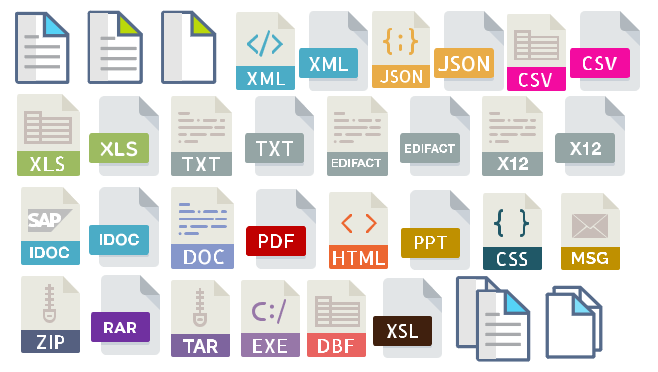
MIS Files Stencils
MIS Generic Stencils
MIS Infrastructure Stencils
MIS Integration Fun
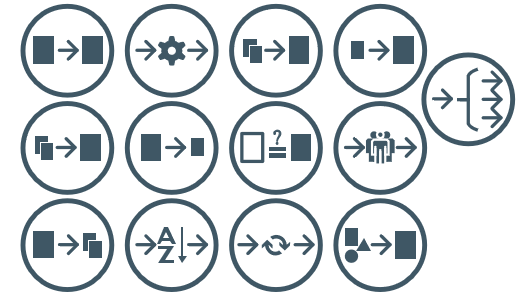
MIS Integration Patterns Stencils
MIS IoT Devices Stencils
MIS Microsoft Fabric
MIS Office365
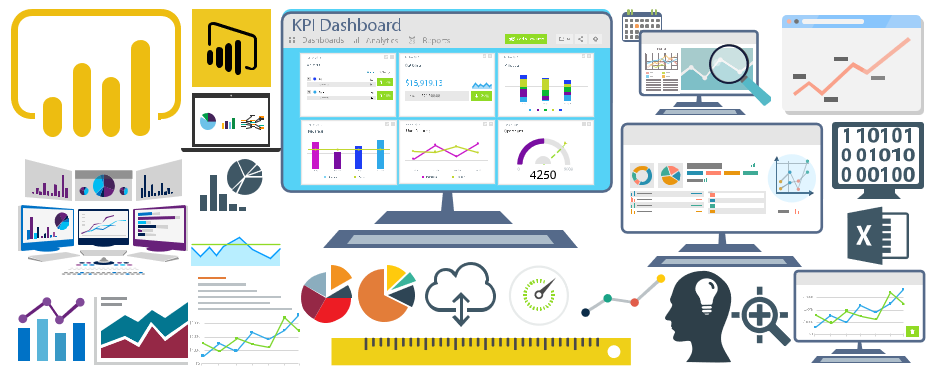
MIS Power BI Stencils
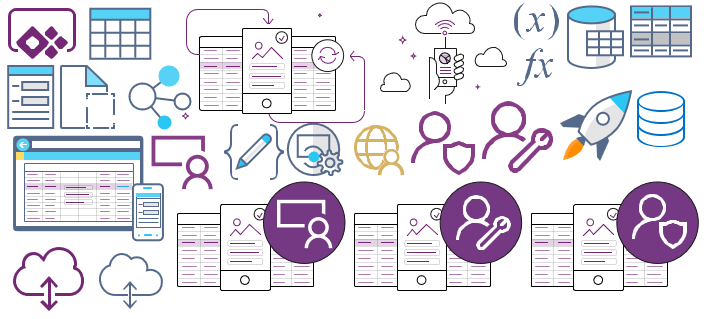
MIS PowerApps and Flows Stencils
MIS SAP Stencils
MIS Security and Governance
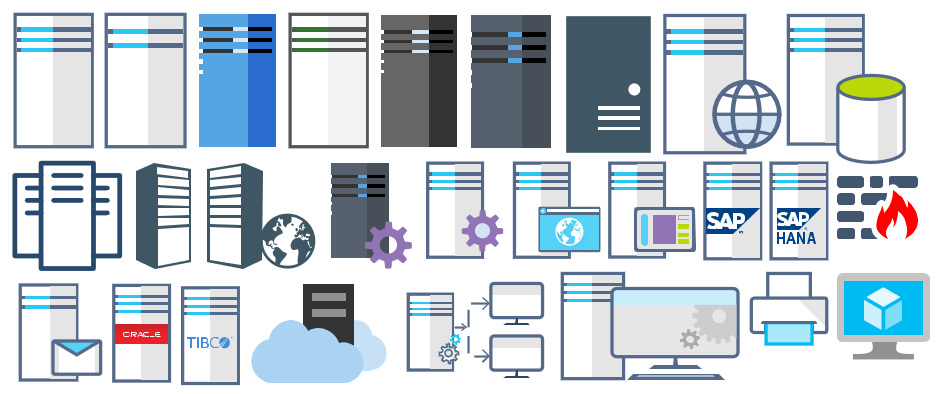
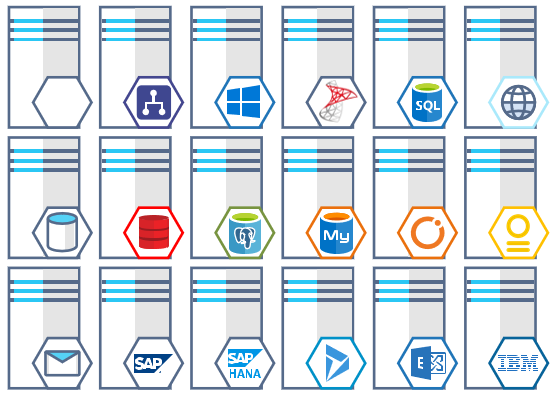
MIS Servers (HEX) Stencils
MIS Users and Roles Stencils
You can use and resize without losing quality.
Download
You can download Microsoft Integration, Azure, BAPI, Office 365, and much more Stencils Pack for Visio from GitHub here:
Hope you find this helpful! So, if you liked the content or found it helpful and want to help me write more content, you can buy (or help buy) my son a Star Wars Lego!
Author: Sandro Pereira
Sandro Pereira lives in Portugal and works as a consultant at DevScope. In the past years, he has been working on implementing Integration scenarios both on-premises and cloud for various clients, each with different scenarios from a technical point of view, size, and criticality, using Microsoft Azure, Microsoft BizTalk Server and different technologies like AS2, EDI, RosettaNet, SAP, TIBCO etc.
He is a regular blogger, international speaker, and technical reviewer of several BizTalk books all focused on Integration. He is also the author of the book “BizTalk Mapping Patterns & Best Practices”. He has been awarded MVP since 2011 for his contributions to the integration community.
View all posts by Sandro Pereira
The last time I released a new version of my stencil, it was on January 26 of 2022. A long time ago indeed, so it is fair to say that I do need to release a new major version of my stencils, and that will be a long work and process. However, I decided to do this task progressively and release minor updates during this “journey”. This way, it becomes easier for me because I don’t need to spend long periods allocated to this task, and at the same time, all of you can start enjoying these new icons.
What’s new in this version? (for now)
The main goal of this release was to provide the new icons present in the Azure Portal, on the Power Platform, and new existing Services. In this version, the changes and additions are:
New shapes: New shapes added on MIS Databases and Analytics Stencils, MIS Azure Additional or Support Stencils, Microsoft Integration Stencils, MIS Azure Stencils, and MIS Power Platform Stencils;
SVG Files: Add new SVG files;
Special Highlights: Microsoft Fabric and the new Logic App Data Mapper
Microsoft Integration, Azure, Power Platform, Office 365, and much more Stencils Pack
Microsoft Integration, Azure, Power Platform, Office 365, and much more Stencils Pack it’s a Visio package that contains fully resizable Visio shapes (symbols/icons) that will help you to visually represent On-premise, Cloud or Hybrid Integration and Enterprise architectures scenarios (BizTalk Server, API Management, Logic Apps, Service Bus, Event Hub…), solutions diagrams and features or systems that use Microsoft Azure and related cloud and on-premises technologies in Visio 2016/2013:
BizTalk Server
Microsoft Azure
Integration
Integration Service Environments (ISE)
Logic Apps and Azure App Service in general (API Apps, Web Apps, and Mobile Apps)
Azure API Management
Messaging: Event Hubs, Event Grid, Service Bus, …
Azure IoT and Docker
AI, Machine Learning, Stream Analytics, Data Factory, Data Pipelines
SQL Server, DocumentDB, CosmosDB, MySQL, …
and so on
Microsoft Power Platform
Microsoft Flow
PowerApps
Power BI
Office365, SharePoint,…
DevOps and PowerShell
Security and Governance
And much more…
… and now non-related Microsoft technologies like:
SAP Stencils
The Microsoft Integration Stencils Pack is composed of 27 files:
Microsoft Integration Stencils
MIS Additional or Support Stencils
MIS AI and Machine Learning Stencils
MIS Apps and Systems Logo Stencils
MIS Azure Additional or Support Stencils
MIS Azure Mono Color
MIS Azure Old Versions
MIS Azure Others Stencils
MIS Azure Stencils
MIS Buildings Stencils
MIS Databases and Analytics Stencils
MIS Deprecated Stencils
MIS Developer Stencils
MIS Devices Stencils
MIS Files Stencils
MIS Generic Stencils
MIS Infrastructure Stencils
MIS Integration Fun
MIS Integration Patterns Stencils
MIS IoT Devices Stencils
MIS Office365
MIS Power BI Stencils
MIS PowerApps and Flows Stencils
MIS SAP Stencils
MIS Security and Governance
MIS Servers (HEX) Stencils
MIS Users and Roles Stencils
That you can use and resize without losing quality, in particular, the new shapes.
Download
You can download Microsoft Integration, Azure, BAPI, Office 365, and much more Stencils Pack for Visio from GitHub here:
Hope you find this helpful! So, if you liked the content or found it helpful and want to help me write more content, you can buy (or help buy) my son a Star Wars Lego!
Author: Sandro Pereira
Sandro Pereira lives in Portugal and works as a consultant at DevScope. In the past years, he has been working on implementing Integration scenarios both on-premises and cloud for various clients, each with different scenarios from a technical point of view, size, and criticality, using Microsoft Azure, Microsoft BizTalk Server and different technologies like AS2, EDI, RosettaNet, SAP, TIBCO etc.
He is a regular blogger, international speaker, and technical reviewer of several BizTalk books all focused on Integration. He is also the author of the book “BizTalk Mapping Patterns & Best Practices”. He has been awarded MVP since 2011 for his contributions to the integration community.
View all posts by Sandro Pereira
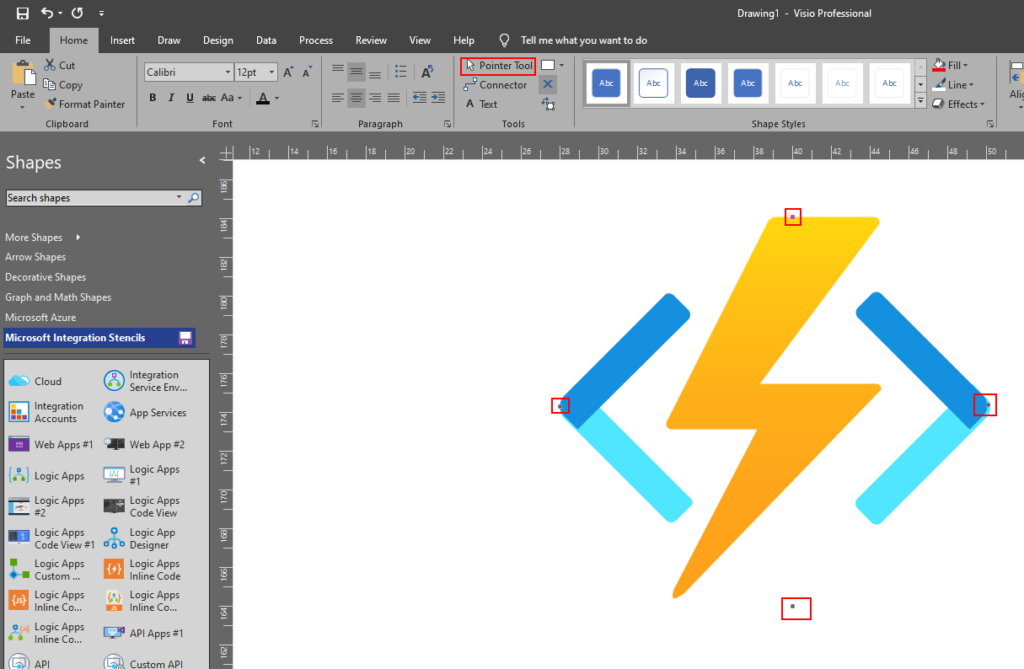
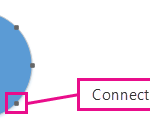
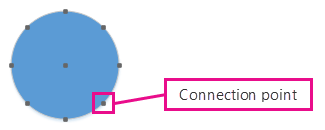
A connection point is a special point on a shape that you can “glue” connectors and other shapes to. When you glue a connector or shape to a connection point, they stay connected, even if one of the shapes is moved.
Connection points become visible when you try to connect one shape to another. You see a shape’s connection points when you hover near the shape with the Connector Tool or drag the endpoint of any connector or line near a shape that has connection points.
Add a connection points on Visio Stencils
if the shape you want to glue a connector to does not have a connection point where you want it, you can add one.
Select the shape.
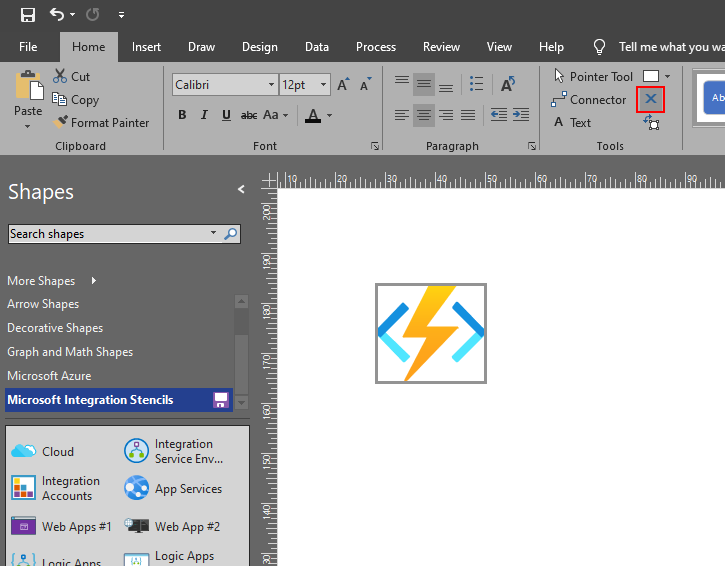
On the Home tab, in the Tools group, click the Connection Point tool .
If connection points are not visible, on the View tab, in the Visual Aids group, select the Connection Points checkbox.
Press Ctrl and click where you want to add a connection point. The new connection point is automatically selected after you place it.
On the Home tab, in the Tools group, click Pointer Tool to resume normal editing.
Tips and Tricks – Fix or Add connector points on Visio Stencils (Video)
It was only 9 days ago that I released the latest minor version of this package, on that time the goal was to update the Security and Governance stencils to please my dear friend Nino Crudele. It was then that I notice that Microsoft did again a completely redesigned on several of the symbols and of course add new services so I decided that this was the time to not only refresh the package with the new icons but also but so extra work.
What’s new in this version?
With the growing number of stencils in this package, it was becoming hard to easily find or look for the right shape/representation. So once again based on some feedback I received from the community I decide to do so rearranging. I still have many things to do in this project in terms of organization but for now, these are the changes on this major release:
New shapes: The main additions are all the new shapes on the Azure Portal. New shapes added on:
MIS Azure Stencils: containing all the main Azure Portal Services
MIS AI and Machine Learning Stencils: all shapes related to AI or Machine Learning scenarios;
MIS IoT Devices Stencils: all shapes related to IoT scenarios:
Microsoft Integration Stencils;
MIS Azure Others Stencils: containing Azure Postal Services, features of the services and other interesting shapes;
MIS Azure Additional or Support Stencils: other shapes that may be interesting in supporting Azure diagrams and designs or presentations;
MIS Azure Stencils: Complete update to this category with many new shapes added and many shapes moved to MIS Azure Others Stencils file;
MIS AI and Machine Learning Stencils: Complete update to this category with many new shapes added and updating many others to there current stencils;
Add categories:
Microsoft Integration Stencils Old Version Stencils: containing all the oldest versions of stencils (obsolete, deprecated or replaced by a new shape)
Ordered by name: I recently started to sort shapes in alphabetical order. These are the categories already sorted:
MIS Azure Stencils;
MIS Azure Others Stencils;
MIS AI and Machine Learning Stencils;
Microsoft Integration Stencils Old Version Stencils;
MIS Security and Governance;
Text Annotations: This is a requested feature and I already started to work on it but it will get some time to finish it. For now, you will see text annotations on:
MIS AI and Machine Learning Stencils
SVG Files: Add new SVG files, and uniform the name of the files;
Microsoft Integration, Azure, Power Platform, Office 365 and much more Stencils Pack
Microsoft Integration, Azure, Power Platform, Office 365 and much more Stencils Pack it’s a Visio package that contains fully resizable Visio shapes (symbols/icons) that will help you to visually represent On-premise, Cloud or Hybrid Integration and Enterprise architectures scenarios (BizTalk Server, API Management, Logic Apps, Service Bus, Event Hub…), solutions diagrams and features or systems that use Microsoft Azure and related cloud and on-premises technologies in Visio 2016/2013:
BizTalk Server
Microsoft Azure
Integration
Integration Service Environments (ISE)
Logic Apps and Azure App Service in general (API Apps, Web Apps, and Mobile Apps)
Azure API Management
Messaging: Event Hubs, Event Grid, Service Bus, …
Azure IoT and Docker
AI, Machine Learning, Stream Analytics, Data Factory, Data Pipelines
SQL Server, DocumentDB, CosmosDB, MySQL, …
and so on
Microsoft Power Platform
Microsoft Flow
PowerApps
Power BI
Office365, SharePoint,…
DevOps and PowerShell
Security and Governance
And much more…
… and now non-related Microsoft technologies like:
SAP Stencils
The Microsoft Integration Stencils Pack is composed of 28 files:
Microsoft Integration Stencils
MIS Azure Stencils
MIS Additional or Support Stencils
MIS AI and Machine Learning Stencils
MIS Apps and Systems Logo Stencils
MIS Azure Additional or Support Stencils
MIS Azure Mono Color
MIS Azure Old Versions
MIS Azure Others Stencils
MIS Buildings Stencils
MIS Databases and Analytics Stencils
MIS Deprecated Stencils
MIS Developer Stencils
MIS Devices Stencils
MIS Files Stencils
MIS Generic Stencils
MIS Infrastructure Stencils
MIS Integration Fun
MIS Integration Patterns Stencils
MIS IoT Devices Stencils
MIS Office365
MIS Power BI Stencils
MIS PowerApps and Flows Stencils
MIS SAP Stencils
MIS Security and Governance
MIS Servers (HEX) Stencils
MIS Users and Roles Stencils
Microsoft Integration Stencils Old Version Stencils
That you can use and resize without losing quality, in particular, the new shapes.
Due to personal requests from some members of the community, I decided to release another minor version of my stencils pack that will include the following features:
New shapes: new shapes were added to existing modules like:
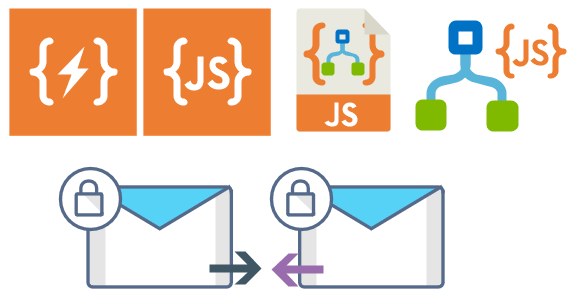
Logic App Inline Code (square – original that you can find in Logic App design)
Logic App Inline Code JS (square – original that you can find in Logic App design)
Logic App Inline Code (Custom shape version 1)
Logic App Inline Code (Custom shape version 2)
Secure Message Input
Secure Message Output
Microsoft Integration, Azure, Power Platform, Office 365 and much more Stencils Pack it’s a Visio package that contains fully resizable Visio shapes (symbols/icons) that will help you to visually represent On-premise, Cloud or Hybrid Integration and Enterprise architectures scenarios (BizTalk Server, API Management, Logic Apps, Service Bus, Event Hub…), solutions diagrams and features or systems that use Microsoft Azure and related cloud and on-premises technologies in Visio 2016/2013:
BizTalk Server
Microsoft Azure
Integration
Integration Service Environments (ISE)
Azure App Service (API Apps, Web Apps, Mobile Apps, and Logic Apps)
Event Hubs, Event Grid, Service Bus, …
API Management
IoT, and Docker
Machine Learning, Stream Analytics, Data Factory, Data Pipelines
and so on
Microsoft Power Platform
Microsoft Flow
PowerApps
Power BI
PowerShell
Infrastructure, IaaS
Office 365
And many more…
… and now non-related Microsoft technologies like:
Microsoft Integration, Azure, BAPI, Office 365 and much more Stencils Pack it’s a Visio package that contains fully resizable Visio shapes (symbols/icons) that will help you to visually represent On-premise, Cloud or Hybrid Integration and Enterprise architectures scenarios (BizTalk Server, API Management, Logic Apps, Service Bus, Event Hub…), solutions diagrams and features or systems that use Microsoft Azure and related cloud and on-premises technologies in Visio 2016/2013:
BizTalk Server
Microsoft Azure
Azure App Service (API Apps, Web Apps, Mobile Apps, and Logic Apps)
Event Hubs, Event Grid, Service Bus, …
API Management, IoT, and Docker
Machine Learning, Stream Analytics, Data Factory, Data Pipelines
and so on
Microsoft Flow
PowerApps
Power BI
PowerShell
Infrastructure, IaaS
Office 365
And many more…
… and now non-related Microsoft technologies like:
SAP Stencils
What’s new in this version?
New shapes: new shapes were added to existing modules like Generic, Azure, AI, Developer, Files or Users. But in particular a new module was born:
MIS SAP Stencils contains stencils that will represent some SAP services
Or from: Microsoft Integration and Azure Stencils Pack for Visio 2016/2013 v3.1.0 (18,6 MB) Microsoft | TechNet Gallery
Author: Sandro Pereira
Sandro Pereira lives in Portugal and works as a consultant at DevScope. In the past years, he has been working on implementing Integration scenarios both on-premises and cloud for various clients, each with different scenarios from a technical point of view, size, and criticality, using Microsoft Azure, Microsoft BizTalk Server and different technologies like AS2, EDI, RosettaNet, SAP, TIBCO etc. He is a regular blogger, international speaker, and technical reviewer of several BizTalk books all focused on Integration. He is also the author of the book “BizTalk Mapping Patterns & Best Practices”. He has been awarded MVP since 2011 for his contributions to the integration community. View all posts by Sandro Pereira
What started to be a Microsoft Integration Stencil Packs is now almost a full Microsoft stack stencil package that includes Microsoft Integration, Azure, BAPI, Office365, devices, products, competing technologies or partners and much more Stencils Pack it’s a Visio package.
This package contains fully resizable Visio shapes (symbols/icons) that will help you to visually represent On-premise, Cloud or Hybrid Integration and Enterprise architectures scenarios (BizTalk Server, API Management, Logic Apps, Service Bus, Event Hub…), solutions diagrams and features or systems that use Microsoft Azure and related cloud and on-premises technologies in Visio 2016/2013:
BizTalk Server
Microsoft Azure
Azure App Service (API Apps, Web Apps, Mobile Apps, and Logic Apps)
Event Hubs, Event Grid, Service Bus, …
API Management, IoT, and Docker
Machine Learning, Stream Analytics, Data Factory, Data Pipelines
and so on
Microsoft Flow
PowerApps
Power BI
PowerShell
Infrastructure, IaaS
Office 365
And many more
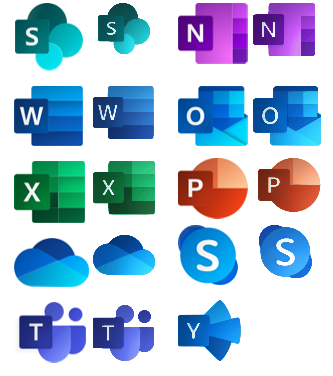
This new small update includes the new Office365 icons that were recently announced by Microsoft. It includes an additional of 19 new shapes and some reorganization.
The Microsoft Integration Stencils Pack v3.1.1 is composed of 22 files:
Or from: Microsoft Integration and Azure Stencils Pack for Visio 2016/2013 v3.1.1 (18,6 MB) Microsoft | TechNet Gallery
Author: Sandro Pereira
Sandro Pereira lives in Portugal and works as a consultant at DevScope. In the past years, he has been working on implementing Integration scenarios both on-premises and cloud for various clients, each with different scenarios from a technical point of view, size, and criticality, using Microsoft Azure, Microsoft BizTalk Server and different technologies like AS2, EDI, RosettaNet, SAP, TIBCO etc. He is a regular blogger, international speaker, and technical reviewer of several BizTalk books all focused on Integration. He is also the author of the book “BizTalk Mapping Patterns & Best Practices”. He has been awarded MVP since 2011 for his contributions to the integration community. View all posts by Sandro Pereira
Microsoft Integration, Azure, BAPI, Office 365 and much more Stencils Pack it’s a Visio package that contains fully resizable Visio shapes (symbols/icons) that will help you to visually represent On-premise, Cloud or Hybrid Integration and Enterprise architectures scenarios (BizTalk Server, API Management, Logic Apps, Service Bus, Event Hub…), solutions diagrams and features or systems that use Microsoft Azure and related cloud and on-premises technologies in Visio 2016/2013:
BizTalk Server
Microsoft Azure
Azure App Service (API Apps, Web Apps, Mobile Apps and Logic Apps)
Event Hubs, Event Grid, Service Bus, …
API Management, IoT, and Docker
Machine Learning, Stream Analytics, Data Factory, Data Pipelines
and so on
Microsoft Flow
PowerApps
Power BI
PowerShell
Infrastructure, IaaS
Office 365
And many more…
What’s new in this version?
With the growing number of stencils in this package, it was becoming hard to find or look for the right shape/representation and based on some feedback I received from the community and some tips, I focused most of the work in this new version in providing search capacity to this package, but it wasn’t the only one:
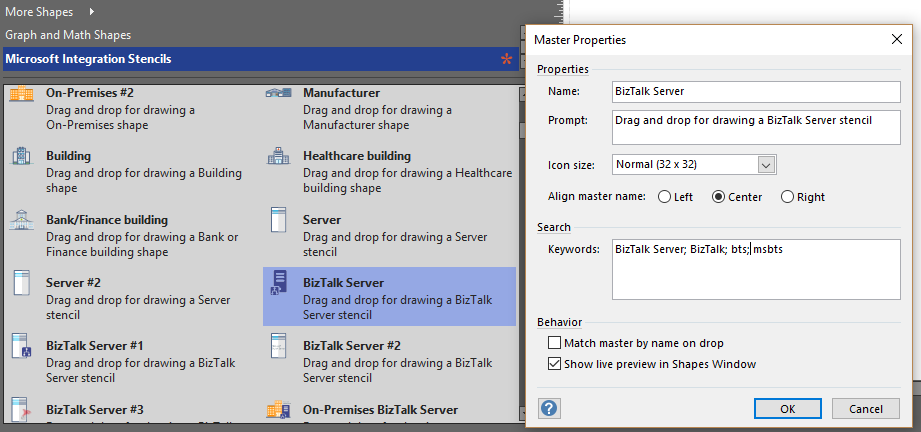
Search Capabilities: Defining the correct metadata information and keywords for all the shapes for a better search functionality.
New shapes: of course, that has happened in all other versions, new shapes were added, in particular: Generic, Microsoft Flow and PowerApps shapes
Microsoft Integration (Azure and much more) Stencils Pack it’s a Visio package that contains fully resizable Visio shapes (symbols/icons) that will help you to visually represent On-premise, Cloud or Hybrid Integration and Enterprise architectures scenarios (BizTalk Server, API Management, Logic Apps, Service Bus, Event Hub…), solutions diagrams and features or systems that use Microsoft Azure and related cloud and on-premises technologies in Visio 2016/2013:
BizTalk Server
Microsoft Azure
BizTalk Services
Azure App Service (API Apps, Web Apps, Mobile Apps and Logic Apps)
Event Hubs
Service Bus
API Management, IoT, and Docker
Machine Learning, Stream Analytics, Data Factory, Data Pipelines
and so on
Microsoft Flow
PowerApps
Power BI
PowerShell
Infrastructure, IaaS
And many more…
I start this project because at the time I didn’t find nice shapes – graphically beautiful and resizable shapes – to produce BizTalk Server topologies diagrams and high-level overview of integrating processes. The project grew as community member asked for new shapes and during the last few years I have been updating and publishing new shapes, particularly associated with Azure services, which has a very low release cadence.
This time I cannot say it was an update because was actually a complete makeover and the reasons behind this decision are mainly these 2:
The Project Become Huge: more than 1000 shapes, and due to the project structure that I decide to implement at the time, it became a little difficult to maintain since even I had difficulty finding and organizing all the shapes and there were several duplicate shapes (some were purposely duplicated and still are).
A Fresh New Look: at the time, almost all the shapes were blue – not a beautiful blue but an obsolete annoying blue – so I decide to use, in almost the cases, a monochrome approach opting for a darker color – but after all these years it was already a little worn and needing for a new modern look and this time I decided to follow the look that Microsoft is implementing in Microsoft Docs – in fact, several stencils were collect from there – a more light and multicolored approach.
You liked the old aspect? Do not worry, I still kept the old (monochrome) shapes but moved to support files.
What’s new in this version?
Is this version all about a fresh and modern new look? No, it is not. That was indeed one of the main tasks, but in addition:
New shapes: 571 new forms have been added – many of them are in fact a redesign of the existing features to have a modern look – but it is still an impressive number. Making a total of 1883 shapes available in this package.
The package structure changed: It is more organized – went from 13 files to 20 – which means that more categories were created and for that reason, I think it will be easier to find the shapes you are looking for. The Microsoft Integration (Azure and much more) Stencils Pack v3.0.0 is now composed of 20 files:
Microsoft Integration Stencils v3.0.0
MIS Additional or Support Stencils v3.0.0
MIS Apps and Systems Logo Stencils v3.0.0
MIS Azure Additional or Support Stencils v3.0.0
MIS Azure Others Stencils v3.0.0
MIS Azure Stencils v3.0.0
MIS Buildings Stencils v3.0.0
MIS Databases Stencils v3.0.0
MIS Deprecated Stencils v3.0.0
MIS Developer Stencils v3.0.0
MIS Devices Stencils v3.0.0
MIS Files Stencils v3.0.0
MIS Generic Stencils v3.0.0
MIS Infrastructure Stencils v3.0.0
MIS Integration Patterns Stencils v3.0.0
MIS IoT Devices Stencils v3.0.0
MIS Power BI Stencils v3.0.0
MIS PowerApps and Flows Stencils v3.0.0
MIS Servers (HEX) Stencils v3.0.0
MIS Users and Roles Stencils v3.0.0
You can download Microsoft Integration (Azure and much more) Stencils Pack from: Microsoft Integration Stencils Pack for Visio 2016/2013 v3.0.0 (16,6 MB) Microsoft | TechNet Gallery
Author: Sandro Pereira
Sandro Pereira lives in Portugal and works as a consultant at DevScope. In the past years, he has been working on implementing Integration scenarios both on-premises and cloud for various clients, each with different scenarios from a technical point of view, size, and criticality, using Microsoft Azure, Microsoft BizTalk Server and different technologies like AS2, EDI, RosettaNet, SAP, TIBCO etc. He is a regular blogger, international speaker, and technical reviewer of several BizTalk books all focused on Integration. He is also the author of the book “BizTalk Mapping Patterns & Best Practices”. He has been awarded MVP since 2011 for his contributions to the integration community. View all posts by Sandro Pereira
This is probably the quickest and smallest update that I made in my Microsoft Integration (Azure and much more) Stencils Pack: only 1 new stencil and I only do it for its importance, since it is definitely one of Microsoft’s fastest growing business these days, and the Ignite context: the new Azure logo.
This will be probably the first Visio pack containing this shape.
The Microsoft Integration (Azure and much more) Stencils Pack v2.6.1 is composed by 13 files:
Microsoft Integration Stencils v2.6.1
MIS Apps and Systems Logo Stencils v2.6.1
MIS Azure Portal, Services and VSTS Stencils v2.6.1
MIS Azure SDK and Tools Stencils v2.6.1
MIS Azure Services Stencils v2.6.1
MIS Deprecated Stencils v2.6.1
MIS Developer v2.6.1
MIS Devices Stencils v2.6.1
MIS IoT Devices Stencils v2.6.1
MIS Power BI v2.6.1
MIS Servers and Hardware Stencils v2.6.1
MIS Support Stencils v2.6.1
MIS Users and Roles Stencils v2.6.1
That will help you visually represent Integration architectures (On-premise, Cloud or Hybrid scenarios) and Cloud solutions diagrams in Visio 2016/2013. It will provide symbols/icons to visually represent features, systems, processes and architectures that use BizTalk Server, API Management, Logic Apps, Microsoft Azure and related technologies.
BizTalk Server
Microsoft Azure
· Azure App Service (API Apps, Web Apps, Mobile Apps and Logic Apps)
API Management
Event Hubs
Service Bus
Azure IoT and Docker
SQL Server, DocumentDB, CosmosDB, MySQL, …
Machine Learning, Stream Analytics, Data Factory, Data Pipelines
and so on
Microsoft Flow
PowerApps
Power BI
Office365, SharePoint
DevOpps: PowerShell, Containers
And many more…
You can download Microsoft Integration (Azure and much more) Stencils Pack from: Microsoft Integration Stencils Pack for Visio 2016/2013 (11,4 MB) Microsoft | TechNet Galler
Author: Sandro Pereira
Sandro Pereira lives in Portugal and works as a consultant at DevScope. In the past years, he has been working on implementing Integration scenarios both on-premises and cloud for various clients, each with different scenarios from a technical point of view, size, and criticality, using Microsoft Azure, Microsoft BizTalk Server and different technologies like AS2, EDI, RosettaNet, SAP, TIBCO etc. He is a regular blogger, international speaker, and technical reviewer of several BizTalk books all focused on Integration. He is also the author of the book “BizTalk Mapping Patterns & Best Practices”. He has been awarded MVP since 2011 for his contributions to the integration community. View all posts by Sandro Pereira





 .
.
 to resume normal editing.