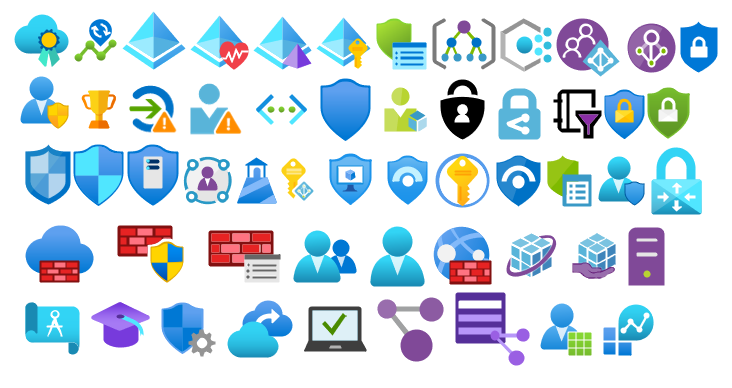
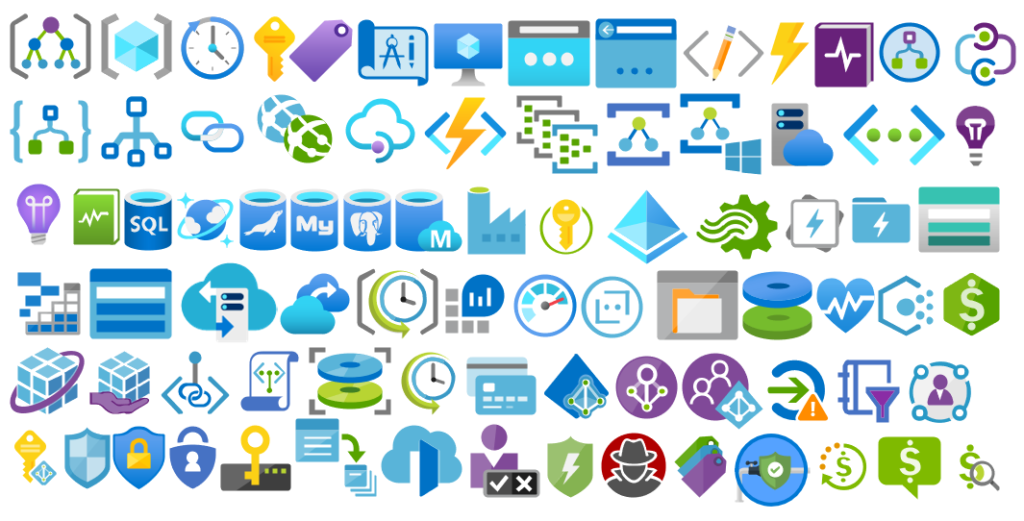
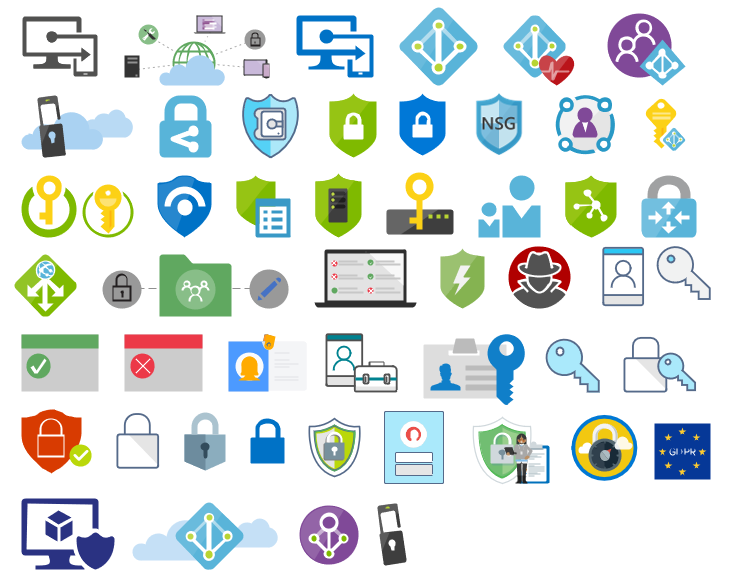
It was only 9 days ago that I released the latest minor version of this package, on that time the goal was to update the Security and Governance stencils to please my dear friend Nino Crudele. It was then that I notice that Microsoft did again a completely redesigned on several of the symbols and of course add new services so I decided that this was the time to not only refresh the package with the new icons but also but so extra work.
What’s new in this version?
With the growing number of stencils in this package, it was becoming hard to easily find or look for the right shape/representation. So once again based on some feedback I received from the community I decide to do so rearranging. I still have many things to do in this project in terms of organization but for now, these are the changes on this major release:
New shapes: The main additions are all the new shapes on the Azure Portal. New shapes added on:
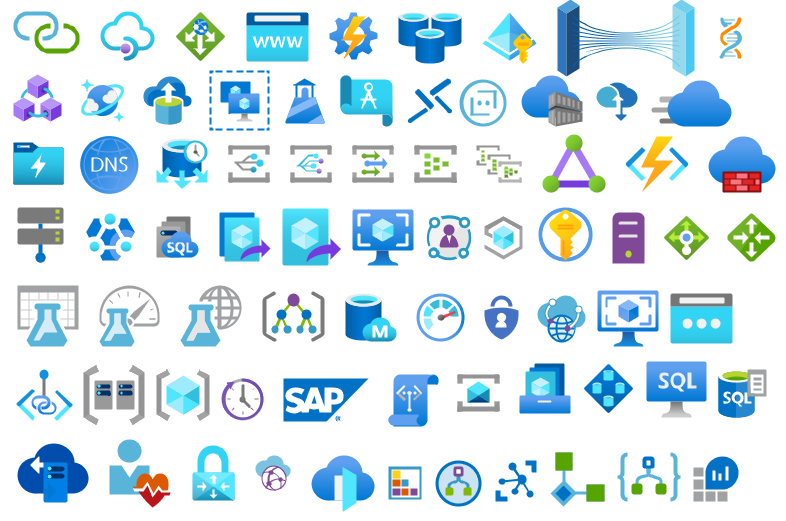
MIS Azure Stencils: containing all the main Azure Portal Services
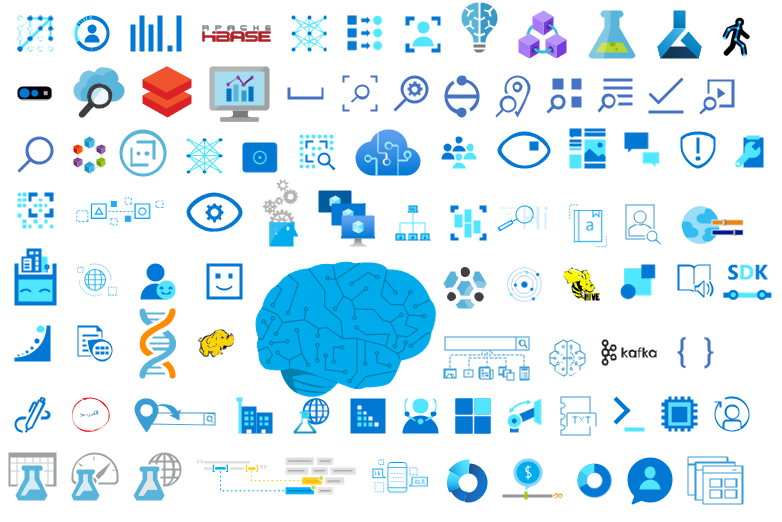
MIS AI and Machine Learning Stencils: all shapes related to AI or Machine Learning scenarios;
MIS IoT Devices Stencils: all shapes related to IoT scenarios:
Microsoft Integration Stencils;
MIS Azure Others Stencils: containing Azure Postal Services, features of the services and other interesting shapes;
MIS Azure Additional or Support Stencils: other shapes that may be interesting in supporting Azure diagrams and designs or presentations;
MIS Azure Stencils: Complete update to this category with many new shapes added and many shapes moved to MIS Azure Others Stencils file;
MIS AI and Machine Learning Stencils: Complete update to this category with many new shapes added and updating many others to there current stencils;
Add categories:
Microsoft Integration Stencils Old Version Stencils: containing all the oldest versions of stencils (obsolete, deprecated or replaced by a new shape)
Ordered by name: I recently started to sort shapes in alphabetical order. These are the categories already sorted:
MIS Azure Stencils;
MIS Azure Others Stencils;
MIS AI and Machine Learning Stencils;
Microsoft Integration Stencils Old Version Stencils;
MIS Security and Governance;
Text Annotations: This is a requested feature and I already started to work on it but it will get some time to finish it. For now, you will see text annotations on:
MIS AI and Machine Learning Stencils
SVG Files: Add new SVG files, and uniform the name of the files;
Microsoft Integration, Azure, Power Platform, Office 365 and much more Stencils Pack
Microsoft Integration, Azure, Power Platform, Office 365 and much more Stencils Pack it’s a Visio package that contains fully resizable Visio shapes (symbols/icons) that will help you to visually represent On-premise, Cloud or Hybrid Integration and Enterprise architectures scenarios (BizTalk Server, API Management, Logic Apps, Service Bus, Event Hub…), solutions diagrams and features or systems that use Microsoft Azure and related cloud and on-premises technologies in Visio 2016/2013:
BizTalk Server
Microsoft Azure
Integration
Integration Service Environments (ISE)
Logic Apps and Azure App Service in general (API Apps, Web Apps, and Mobile Apps)
Azure API Management
Messaging: Event Hubs, Event Grid, Service Bus, …
Azure IoT and Docker
AI, Machine Learning, Stream Analytics, Data Factory, Data Pipelines
SQL Server, DocumentDB, CosmosDB, MySQL, …
and so on
Microsoft Power Platform
Microsoft Flow
PowerApps
Power BI
Office365, SharePoint,…
DevOps and PowerShell
Security and Governance
And much more…
… and now non-related Microsoft technologies like:
SAP Stencils
The Microsoft Integration Stencils Pack is composed of 28 files:
Microsoft Integration Stencils
MIS Azure Stencils
MIS Additional or Support Stencils
MIS AI and Machine Learning Stencils
MIS Apps and Systems Logo Stencils
MIS Azure Additional or Support Stencils
MIS Azure Mono Color
MIS Azure Old Versions
MIS Azure Others Stencils
MIS Buildings Stencils
MIS Databases and Analytics Stencils
MIS Deprecated Stencils
MIS Developer Stencils
MIS Devices Stencils
MIS Files Stencils
MIS Generic Stencils
MIS Infrastructure Stencils
MIS Integration Fun
MIS Integration Patterns Stencils
MIS IoT Devices Stencils
MIS Office365
MIS Power BI Stencils
MIS PowerApps and Flows Stencils
MIS SAP Stencils
MIS Security and Governance
MIS Servers (HEX) Stencils
MIS Users and Roles Stencils
Microsoft Integration Stencils Old Version Stencils
That you can use and resize without losing quality, in particular, the new shapes.
In October, I did a major rearrange and release of my stencils pack mainly because Microsoft redesigned many of the icons present in the Azure Portal, but and guess what? Microsoft didn’t stop it yet. And several of the symbols that suffer a redesigned they already have a new version. So I decide that it is time for me to update my stencils once again, but instead of spending a lot of time and release everything at the same time, like I did last time, I decided this time I will do it in small waves.
What’s new in this version?
The main goal of this release was to provide the new icons present in the Azure Portal and update existing ones. In this version, the changes and additions are:
New shapes: New shapes added on MIS Security and Governance, MIS Developer Stencils and MIS IoT Devices Stencils;
MIS Security and Governance: Complete update to this category with many unique symbols added and updating many others to there current stencils;
SVG Files: Add new SVG files, and uniform all the filenames;
Special Highlights: Azure Arc and Machines – Azure Arc
Microsoft Integration, Azure, Power Platform, Office 365 and much more Stencils Pack
Microsoft Integration, Azure, Power Platform, Office 365 and much more Stencils Pack it’s a Visio package that contains fully resizable Visio shapes (symbols/icons) that will help you to visually represent On-premise, Cloud or Hybrid Integration and Enterprise architectures scenarios (BizTalk Server, API Management, Logic Apps, Service Bus, Event Hub…), solutions diagrams and features or systems that use Microsoft Azure and related cloud and on-premises technologies in Visio 2016/2013:
BizTalk Server
Microsoft Azure
Integration
Integration Service Environments (ISE)
Logic Apps and Azure App Service in general (API Apps, Web Apps, and Mobile Apps)
Azure API Management
Messaging: Event Hubs, Event Grid, Service Bus, …
Azure IoT and Docker
AI, Machine Learning, Stream Analytics, Data Factory, Data Pipelines
SQL Server, DocumentDB, CosmosDB, MySQL, …
and so on
Microsoft Power Platform
Microsoft Flow
PowerApps
Power BI
Office365, SharePoint,…
DevOps and PowerShell
Security and Governance
And much more…
… and now non-related Microsoft technologies like:
SAP Stencils
The Microsoft Integration Stencils Pack is composed of 27 files:
Microsoft Integration Stencils
MIS Additional or Support Stencils
MIS AI and Machine Learning Stencils
MIS Apps and Systems Logo Stencils
MIS Azure Additional or Support Stencils
MIS Azure Mono Color
MIS Azure Old Versions
MIS Azure Others Stencils
MIS Azure Stencils
MIS Buildings Stencils
MIS Databases and Analytics Stencils
MIS Deprecated Stencils
MIS Developer Stencils
MIS Devices Stencils
MIS Files Stencils
MIS Generic Stencils
MIS Infrastructure Stencils
MIS Integration Fun
MIS Integration Patterns Stencils
MIS IoT Devices Stencils
MIS Office365
MIS Power BI Stencils
MIS PowerApps and Flows Stencils
MIS SAP Stencils
MIS Security and Governance
MIS Servers (HEX) Stencils
MIS Users and Roles Stencils
That you can use and resize without losing quality, in particular, the new shapes.
Do you feel difficult to keep up to date on all the frequent updates and announcements in the Microsoft Integration platform and Azure iPaaS?
Integration weekly update can be your solution. It’s a weekly update on the topics related to Integration – enterprise integration, robust & scalable messaging capabilities and Citizen Integration capabilities empowered by Microsoft platform to deliver value to the business.
If you want to receive these updates weekly, then don’t forget to Subscribe!
It was only 3 days ago that I released the latest version of this package, but someone (aka Wagner Silveira) alerted me to the existence of new shiny icons in the Azure Portal… so I decided it would be a good time to launch a new major release and here it is! I hope you guys enjoy.
Microsoft Integration, Azure, Power Platform, Office 365 and much more Stencils Pack it’s a Visio package that contains fully resizable Visio shapes (symbols/icons) that will help you to visually represent On-premise, Cloud or Hybrid Integration and Enterprise architectures scenarios (BizTalk Server, API Management, Logic Apps, Service Bus, Event Hub…), solutions diagrams and features or systems that use Microsoft Azure and related cloud and on-premises technologies in Visio 2016/2013:
BizTalk Server
Microsoft Azure
Integration
Integration Service Environments (ISE)
Logic Apps and Azure App Service in general (API Apps, Web Apps, and Mobile Apps)
Azure API Management
Messaging: Event Hubs, Event Grid, Service Bus, …
Azure IoT and Docker
AI, Machine Learning, Stream Analytics, Data Factory, Data Pipelines
SQL Server, DocumentDB, CosmosDB, MySQL, …
and so on
Microsoft Power Platform
Microsoft Flow
PowerApps
Power BI
Office365, SharePoint,…
DevOps and PowerShell
Security and Governance
And much more…
… and now non-related Microsoft technologies like:
SAP Stencils
The Microsoft Integration Stencils Pack is composed of 27 files:
Microsoft Integration Stencils
MIS Additional or Support Stencils
MIS AI and Machine Learning Stencils
MIS Apps and Systems Logo Stencils
MIS Azure Additional or Support Stencils
MIS Azure Mono Color
MIS Azure Old Versions
MIS Azure Others Stencils
MIS Azure Stencils
MIS Buildings Stencils
MIS Databases and Analytics Stencils
MIS Deprecated Stencils
MIS Developer Stencils
MIS Devices Stencils
MIS Files Stencils
MIS Generic Stencils
MIS Infrastructure Stencils
MIS Integration Fun
MIS Integration Patterns Stencils
MIS IoT Devices Stencils
MIS Office365
MIS Power BI Stencils
MIS PowerApps and Flows Stencils
MIS SAP Stencils
MIS Security and Governance
MIS Servers (HEX) Stencils
MIS Users and Roles Stencils
That you can use and resize without losing quality, in particular, the new shapes.
What’s new in this version?
I still have many things to do in this project in terms of organization and cleaning some resources but I will leave that for another occasion. The main goal of this release was to provide the new icons present in Azure Portal. In this version the changes and additions are:
New shapes: I think almost all the new shapes layout present in Azure Portal are now added in this package.
New categories: MIS Azure Mono Color, MIS Azure Old Versions, MIS Azure Others, MIS Integration Fun;
Categories Renaming: MIS Databases and Analytics and MIS AI and Machine Learning
SVG Files: The SVG files, from all these new resources, are now available on GitHub
Microsoft Integration, Azure, Power Platform, Office 365 and much more Stencils Pack it’s a Visio package that contains fully resizable Visio shapes (symbols/icons) that will help you to visually represent On-premise, Cloud or Hybrid Integration and Enterprise architectures scenarios (BizTalk Server, API Management, Logic Apps, Service Bus, Event Hub…), solutions diagrams and features or systems that use Microsoft Azure and related cloud and on-premises technologies in Visio 2016/2013:
BizTalk Server
Microsoft Azure
Integration
Integration Service Environments (ISE)
Logic Apps and Azure App Service in general (API Apps, Web Apps, and Mobile Apps)
Azure API Management
Messaging: Event Hubs, Event Grid, Service Bus, …
Azure IoT and Docker
AI, Machine Learning, Stream Analytics, Data Factory, Data Pipelines
SQL Server, DocumentDB, CosmosDB, MySQL, …
and so on
Microsoft Power Platform
Microsoft Flow
PowerApps
Power BI
Office365, SharePoint,…
DevOps and PowerShell
Security and Governance
And much more…
… and now non-related Microsoft technologies like:
SAP Stencils
The Microsoft Integration Stencils Pack is composed of 23 files:
Microsoft Integration Stencils v4.0.2
MIS Additional or Support Stencils v4.0.0
MIS AI Stencils v4.0.0
MIS Apps and Systems Logo Stencils v4.0.0
MIS Azure Additional or Support Stencils v4.0.0
MIS Azure Others Stencils v4.0.0
MIS Azure Stencils v4.0.2
MIS Buildings Stencils v4.0.0
MIS Databases Stencils v4.0.0
MIS Deprecated Stencils v4.0.0
MIS Developer Stencils v4.0.0
MIS Devices Stencils v4.0.0
MIS Files Stencilsv4.0.0
MIS Generic Stencils v4.0.0
MIS Infrastructure Stencils v4.0.0
MIS Integration Patterns Stencils v4.0.0
MIS IoT Devices Stencils v4.0.0
MIS Office365 v4.1.0
MIS Power BI Stencils v4.0.0
MIS PowerApps and Flows Stencils v4.0.0
MIS SAP Stencils v4.0.0
MIS Security and Governance
MIS Servers (HEX) Stencils v4.0.0
MIS Users and Roles Stencils v4.0.0
That you can use and resize without losing quality, in particular, the new shapes.
What’s new in this version?
I’m doing some changes in the project in terms of organization and resources but instead of taking too much time doing it from top to bottom, I will be releasing small versions until the job is done. In this version the changes and additions are:
New shapes: near 50 new shapes have been added:
3 related to Microsoft Intune – a requested from a community member;
47 related to Security and Governance;
New category: I add a new file to the project called: Security and Governance with 47 shapes;
SVG Files: I’m starting to provide also the SVG files, from all these resources. At the moment these new shapes that were released in this version are now available in SVG Files on GitHub
I am currently doing many hybrid integrations, leveraging the capabilities of BizTalk Server and Logic Apps to meet the needs/requirements of my clients/projects. Some of these projects began initially to be completely on-premises, but as the projects grew and new needs emerged, the need to use some cloud services appeared like Power BI, Office365 (Teams, Outlook) and so on, became a reality. And these features are much easier to implement and have more productivity on Azure Logic Apps instead of BizTalk Server as there are already native connectors there.
And you have known that in reality there are several ways to implement this two bidirectionality communication between Logic App and BizTalk Server :
Sending messages from BizTalk Server to Azure Logic Apps
and receiving messages from Azure Logic Apps to BizTalk Server
like using HTTP requests or Azure Service Bus, and by doing so you can create robust and smart hybrid integrations. You may have to use one of these alternative implementations if you are using older versions of BizTalk Server.
The good news is that BizTalk Server 2016 has a better and more user-friendly way to make these hybrid connections. Instead of using HTTP requests, with BizTalk Server 2016 you can use the Logic Apps adapter to receive messages from an Azure Logic App or send messages to an Azure Logic App.
This whitepaper will give you a detailed understanding of the following:
Requirements to install Logic App adapter
Microsoft BizTalk Server Adapter for Logic Apps
On-premises data gateway
How to install and configure the Logic App Adapter
Where I can download it
The whitepaper is completely free and you can download it here:
I would like to take this opportunity also to once again say thanks to Lex Hegt for helping me reviewing this whitepaper especially for the incredible work of him correcting my horrible English and in this way make the document and my thoughts being readable.
I hope you enjoy reading this paper and any comments or suggestions are welcome.
You can also find, download and enjoy several other free whitepapers of my own here:
Last week, Microsoft responded to numerous requests from the community by announcing a new developer tier offering for Integration Service Environments (ISE). The ISE has been generally available for several weeks, but the single available SKU prior to this announcement carried a hefty price tag.
I had the great honour and privilege of speaking about ISE at the INTEGRATE 2019 conference at Microsoft headquarters in Redmond, WA (USA) last month. My topic was Four Scenarios for Using an Integration Service Environment, which attempted to shed some light on what type of situations would justify using this flat-cost product as opposed to the consumption-based serverless offering of Logic Apps.
While this presentation hopefully piqued interest in the offering, one of the burning questions from the attendees was “When will a lower cost developer SKU be available so we can try it out?” All Microsoft was able to say at that point was, “Soon.” Well, at least they were right, as it is now available only a few weeks later!
What is an Integration Service Environment?
The ISE is a relatively recent offering from the within Microsoft’s Azure Integration Services that enables you to provision Logic Apps and Integration Accounts within a dedicated environment – much like App Service Environments enable you to do the same for App Services. The advantages of this include:
Predictable performance
VNET connectivity
Isolated storage
Higher data transfer rates (especially for hybrid scenarios)
Flat cost
The VNET connectivity is a large driving factor for using an ISE. Consumption-based Logic Apps do not offer any direct integration with VNETs – they operate within a multi-tenant context inside of each Azure location. This means that all connectors share the same pool of static outbound IP addresses for all instances deployed to that region. It also means that performance can potentially be affected by “noisy neighbours”.
Because an ISE is injected into a VNET that you create, all the runtime components now operate within that VNET and as such are isolated from other resources in that region. It also gives you the ability to put network-level security controls around your Logic Apps (for example using Network Security Groups), and also explicitly control the scaling of your application as opposed to relying on the reactive scaling offered by the serverless option (mind you, auto-scaling rules are still available within an ISE).
Flat-Cost Model
Unlike the consumption-based serverless offering of Logic Apps which charges per action execution, ISE runs at a flat hourly cost. The cost is calculated at a scale unit level. The base offering includes a single scale unit which can accommodate roughly 160 million action executions per month. Additional scale units will add capacity for about 80 million action executions each, and each costs 1/2 the price of the base unit.
While it may seem that the cost benefit is only realised in very high-volume scenarios, you need to consider that the base unit also includes a Standard Integration Account (worth ~US$1000/month) as well as an Enterprise Connector with unlimited connectivity (these connectors are charged at a higher rate in the consumption-based model). And that’s not considering the other benefits of an ISE (VNET connectivity, isolation, etc) that may justify the investment. It is worth noting that VNET integration for most other Azure services generally requires a premium tier or plan (e.g. Service Bus, API Management, Functions, Event Hubs).
Developer SKU
Still, the cost of an ISE in production is a significant investment, just as it is for an ASE. That can make it an expensive proposition, particularly for deployment into non-production environments (DEV, TEST). Initially, the ISE was only available in one SKU.
That is why the announcement last week was so greatly anticipated. The new developer pricing tier allows organisations to deploy and test an ISE in non-production environments at approximately one-sixth of the base cost of the production SKU (please refer to the Logic Apps pricing page). This makes it a much more affordable proposition and opens up the ISE to many organisations that would otherwise be unable to afford it.
Or course, this developer tier offers no SLA, does not support additional scale units, and includes only a free integration account – so this is definitely not suited for production use. It is a good idea to review the artefact limits imposed on integration accounts.
To choose the developer tier, simply select the non-premium option from the SKU drop-down list when creating your ISE:
For detailed instructions on how to provision an ISE including all of the pre-requisites, please refer to the Microsoft documentation.
Summary
Azure Integration Service Environments offer a solid solution for integrating your Logic Apps with a VNET, enabling your entire integration solution to be managed within the controls of a private network. It enables additional security controls and better performance in hybrid scenarios over the On-Premises Data Gateway, whilst reducing the impact of “noisy neighbours”. The introduction of the developer pricing tier now makes it much more affordable for enterprises to build and test solutions using an ISE before committing to production.
This article has been cross-posted. The original post may be found here.
Due to personal requests from some members of the community, I decided to release another minor version of my stencils pack that will include the following features:
New shapes: new shapes were added to existing modules like:
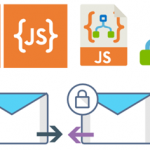
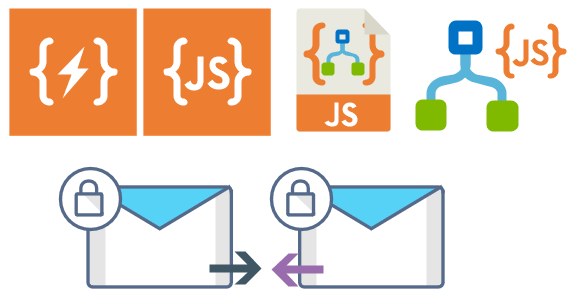
Logic App Inline Code (square – original that you can find in Logic App design)
Logic App Inline Code JS (square – original that you can find in Logic App design)
Logic App Inline Code (Custom shape version 1)
Logic App Inline Code (Custom shape version 2)
Secure Message Input
Secure Message Output
Microsoft Integration, Azure, Power Platform, Office 365 and much more Stencils Pack it’s a Visio package that contains fully resizable Visio shapes (symbols/icons) that will help you to visually represent On-premise, Cloud or Hybrid Integration and Enterprise architectures scenarios (BizTalk Server, API Management, Logic Apps, Service Bus, Event Hub…), solutions diagrams and features or systems that use Microsoft Azure and related cloud and on-premises technologies in Visio 2016/2013:
BizTalk Server
Microsoft Azure
Integration
Integration Service Environments (ISE)
Azure App Service (API Apps, Web Apps, Mobile Apps, and Logic Apps)
Event Hubs, Event Grid, Service Bus, …
API Management
IoT, and Docker
Machine Learning, Stream Analytics, Data Factory, Data Pipelines
and so on
Microsoft Power Platform
Microsoft Flow
PowerApps
Power BI
PowerShell
Infrastructure, IaaS
Office 365
And many more…
… and now non-related Microsoft technologies like:
On 1st January 2011, I was awarded for the first time Microsoft Most Value Professional (MVP), back them as a BizTalk Server MVP, joining an amazing worldwide group of technicians and community leaders who actively share their high quality and real-world expertise with other users and Microsoft. And since then I was re-award in:
2012, again as BizTalk Server MVP;
From 2013 to 2015, I was rebranded as Microsoft Integration MVP;
In 2017, Integration become part of Azure category, so I was awarded for the first time as Azure MVP
And in the middle of 2017, I was Award in two categories, Azure and Visio MVP;
In 2018, I was rewarded Azure MVP
And today, still with all the same pride, honor and enthusiasm than the first time, I’m delighted to share with you that in July 1st I was renewed as a Microsoft Azure MVP (Microsoft Most Valuable Professional) for one more year.
It is with great pride we announce that Sandro Pereira has been awarded as a Microsoft® Most Valuable Professional (MVP) for 7/1/2019 – 7/1/2020. The Microsoft MVP Award is an annual award that recognizes exceptional technology community leaders worldwide who actively share their high quality, real world expertise with users and Microsoft. All of us at Microsoft recognize and appreciate Sandro’s extraordinary contributions and want to take this opportunity to share our appreciation with you.
With just over 3,000 awardees worldwide, Microsoft MVPs represent a highly select group of experts. MVPs share a deep commitment to community and a willingness to help others. They represent the diversity of today’s technical communities. MVPs are present in over 90 countries, in more than 40 languages, and across numerous Microsoft technologies. MVPs share a passion for technology, a willingness to help others, and a commitment to community. These are the qualities that make MVPs exceptional community leaders. MVPs’ efforts enhance people’s lives and contribute to our industry’s success in many ways. By sharing their knowledge and experiences, and providing objective feedback, they help people solve problems and discover new capabilities every day. MVPs are technology’s best and brightest, and we are honored to welcome Sandro as one of them.
This is my 9th straight year on the MVP Program, an amazing journey, and experience that, again, started in 2011, and that gave me the opportunity, and still does, to travel the world for speaking engagement, share the knowledge, and to meet the most amazing and skilled people in our industry.
As usual, I would like to thank all of you! And special to my wife Fernanda and my three kids: Leonor, Laura, and José. And to all members of my beautiful family. THANKS for all the support during these last years! You guys are my inspiration!
And a special thanks to my MVP Lead Cristina Herrero for all the support, to Microsoft Integration Team and Azure Teams, to all my fellow Microsoft Azure (Integration) MVP’s and to DevScope (my company) and all my coworkers (no names here because all of them are amazing professionals)
It’s a big honor to be in the program and I’m looking forward to another great year!
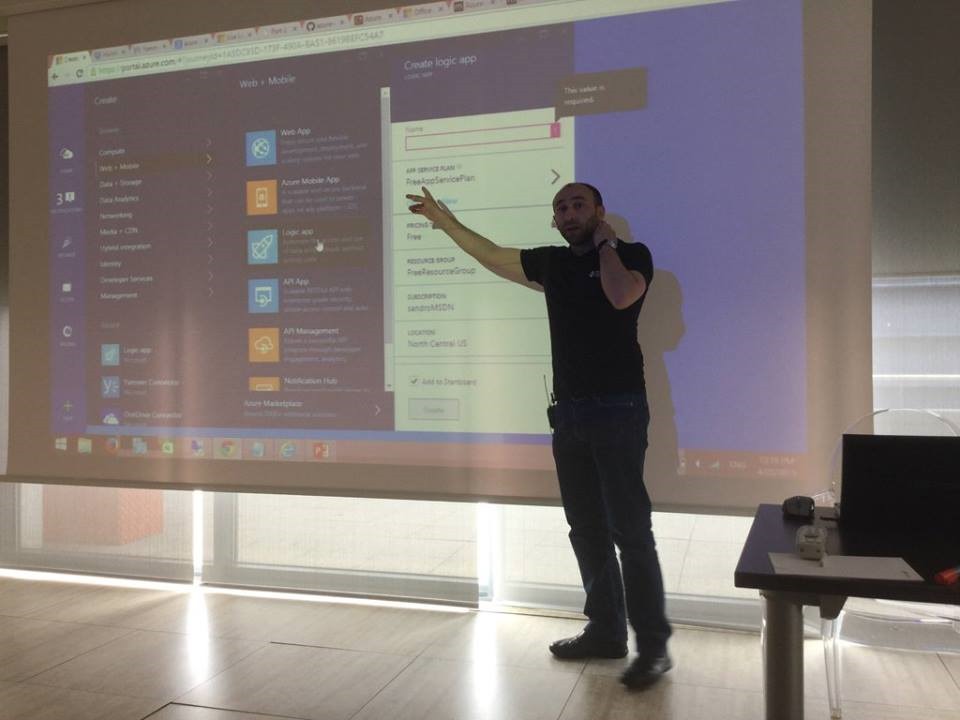
I think I’ve been present since the first edition of this event, except for last year… so, I’m super excited for presenting once again on this fantastic event! In 2015 I spoke for the first time about Logic Apps:
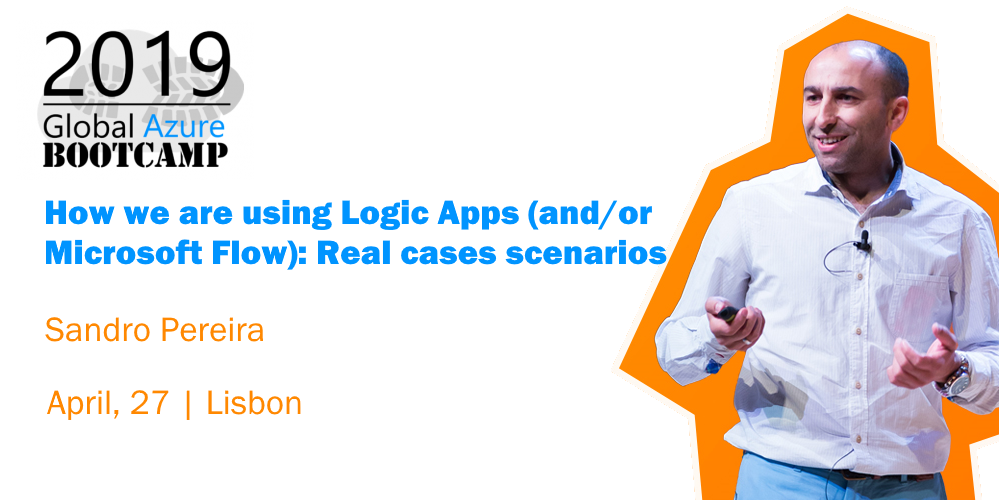
And later on in 2016…. And I will return this year with a mix session about Logic Apps and Microsoft Flow on a session about: “How we are using Logic Apps (and/or Microsoft Flow): Real cases scenarios.”
I have been presenting a similar talk on my last events (online events, Porto.Data, and Madrid) and this may be the last time I do it in this format.
Abstract
We know that all business problem can be solved with a variety of technologies and different solutions. However, sometimes developing that type of solutions has traditionally been too costly and time-consuming for many of the need’s teams and departments face, especially those projects that are internally for organizations to use or for a short period. As a result, many of these projects or solutions will be on the shelf or in the imaginary of the collaborators.
In this session, I will show you real live scenarios on how we at DevScope are using Microsoft Integration features like Logic Apps, API Management, API’s and Microsoft Flows. Using also a variety of related Azure technologies like PowerApps and Power BI to:
First, improve our internal processes like expenses reports, time reports and so on;
And, secondly, how the first step helps us out to extend our product and our business by exporting these same approaches and concepts to our clients
This will be a lightweight talk addressing some real scenarios and show these in action
Global Azure Bootcamp 2019 Lisbon Agenda
8:30 – 09:00 – Welcome and accreditation
09:00 – 09:15 – Introduction + Housekeeping by Tiago Costa and Virgilio Esteves
09:15 – 09:45 – Best Practices for Real-time Data by Viviane Ribeiro
09:45 – 10:15 – Azure Serverless by Virgilio Esteves
10:15 – 10:30 – Coffee Break
10:30 – 11:00 – ARM your Azure Infrastructure by Tiago Costa
11:00 – 12:00 – Let’s talk about: Azure Monitor by Pedro Sousa
12:00 – 13:00 – TBA by Luis Calado
13:00 – 14:00 – Lunch Break
14:00 – 15:00 – Extend your Identity to the Cloud by Nuno Árias Silva
15:00 – 16:00 – Azure SQL Database Managed Instance is so much more than just a full-fledged SQL Server in the Cloud! by Niko Neugebauer
16:00 – 16:15 – Coffee Break
16:15 – 17:15 – How we are using Logic Apps (and/or Microsoft Flow): Real case scenarios by Sandro Pereira
17:15 – 18:00 – Security? Whose problem is it, really? by Tiago Pascoal
18:00 – 18:30 – Prizes and Closing
This is a free event with very limited seats that you will not want to miss, register now!

 Microsoft Integration, Azure, Power Platform, Office 365 and much more Stencils Pack for Visio