by Sandro Pereira | Jan 22, 2018 | BizTalk Community Blogs via Syndication
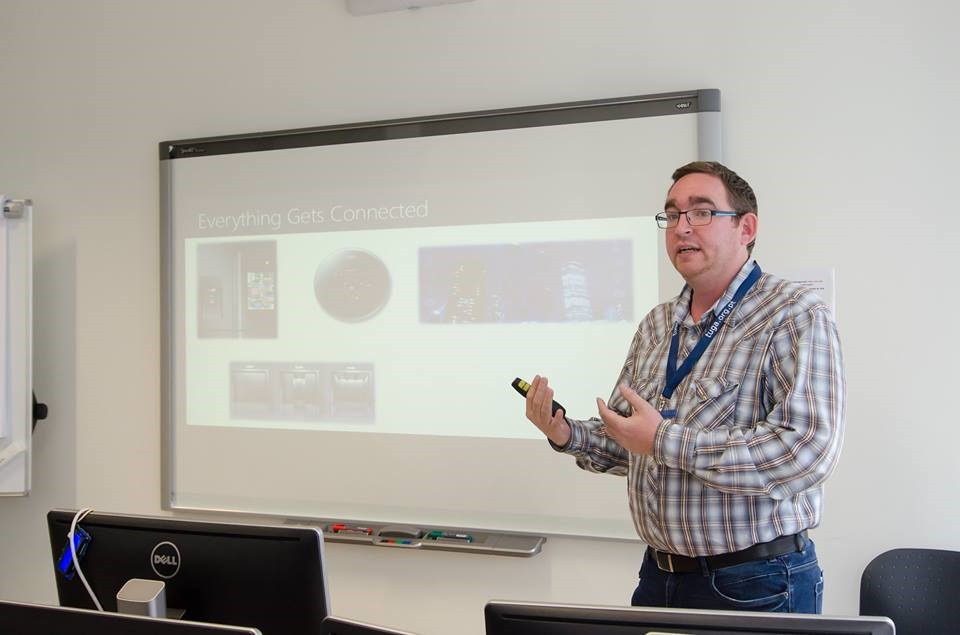
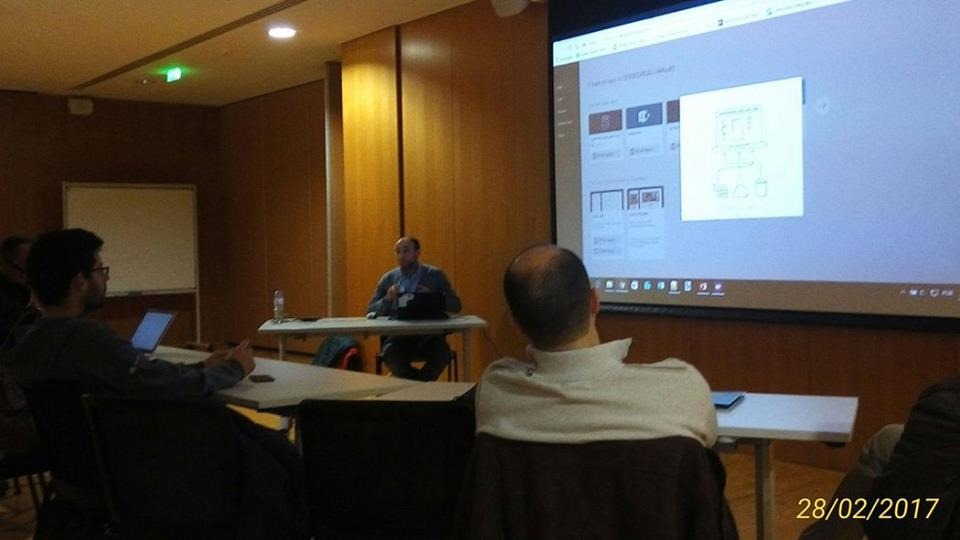
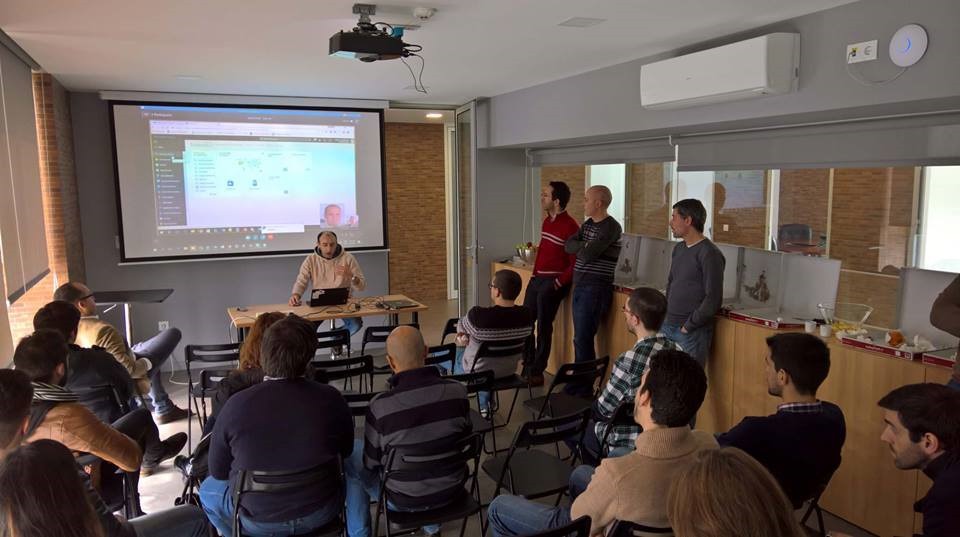
Last year I presented several sessions on Integration Monday community but I never had the chance, for several and different reasons, to proper highlight on my personal blog. The second session that I delivered last year was the second part of the topic BizTalk Server: Teach me something new about Flat Files (or not) Part II.
In that session I tried to address and solve the following questions:
- How to suppress Empty Lines everywhere (end or middle)?
- My positional flat-file contains data that does not match the length expected (and they are not filled with empty spaces). How can I handle that?
- What if we don’t want to remove Headers but… in fact we want to deal with Headers and Trailers?
- Do I need to always create a custom pipeline for dealing with Flat-Files? Or it is possible to create a Generic Pipeline?
That was the sixth session that I deliver for that community:
About my session
Session Name: BizTalk Server: Teach me something new about Flat Files (or not) Part II
Session Overview: This is the second part of Sandro Pereira’s earlier presentation on flat files on Integration Monday. You can watch the video recording of the previous session here.
Despite over the year’s new protocols, formats or patterns emerged like Web Services, WCF RESTful services, XML, JSON, among others. The use of text files (Flat Files) as CSV (Comma Separated Values) or TXT, one of the oldest common patterns for exchanging messages, still remains today one of the most used standards in systems integration and/or communication with business partners.
While tools like Excel can help us interpret such files, this type of process is always iterative and requires few user tips so that software can determine where there is a need to separate the fields/columns as well the data type of each field. But for a system integration (Enterprise Application Integration) like BizTalk Server, you must reduce any ambiguity, so that these kinds of operations can be performed thousands of times with confidence and without having recourse to a manual operator.
You can see the recording session here: BizTalk Server: Teach me something new about Flat Files (or not) Part II.
About Integration Monday
Integration Monday is full of great sessions that you can watch and I will also take this opportunity to invite you all to join us next Monday.
Author: Sandro Pereira
Sandro Pereira lives in Portugal and works as a consultant at DevScope. In the past years, he has been working on implementing Integration scenarios both on-premises and cloud for various clients, each with different scenarios from a technical point of view, size, and criticality, using Microsoft Azure, Microsoft BizTalk Server and different technologies like AS2, EDI, RosettaNet, SAP, TIBCO etc. He is a regular blogger, international speaker, and technical reviewer of several BizTalk books all focused on Integration. He is also the author of the book “BizTalk Mapping Patterns & Best Practices”. He has been awarded MVP since 2011 for his contributions to the integration community. View all posts by Sandro Pereira

by Sandro Pereira | Jan 19, 2018 | BizTalk Community Blogs via Syndication
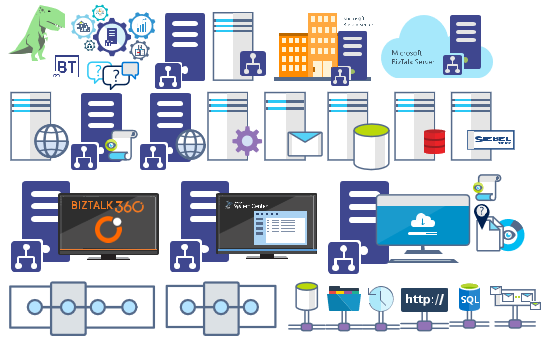
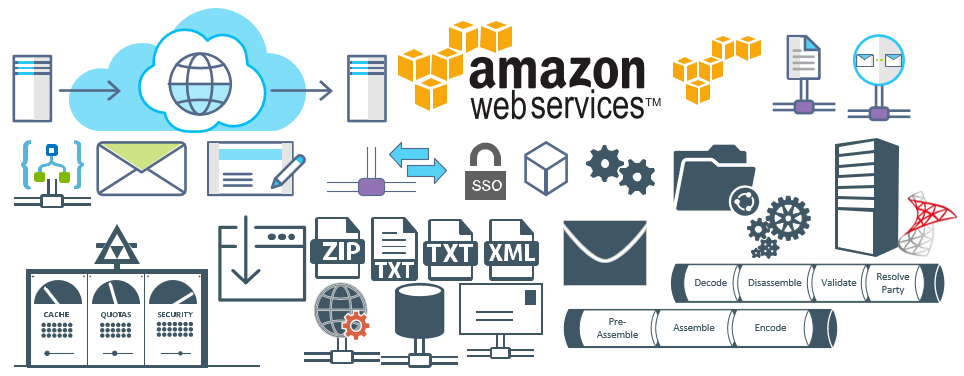
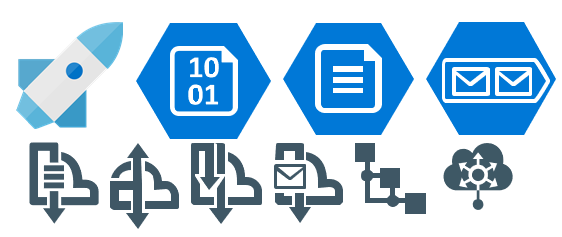
Microsoft Integration (Azure and much more) Stencils Pack it’s a Visio package that contains fully resizable Visio shapes (symbols/icons) that will help you to visually represent On-premise, Cloud or Hybrid Integration and Enterprise architectures scenarios (BizTalk Server, API Management, Logic Apps, Service Bus, Event Hub…), solutions diagrams and features or systems that use Microsoft Azure and related cloud and on-premises technologies in Visio 2016/2013:
- BizTalk Server
- Microsoft Azure
- BizTalk Services
- Azure App Service (API Apps, Web Apps, Mobile Apps and Logic Apps)
- Event Hubs
- Service Bus
- API Management, IoT, and Docker
- Machine Learning, Stream Analytics, Data Factory, Data Pipelines
- and so on
- Microsoft Flow
- PowerApps
- Power BI
- PowerShell
- Infrastructure, IaaS
- And many more…

I start this project because at the time I didn’t find nice shapes – graphically beautiful and resizable shapes – to produce BizTalk Server topologies diagrams and high-level overview of integrating processes. The project grew as community member asked for new shapes and during the last few years I have been updating and publishing new shapes, particularly associated with Azure services, which has a very low release cadence.
This time I cannot say it was an update because was actually a complete makeover and the reasons behind this decision are mainly these 2:
- The Project Become Huge: more than 1000 shapes, and due to the project structure that I decide to implement at the time, it became a little difficult to maintain since even I had difficulty finding and organizing all the shapes and there were several duplicate shapes (some were purposely duplicated and still are).
- A Fresh New Look: at the time, almost all the shapes were blue – not a beautiful blue but an obsolete annoying blue – so I decide to use, in almost the cases, a monochrome approach opting for a darker color – but after all these years it was already a little worn and needing for a new modern look and this time I decided to follow the look that Microsoft is implementing in Microsoft Docs – in fact, several stencils were collect from there – a more light and multicolored approach.
- You liked the old aspect? Do not worry, I still kept the old (monochrome) shapes but moved to support files.
What’s new in this version?
Is this version all about a fresh and modern new look? No, it is not. That was indeed one of the main tasks, but in addition:
- New shapes: 571 new forms have been added – many of them are in fact a redesign of the existing features to have a modern look – but it is still an impressive number. Making a total of 1883 shapes available in this package.
- The package structure changed: It is more organized – went from 13 files to 20 – which means that more categories were created and for that reason, I think it will be easier to find the shapes you are looking for. The Microsoft Integration (Azure and much more) Stencils Pack v3.0.0 is now composed of 20 files:
-
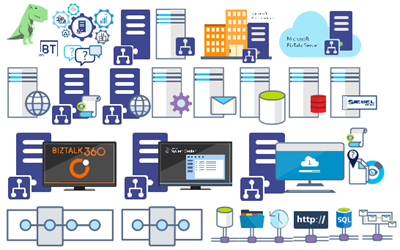
- Microsoft Integration Stencils v3.0.0
-
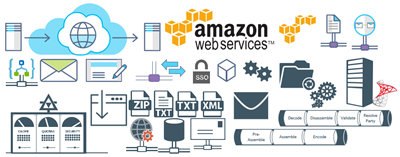
- MIS Additional or Support Stencils v3.0.0
-
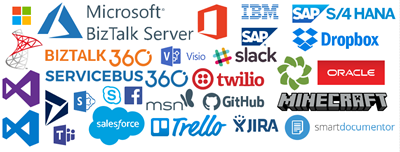
- MIS Apps and Systems Logo Stencils v3.0.0
-
- MIS Azure Additional or Support Stencils v3.0.0

-
- MIS Azure Others Stencils v3.0.0

-
- MIS Azure Stencils v3.0.0

-
- MIS Buildings Stencils v3.0.0

-
- MIS Databases Stencils v3.0.0

-
- MIS Deprecated Stencils v3.0.0

-
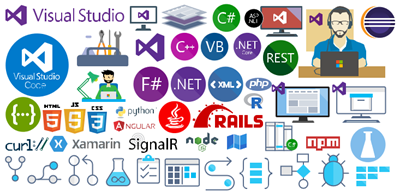
- MIS Developer Stencils v3.0.0
-
- MIS Devices Stencils v3.0.0

-
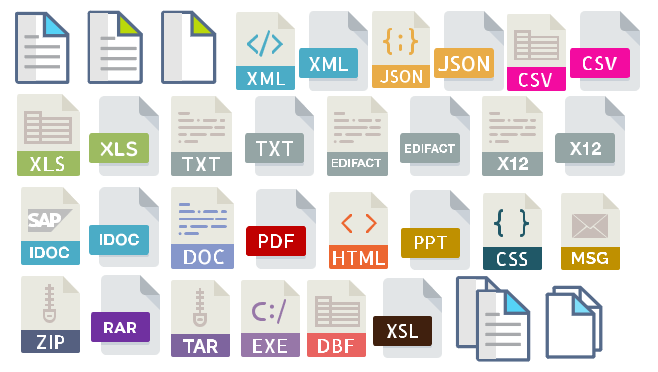
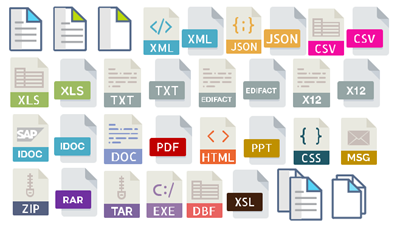
- MIS Files Stencils v3.0.0
-
- MIS Generic Stencils v3.0.0

-
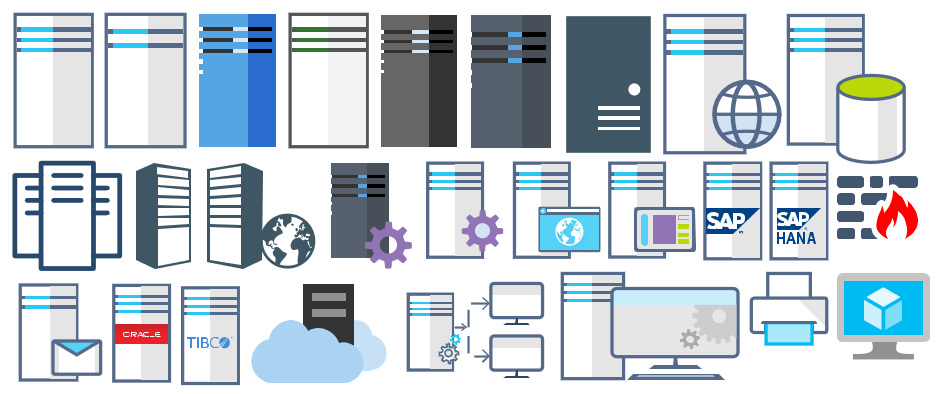
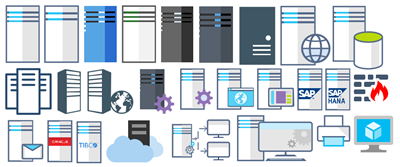
- MIS Infrastructure Stencils v3.0.0
-
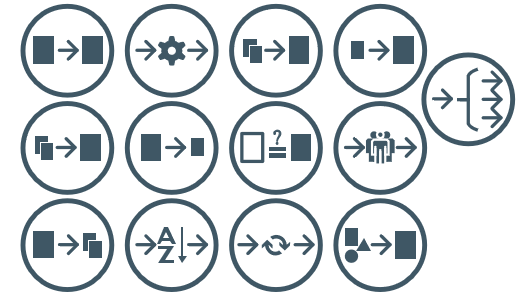
- MIS Integration Patterns Stencils v3.0.0
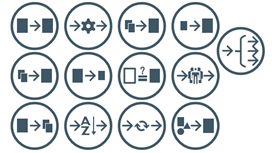
-
- MIS IoT Devices Stencils v3.0.0

-
- MIS Power BI Stencils v3.0.0

-
- MIS PowerApps and Flows Stencils v3.0.0

-
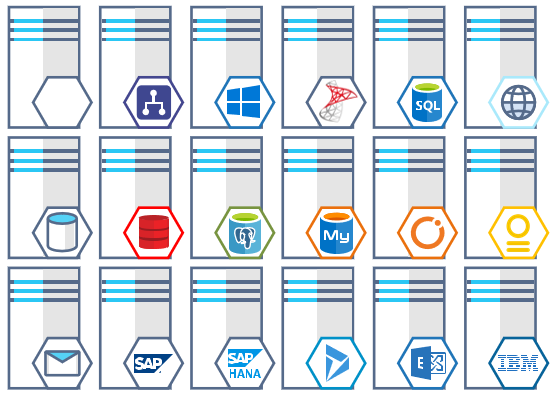
- MIS Servers (HEX) Stencils v3.0.0
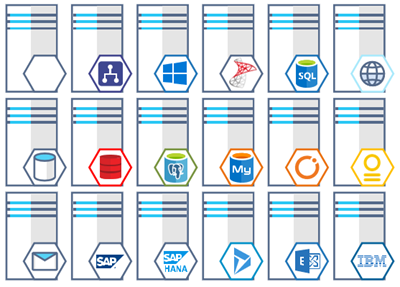
-
- MIS Users and Roles Stencils v3.0.0

You can download Microsoft Integration (Azure and much more) Stencils Pack from:
 Microsoft Integration Stencils Pack for Visio 2016/2013 v3.0.0 (16,6 MB)
Microsoft | TechNet Gallery
Author: Sandro Pereira
Sandro Pereira lives in Portugal and works as a consultant at DevScope. In the past years, he has been working on implementing Integration scenarios both on-premises and cloud for various clients, each with different scenarios from a technical point of view, size, and criticality, using Microsoft Azure, Microsoft BizTalk Server and different technologies like AS2, EDI, RosettaNet, SAP, TIBCO etc. He is a regular blogger, international speaker, and technical reviewer of several BizTalk books all focused on Integration. He is also the author of the book “BizTalk Mapping Patterns & Best Practices”. He has been awarded MVP since 2011 for his contributions to the integration community. View all posts by Sandro Pereira

by Sandro Pereira | Jan 8, 2018 | BizTalk Community Blogs via Syndication
We cannot rely on documentation if they exist, to be accurate, especially regarding the status of the machines present in the environment that tell us what is installed on the machine or not. This script follows the sequence of scripts that I release in the past to check what Cumulative Updates where installed in the machines.
However, Microsoft introduces a new concept within BizTalk Server 2016, it calls Feature Packs.
BizTalk Server 2016 will use Feature Pack (FP) approach to providing new functionalities to the product at a faster pace. Now new features (or at least non-breaking features) will be delivered when they’re ready we no longer need to wait 2 years for the next major release of the product to have new features!
BizTalk Server uses the feature pack to provide improvements, features, and closer integration with Azure. Feature Pack 1 extends functionality in key areas, such as deployment, analytics, and runtime. – https://msdn.microsoft.com/en-us/library/mt800834.aspx
Feature Pack’s will be available for Software Assurance customers running BizTalk Server 2016 Developer and Enterprise editions or customers running BizTalk Server 2016 in Azure under an Enterprise Agreement
With this, people in charge of monitoring and maintaining BizTalk Server environments will have to not only check if all the Cumulative Updates (nevertheless, this is the most critical operation) but if their organization decide to install FP, they also need to check if and what feature packs are installed in which machine.
Although it seems simple, this operation is just or more painful to perform as the cumulative updates.
Of course, there are some ways to check that, for example:
- you can do it manually by checking “Control PanelProgramsPrograms and Features” and then view the “View Installed Updates”, however, this can be a very annoying task and sometimes time-consuming.
- you can use Windows Registry but still if you only want to check what FPs that are installed this will be an annoying and time-consuming task.
Probably there are other ways, nevertheless, I just want a quick and very easy way, because this is a basic and very simple task, to know what are the BizTalk Server 2016 Feature Packs installed like:
Microsoft BizTalk Server 2016 Feature Pack 1 is installed
Microsoft BizTalk Server 2016 Feature Pack 2 is installed
How to check what BizTalk Server 2016 Feature Packs
So how can we easily automate tasks? and reuse them whenever necessary and at the same time saving significant time for other tasks?
Using PowerShell is a good option. Windows PowerShell is a Windows command-line shell designed especially for system administrators and can be used by BizTalk administrators to help them in automating repetitive tasks or tasks that are time-consuming to perform manually.
This is a simple script that allows you to configure the template name of the feature packs, that will may change from version to version (FP1, FP2, …), and will give you the list of all Feature Packs installed in your machine:
$keys = Get-ChildItem -Path Registry::'HKEY_LOCAL_MACHINESOFTWAREWOW6432NodeMicrosoftE-Business Servers Updates'

#...

foreach ($key in $keys)
{
    if($findF1 -eq $true)
    {
        break
    }

    foreach ($Property in $key.Property)
    {
        if ($Property -like '*Microsoft BizTalk Server 2016 Feature Pack 1*')
        {
            $findF1 = 1
            Write-Host 'Microsoft BizTalk Server 2016 Feature Pack 1 is installed'
            break
        }
    }
}

#...

     foreach ($Property in $key.Property)
    {
        if ($Property -like '*Microsoft BizTalk Server 2016 Feature Update 2*')
        {
            $findF2 = 1
            Write-Host 'Microsoft BizTalk Server 2016 Feature Pack 2 is installed'
            break
        }
    }

#...

if(($findF1 -eq $false) -And ($findF2 -eq $false))
{
    Write-Host 'Microsoft BizTalk Server 2016 Feature Pack is not installed'
}

THIS SQL SCRIPT IS PROVIDED “AS IS”, WITHOUT WARRANTY OF ANY KIND.
Author: Sandro Pereira
Sandro Pereira lives in Portugal and works as a consultant at DevScope. In the past years, he has been working on implementing Integration scenarios both on-premises and cloud for various clients, each with different scenarios from a technical point of view, size, and criticality, using Microsoft Azure, Microsoft BizTalk Server and different technologies like AS2, EDI, RosettaNet, SAP, TIBCO etc.
He is a regular blogger, international speaker, and technical reviewer of several BizTalk books all focused on Integration. He is also the author of the book “BizTalk Mapping Patterns & Best Practices”. He has been awarded MVP since 2011 for his contributions to the integration community.
View all posts by Sandro Pereira

by Sandro Pereira | Jan 4, 2018 | BizTalk Community Blogs via Syndication
If there is a year when it will be difficult to select the best moments, this could be one of them. There are so many that’s hard to begin describing what happened in 2017?
In personal terms, as I mention in my last post, the family is growing this time with a baby boy and I’m currently moving to a brand new a bigger house… so, exciting times! In professional terms, it was a year full of projects and traveling. But it was a year that my blog got a new and modern look that made it more professional… and I even got a sponsor, BizTalk360, which allows me to pay the costs of hosting the blog in my own domain.
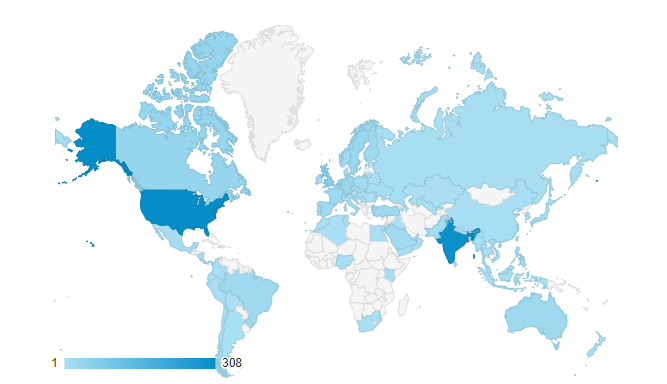
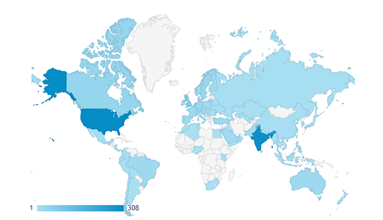
Despite all of this changes in my blog, I still was able to publish 63 new posts in my blog the country that most visited is still the United States, followed by India, United Kingdom, and Canada.
And I had the opportunity, as a speaker, to present 16 sessions! A new personal record! 2 more than last year
So once again let’s look back and reflect what happened in 2017. In a few words, it was an interesting and challenging year both personal and professional!
My selected Highlights of 2017
Sharing my book with the community
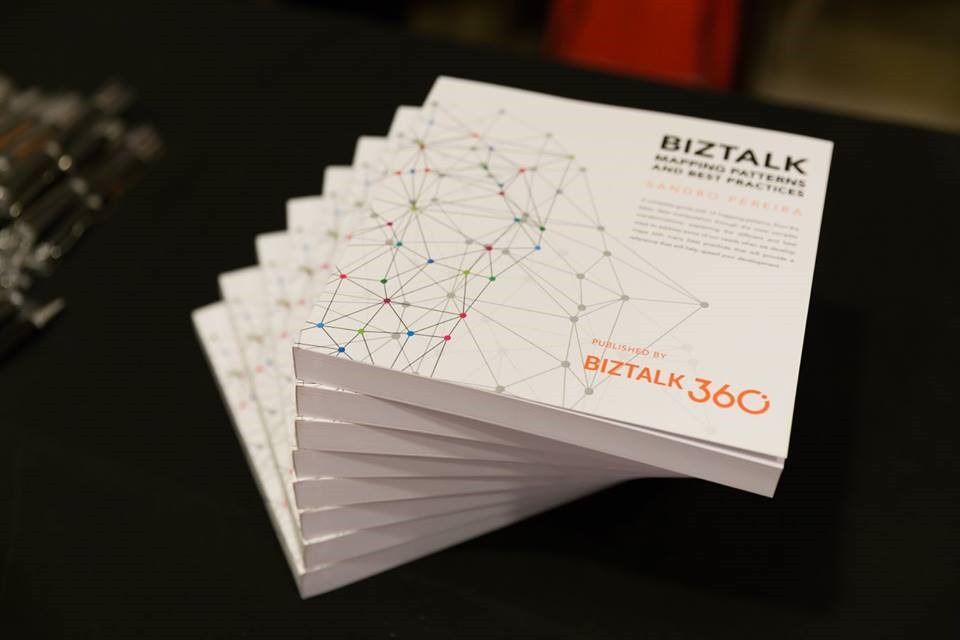
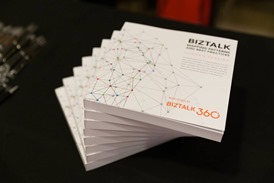
Once again, sharing my book with the community is a moment that I want to highlight and I have no words to thank you!

First speaking event in the USA
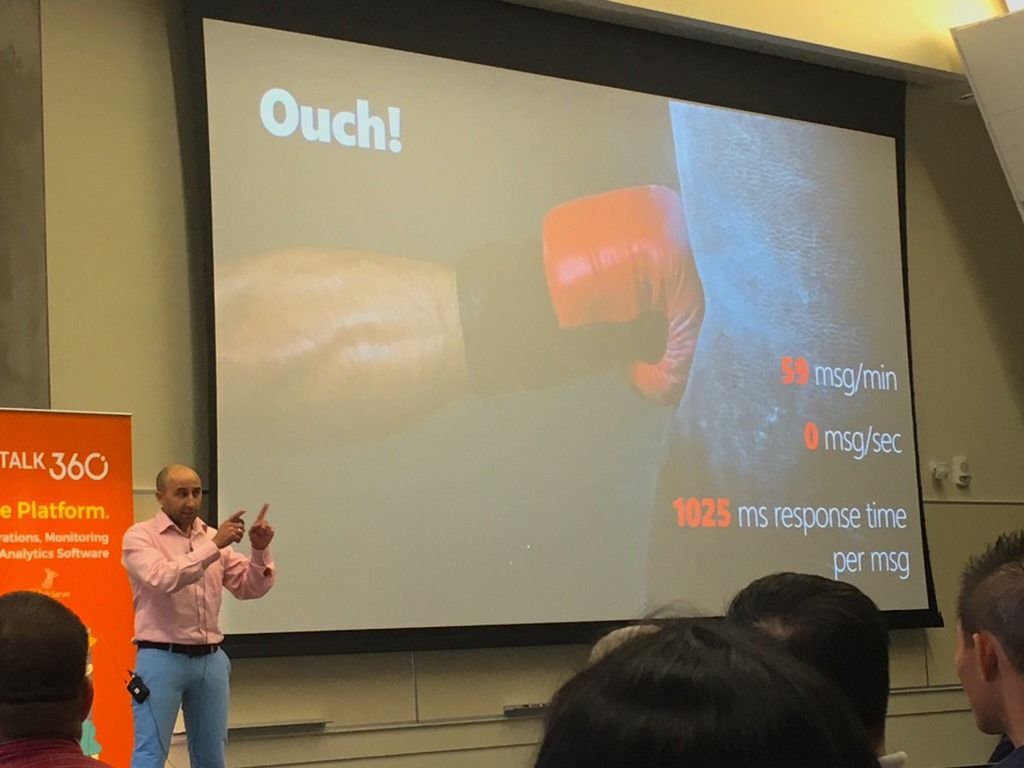
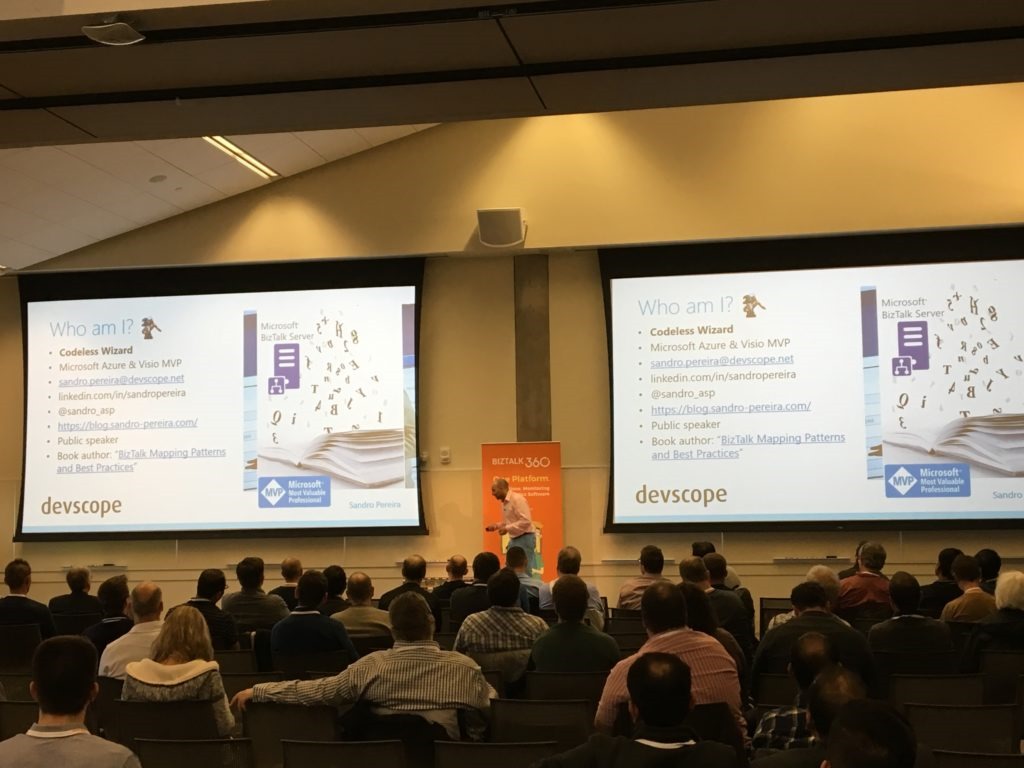
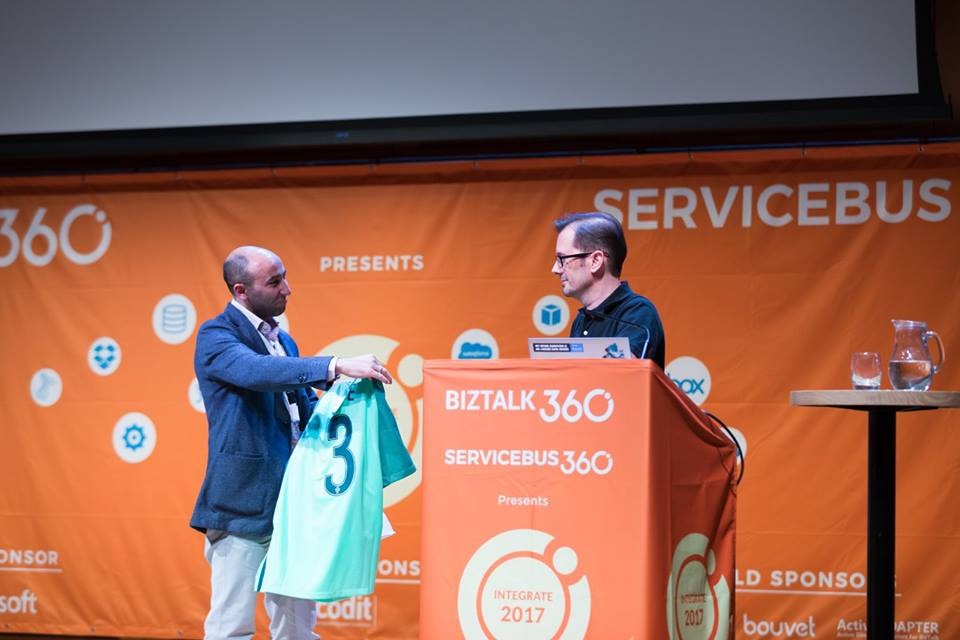
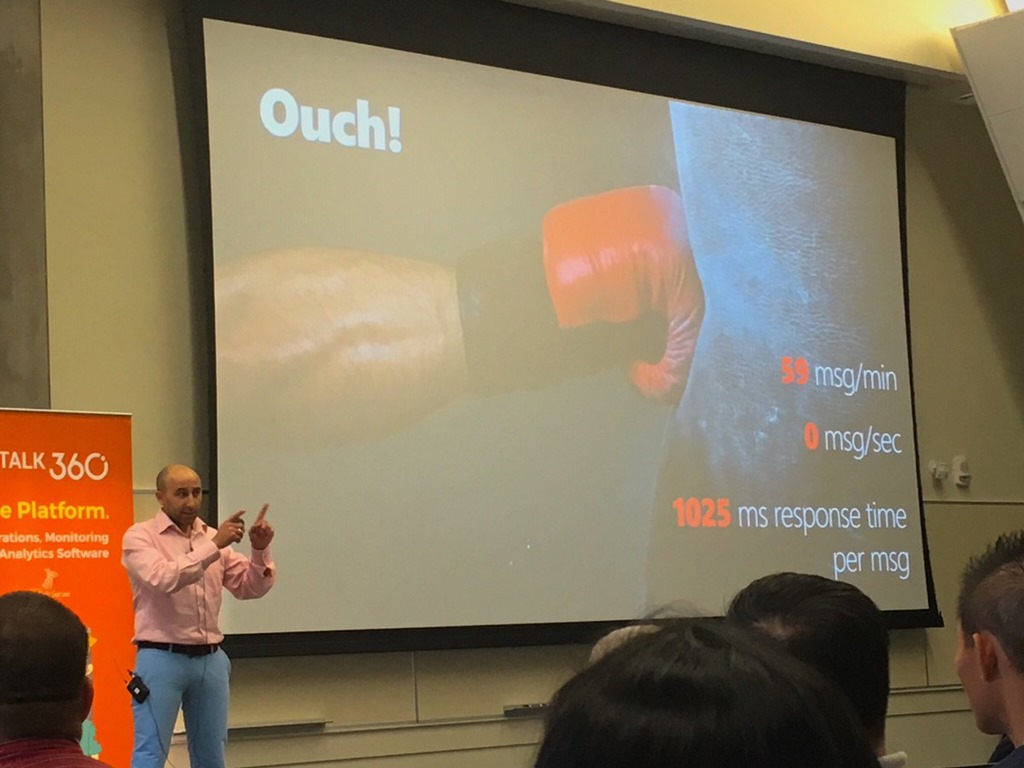
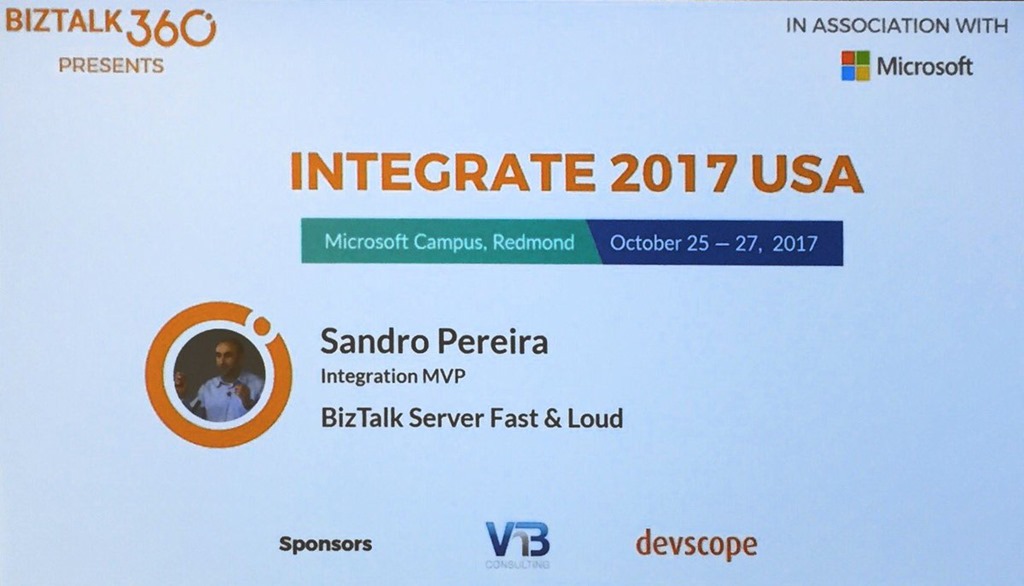
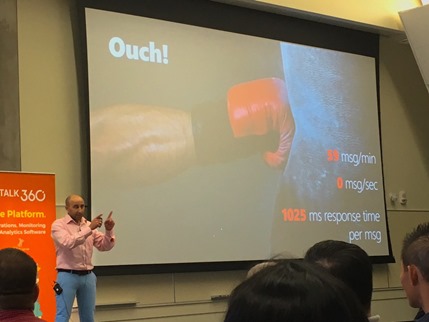
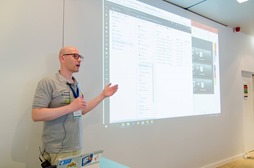
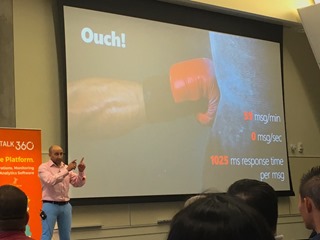
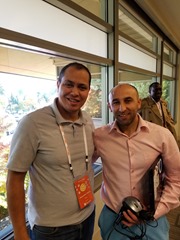
I have been doing a lot of conferences in Europe in the last few years, but I have never had the opportunity to do it on the other side of the Atlantic Ocean, not because of lack of opportunities, but mainly because I have not been able to consolidate my professional agenda with this speaking opportunities. Fortunately, this year I was able to do it and be present at INTEGRATE USA in Redmond, presenting a session about BizTalk Server performance and optimizations:
And I have to say, you guys make me fill special! What amazing reception and feedback you provide me! THANKS!
TUGA IT 2017
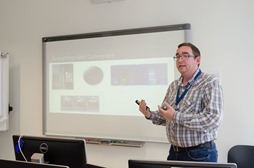
Once again, I was in charge of organizing the Integration track at TUGA IT event, one of the major biggest events in Portugal that targets several distinct technologic areas like SharePoint and Office 365, Azure Infrastructure, Data Platform, Programming and Integration (BizTalk, IoT, and Azure) and much more.
Being responsible for the Integration track, I was able to invite some of my good friends to speak at this event: Nino Crudele, Steef-Jan Wiggers, Tomasso Groenendijk, Ricardo Torre and Eldert Grootenboer.




One of the top contributors to Microsoft Documentation
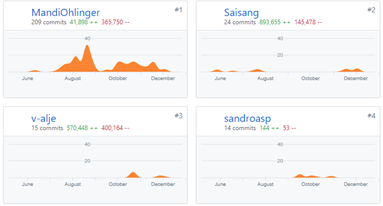
BizTalk Server documentation is now on DOCS and everyone can contribute and improve the existing documentation of which I’m glad to be one of the non-Microsoft top contributors.
A year of speaking engagements…
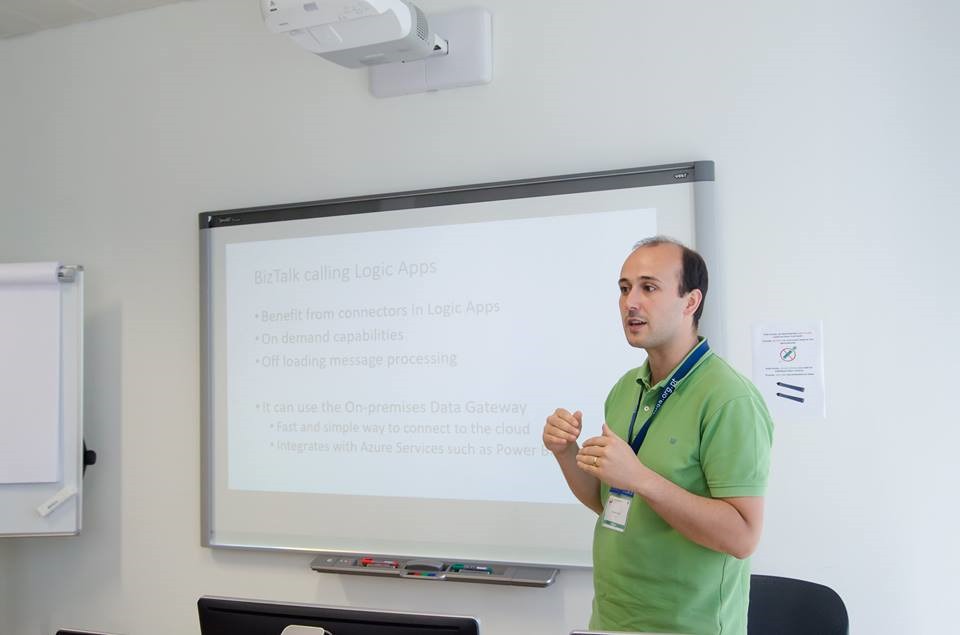
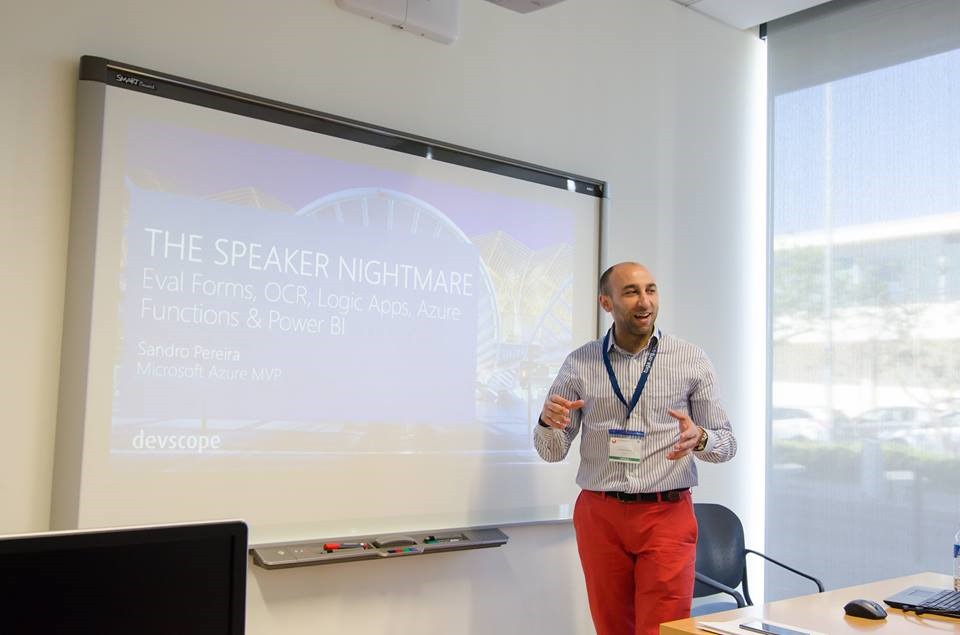
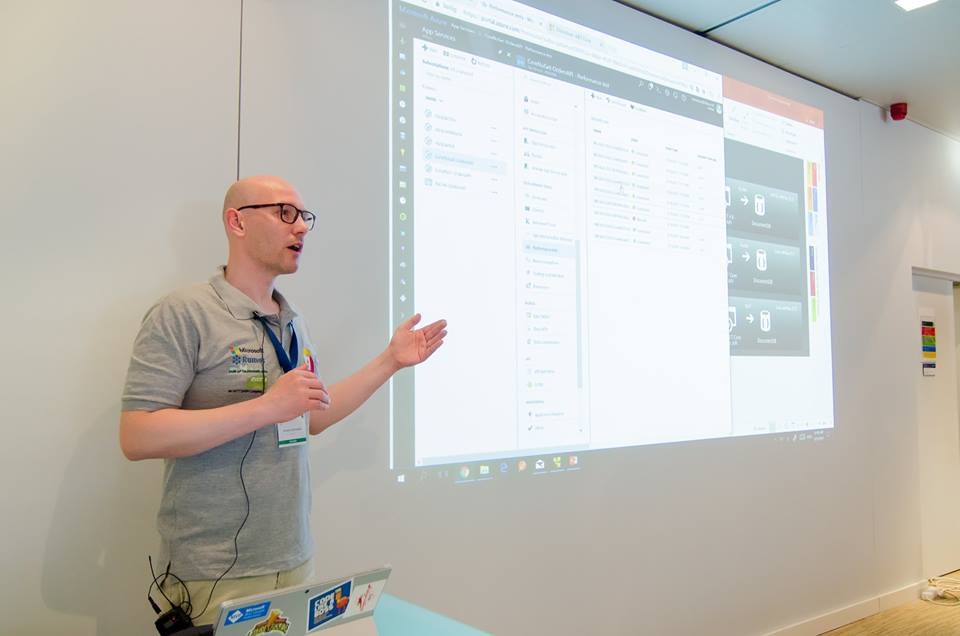
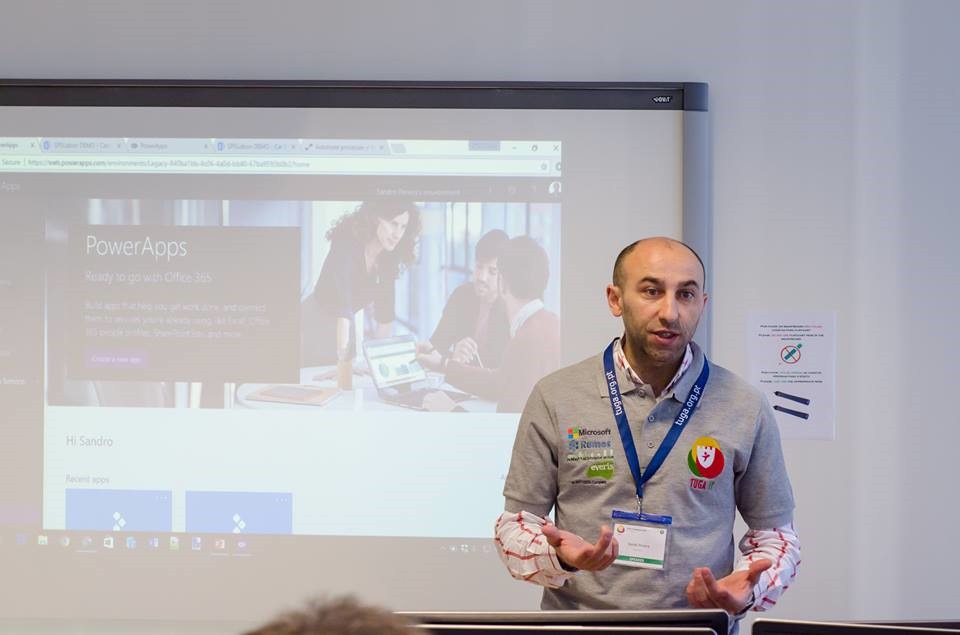
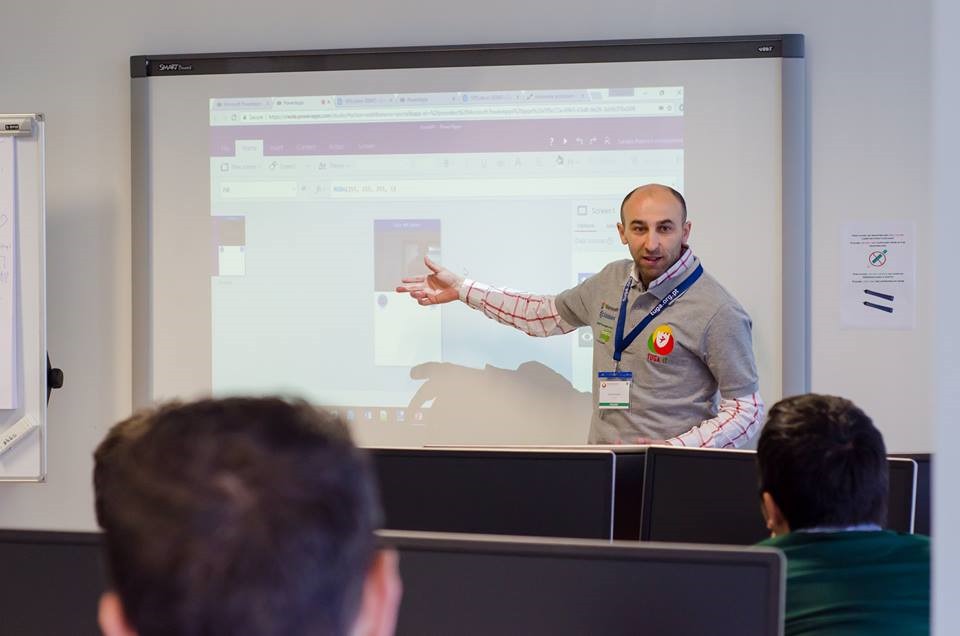
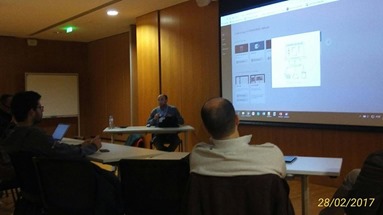
Another year full of speaking engagements… I had the opportunity to be present 16 sessions!!, speaking about different topics: BizTalk Server, Logic Apps, API Management, App Service, Azure Functions, Microsoft Flow or PowerApps, in multiple events (the UK, USA, and Portugal) and some of them through live meetings. New personal record!
Some of them I already mentioned above but here is the complete list of speaking engagements that I did in 2017:
- XXVIII Porto.Data Event: SharePoint integration: How can PowerApps and Microsoft Flow give power to your SharePoint users
- DevScope Academy: LogicApps, SmartDocumentor, DynamicCRM & PowerBI
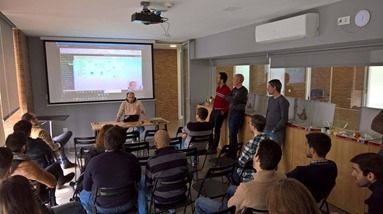
- SQL Saturday #583 Lisbon: BizTalk Server and SQL Server Together: For Developers & Admins
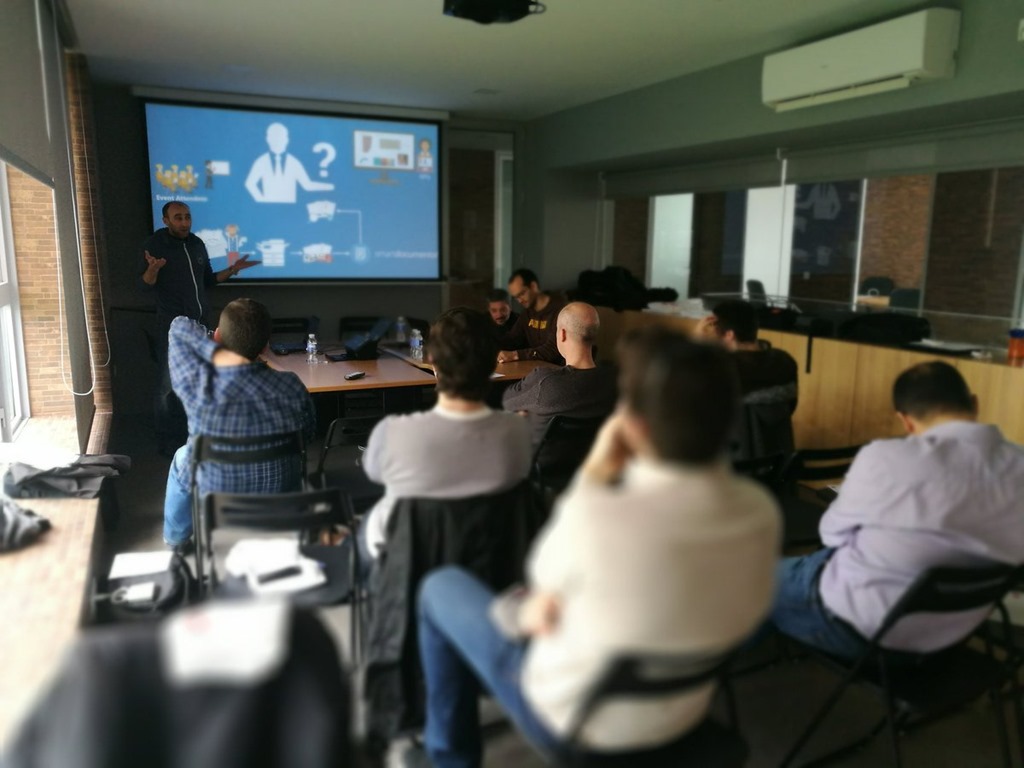
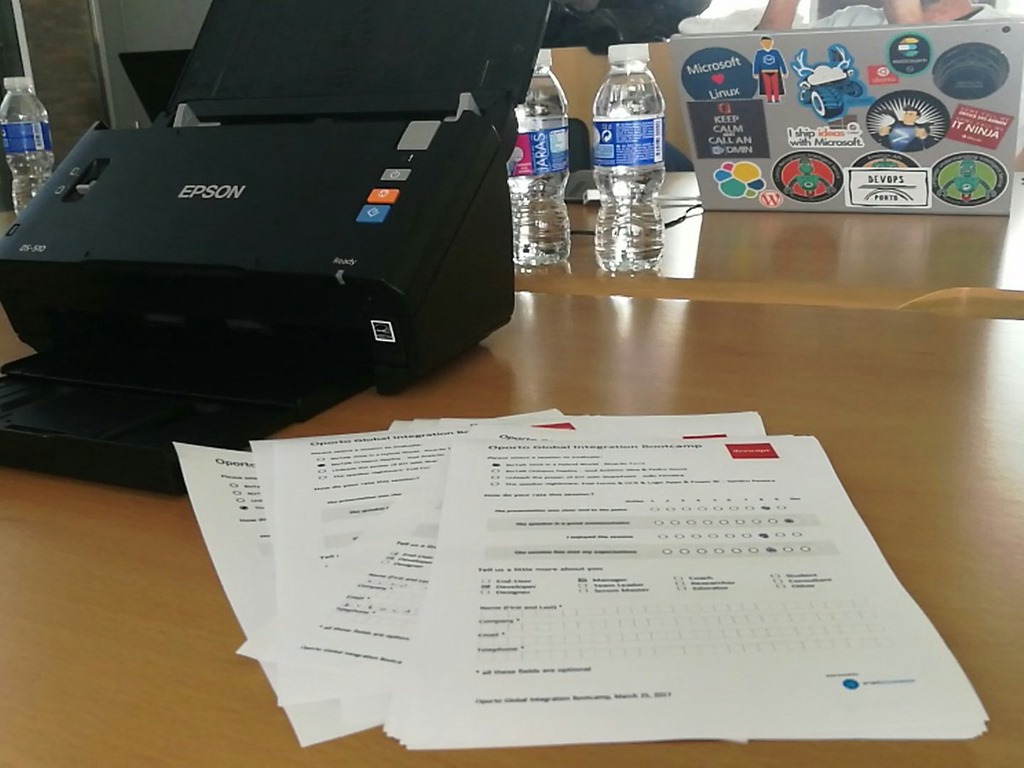
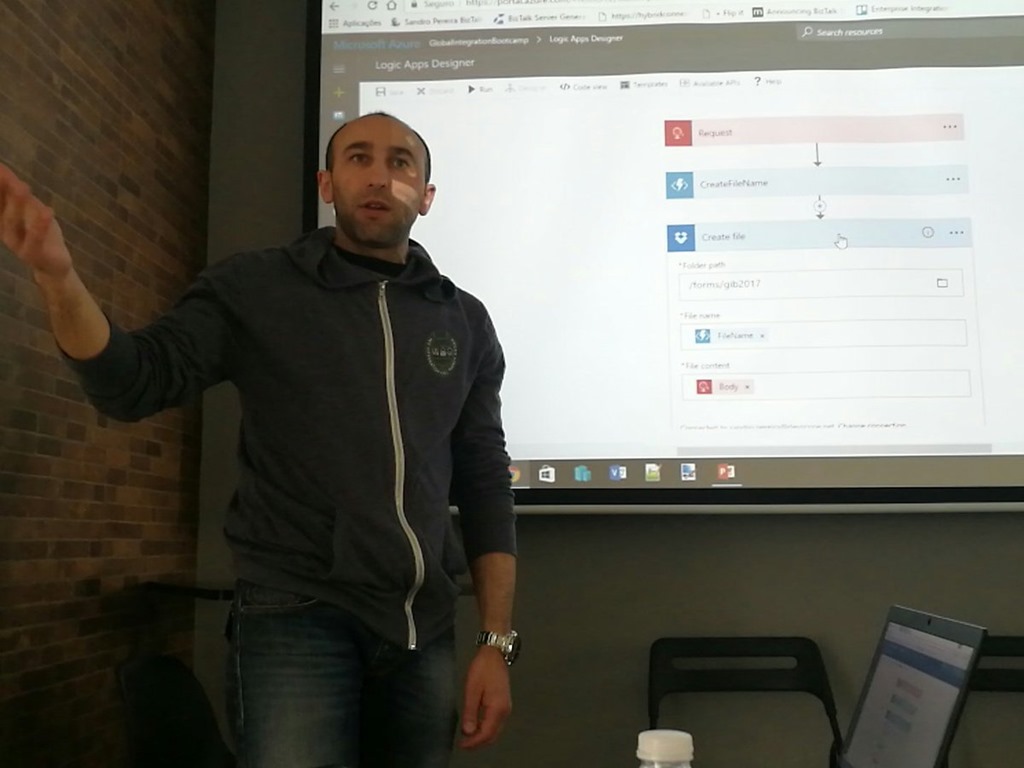
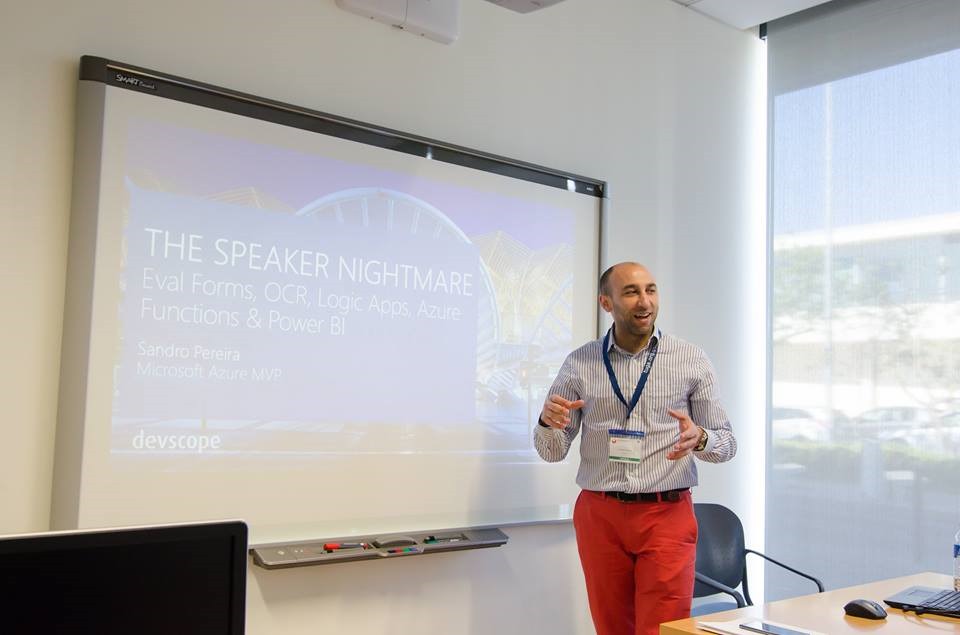
- Oporto Global Integration Bootcamp: THE SPEAKER NIGHTMARE: Eval Forms & OCR & Logic Apps & Power BI
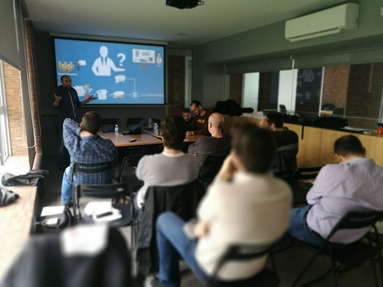
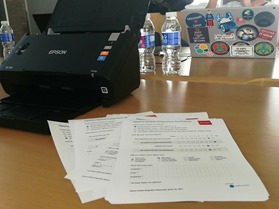
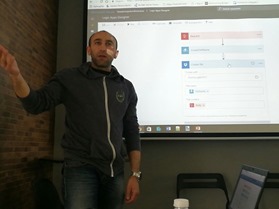
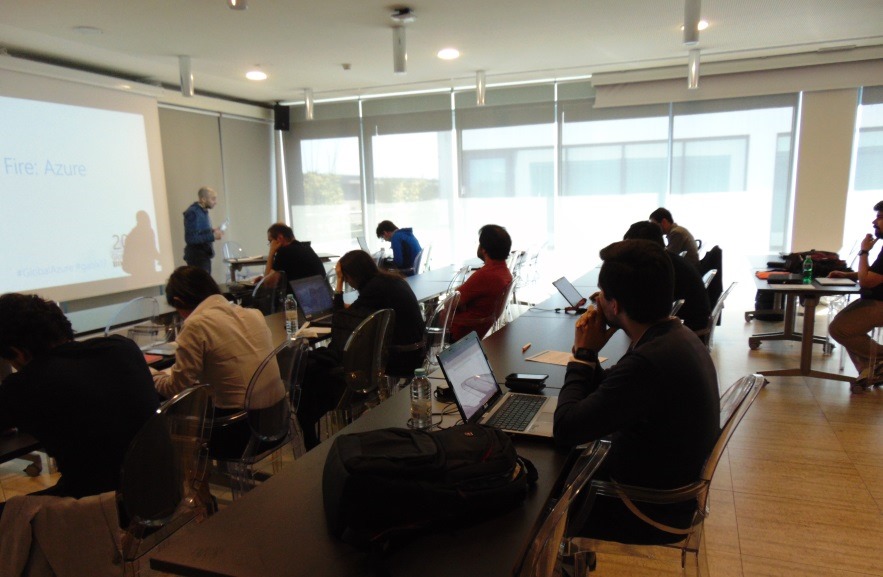
- Global Azure Bootcamp 2017 Lisbon: Halt and Catch Fire: Azure Functions
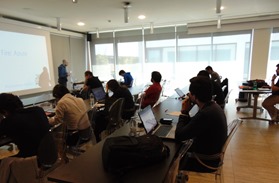
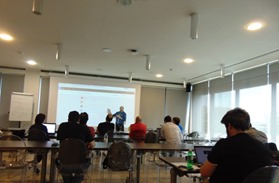
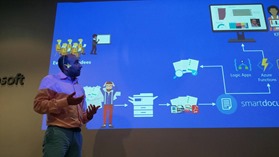
- Cloud Pro: Processing Feedback Evaluations (paper) automagically with SmartDocumentor OCR, Logic Apps, Azure Functions & Power BI
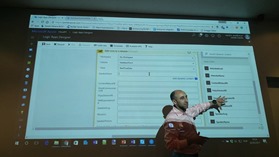
- Cloud Pro: Introduction to PowerApps and Microsoft Flow
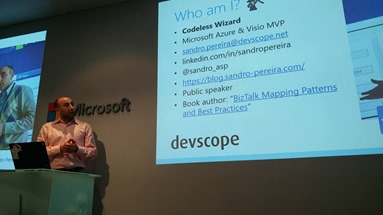
- TUGA IT 2017: How can PowerApps and Microsoft Flow allows your power users to quickly build Enterprise Mobile Apps
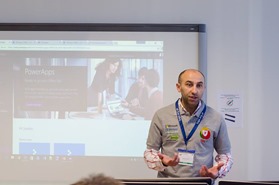
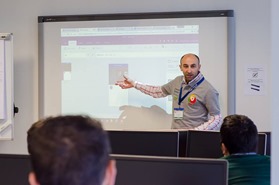
- TUGA IT 2017: THE SPEAKER NIGHTMARE: Eval Forms & OCR & Logic Apps & Power BI
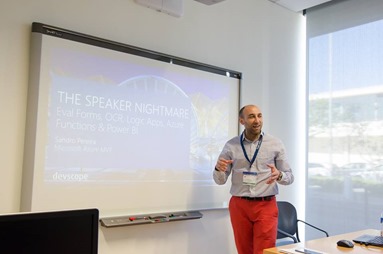
- Integration User Group: BizTalk Server: Teach me something new about Flat Files (or not)
- INTEGRATE 2017 London: BizTalk Server Fast & Loud



- Integration User Group: BizTalk Server: Teach me something new about Flat Files (or not) – Part 2
- Integration User Group: The Speaker Nightmare: Eval Forms, OCR, Logic Apps & Power BI
- INTEGRATE 2017 USA: BizTalk Server Fast & Loud

- Integration User Group: How can Power Apps and Microsoft Flow allow your Power Users to quickly build Enterprise Mobile Apps
- XXXVI Porto.Data Event: The Speaker Nightmare: Eval Forms, OCR, Logic Apps & Power BI

For me is always a great honor and joy to be participating in these type of events, either as speaker or attendee, be with old friends, meet new people and share knowledge!
My 3 favorite’s posts
My 3 top posts that I enjoyed writing last year was:
For all of you…
Thanks for following me, for reading my blog and I promise that I will continue to share my knowledge during 2018.
Author: Sandro Pereira
Sandro Pereira lives in Portugal and works as a consultant at DevScope. In the past years, he has been working on implementing Integration scenarios both on-premises and cloud for various clients, each with different scenarios from a technical point of view, size, and criticality, using Microsoft Azure, Microsoft BizTalk Server and different technologies like AS2, EDI, RosettaNet, SAP, TIBCO etc.
He is a regular blogger, international speaker, and technical reviewer of several BizTalk books all focused on Integration. He is also the author of the book “BizTalk Mapping Patterns & Best Practices”. He has been awarded MVP since 2011 for his contributions to the integration community.
View all posts by Sandro Pereira

by Sandro Pereira | Dec 20, 2017 | BizTalk Community Blogs via Syndication
HO HO HO, is that time of the year, again?… it’s just me or times seems to fly by so fast! My favorite holiday season is back, as well the tradition: my Christmas blog post. If I told in the past that “it was a year of radical changes in my life”, I was lying! Nothing will compare to this last 5 months of the year and with the upcoming year because family is growing this time with a baby boy and I’m currently moving to a brand new a bigger house… exciting times! You may notice that the number of blog posts published in my blog has been decreasing but I promise that this behavior will change when I’m definitely living in my new home (at least until the child is born hehe).
Is time to look the past and plan the future, forget the worst that happens, look into the future and embracing it with hope and full of goals and new challenges. Time to remember your dreams that are lying dormant in a box and, at least try to concretize them, even that you fail! Better try and fail than never having the courage to try. For me, family and friendship are the best we have and I intend to have them around and enjoy their company.
To all my readers, friends, coworkers, to all Microsoft Integration Community (BizTalk Server, Logic Apps, API Management, Service Bus and so on) and Visio Community, MSFT Product Groups, all the Portuguese Communities, my MVP “family” and of course to my family, my sincere wishes for a Merry Christmas and a Happy New Year!
Thanks in advance for all the support and encouragement given throughout this year and hope that the next will be a year filled with new articles, I promise that I will continue to share knowledge hoping that they can help someone.

And in my native language (Portuguese):
HO HO HO, é sim… é aquela época do ano no qual podemos nos tornar crianças de novo! E como já se tornou habitual nesta época do ano, é como uma espécie de tradição agora… A todos os meus leitores, amigos, família e para todas as comunidades, os meus sinceros votos de um Bom Natal, um Feliz Ano Novo e um 2018 cheio de bons negócios, muita saúde, felicidade e claro muitas integrações.
É hora de olhar para o passado e planear o futuro. Esquecer o pior que acontecer, olhar para o futuro e abraçá-lo com esperança e cheio de novos desafios e novos objectivos. Tempo para recordar seus sonhos que estão adormecidos numa caixa qualquer e, pelo menos, tentam concretizá-los, mesmo que falhe! Pois é sempre melhor tentar e falhar do que nunca ter a coragem de tentar. Para mim, a família e as amizades são o melhor que temos e pretendo tê-los ao redor e desfrutar da sua companhia.
Desde já obrigado por todo o apoio e incentivo dado ao longo deste ano e que o próximo seja um ano recheado de novos artigos, da minha parte fica a promessa que irei continuar a partilhar conhecimento na esperança de poder sempre ajudar alguém.
Author: Sandro Pereira
Sandro Pereira lives in Portugal and works as a consultant at DevScope. In the past years, he has been working on implementing Integration scenarios both on-premises and cloud for various clients, each with different scenarios from a technical point of view, size, and criticality, using Microsoft Azure, Microsoft BizTalk Server and different technologies like AS2, EDI, RosettaNet, SAP, TIBCO etc.
He is a regular blogger, international speaker, and technical reviewer of several BizTalk books all focused on Integration. He is also the author of the book “BizTalk Mapping Patterns & Best Practices”. He has been awarded MVP since 2011 for his contributions to the integration community.
View all posts by Sandro Pereira
by Sandro Pereira | Dec 18, 2017 | BizTalk Community Blogs via Syndication
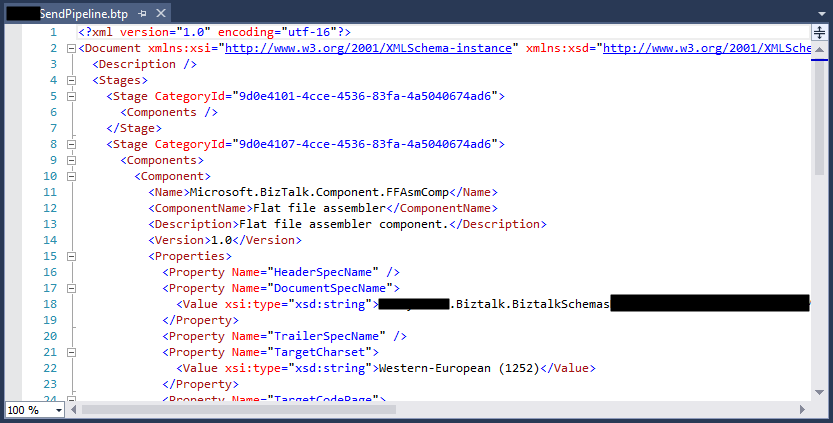
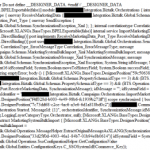
In the sequence of one of my last blog posts, I notice that in the same project also while trying to open a BizTalk pipeline inside Visual Studio, again, normally a simple and easy double-click operation to open this time the BizTalk Pipeline Editor, the resource didn’t open with the correct editor: BizTalk Pipeline Editor, instead, it opened with the XML (Text) Editor
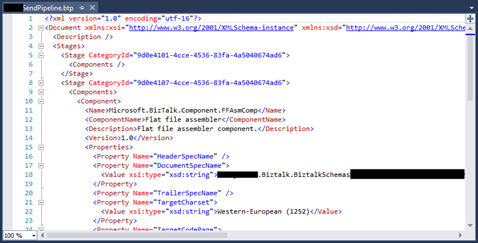
I’m used to seeing this behavior ins orchestration but it is the first time, that I can remember, to see the same happening with pipelines. Again, this has a quick workaround but it becomes annoying after a few times.
Cause
Well, again and similar to the orchestrations, I don’t know exactly what can cause this problem but I suspect that this behavior happens more often when we migrate projects, or when we try to open previous BizTalk Server versions projects in recent versions of Visual Studio, special if we skip one or more versions, for example: from BizTalk Server 2010 to 2013 R2.
And may happen because of different configurations inside the structure of the “<BizTalk>.btproj” file.
The cause of this strange behavior is without a doubt related to a mismatched setting inside the structure of the “<BizTalk>.btproj” file in the Pipeline nodes (each pipeline inside your project will reflect one Pipeline node specifying the name of the file, type name, and namespace. Normally it has this aspect in recent versions of BizTalk Server:
<ItemGroup>
   <Pipeline Include="SendOrReceivePipelineName.btp">
      <Namespace>MyProjectName.Pipelines</Namespace>
      <TypeName>SendOrReceivePipelineName</TypeName>
   </Pipeline>
</ItemGroup>
But sometimes we will find an additional element:
<ItemGroup>
   <Pipeline Include="SendOrReceivePipelineName.btp">
      <Namespace>MyProjectName.Pipelines</Namespace>
      <TypeName>SendOrReceivePipelineName</TypeName>
      <SubType>Designer</SubType>
   </Pipeline>
</ItemGroup>
When the SubType element is present, this strange behavior of automatically open the pipeline with the XML (Text) Editor.
Solution
First, once again let’s describe the easy workaround for this annoying problem/behavior:
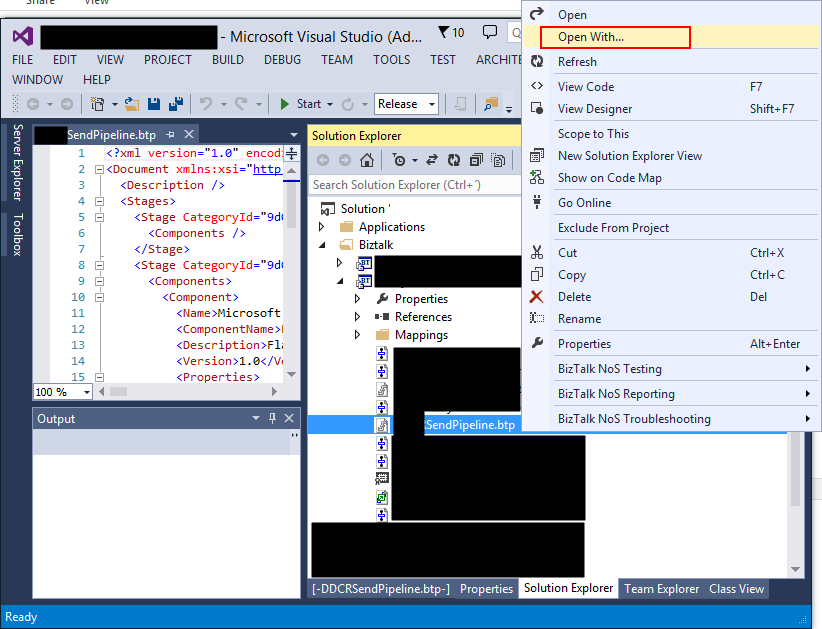
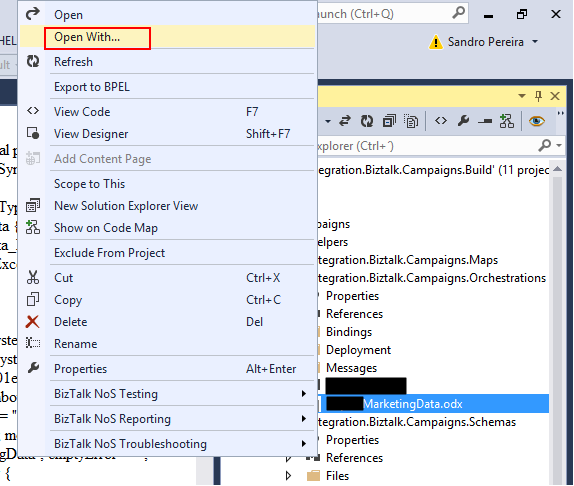
- On the solution explorer, right-click on the pipeline name and then select “Open With…” option
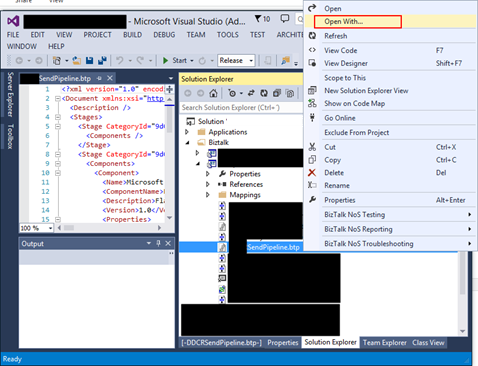
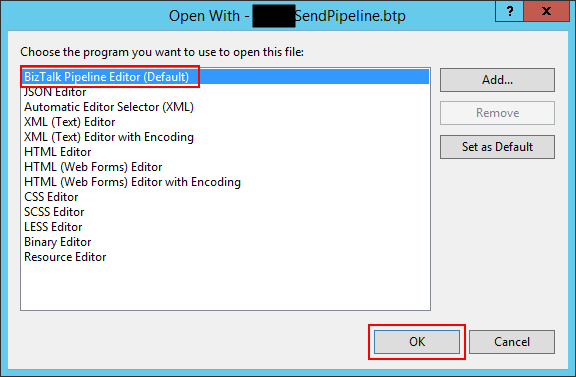
- On the “Open with …” window, select “BizTalk Pipeline Editor” option and click “OK”.
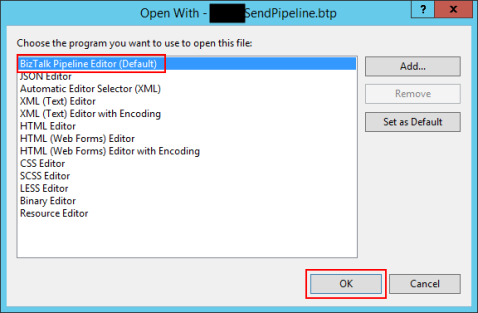
Once again, this will force Visual Studio to actually open the pipeline with the Pipeline Editor. But again, this will be a simple workaround because next time you try to open the pipeline inside Visual Studio it will open again with the XML (Text) Editor.
Similar to the orchestration behavior, force to “Set as Default” inside the “Open with …” window:
- Select “BizTalk Pipeline Editor” option, click “Set as Default”
- And then click “OK”.
It will not solve the problem, once again, if you notice in the picture above it is actually already configured as the default viewer.
So, to actually solve once and for all this annoying behavior, once again you need to adjust the configurations inside the btproj file, by:
- Open the “<BizTalk>.btproj” (or project) file(s) that contain the pipeline(s) with this behavior with Notepad, Notepad++ or other text editors of your preference.
- Remove the <SubType>Designer</SubType> line
- Save the file and reload the project inside Visual Studio
If you then try to open the pipeline it will now open with the BizTalk Pipeline Editor.
Author: Sandro Pereira
Sandro Pereira lives in Portugal and works as a consultant at DevScope. In the past years, he has been working on implementing Integration scenarios both on-premises and cloud for various clients, each with different scenarios from a technical point of view, size, and criticality, using Microsoft Azure, Microsoft BizTalk Server and different technologies like AS2, EDI, RosettaNet, SAP, TIBCO etc.
He is a regular blogger, international speaker, and technical reviewer of several BizTalk books all focused on Integration. He is also the author of the book “BizTalk Mapping Patterns & Best Practices”. He has been awarded MVP since 2011 for his contributions to the integration community.
View all posts by Sandro Pereira

by Sandro Pereira | Dec 4, 2017 | BizTalk Community Blogs via Syndication
Since the first time we organize the event in London (back in 2013), each year I have had the pleasure of participating in the biggest Microsoft Integration event as a speaker but this year I was able to be present in the two biggest events: London and in Redmond (Microsoft Campus)
This year my session was about: BizTalk Server Fast & Loud

In this session, I talked about a hardcore BizTalk topic that addressed the following question: How can you optimize/tuning your BizTalk environment for performance?
Optimizing your BizTalk Server installation is not an easy thing to do because it affects several layers and skills. This topic is very well documented by the product group but the problem is that it is very extensive and complex. This presentation will aim to guide you through the most important steps, operations or task you need to do or be aware in order to boost the performance of your BizTalk Server environment and that you can adjust or follow according to your needs because, depending on your infrastructure, this can be a straightforward operation or a very extensive and hard operation. But I will try to keep it as simple as possible so everyone can understand and follow.
In the links below you can find the resources that I used in both sessions:
BizTalk Server Fast & Loud Slides
Slides used in INTEGRATE 2017 LONDON:
Slides used in INTEGRATE 2017 USA:
BizTalk Server Fast & Loud Video
Like previous years, the event in London is recorded, so if for any reason you could not be present at these events, or if you want to review it again, you can now do it here:

Day 3 Session 5 – Sandro Pereira — BizTalk Server Fast & Loud
I hope you enjoy it and see you next year!
Author: Sandro Pereira
Sandro Pereira lives in Portugal and works as a consultant at DevScope. In the past years, he has been working on implementing Integration scenarios both on-premises and cloud for various clients, each with different scenarios from a technical point of view, size, and criticality, using Microsoft Azure, Microsoft BizTalk Server and different technologies like AS2, EDI, RosettaNet, SAP, TIBCO etc. He is a regular blogger, international speaker, and technical reviewer of several BizTalk books all focused on Integration. He is also the author of the book “BizTalk Mapping Patterns & Best Practices”. He has been awarded MVP since 2011 for his contributions to the integration community. View all posts by Sandro Pereira
by Sandro Pereira | Nov 27, 2017 | BizTalk Community Blogs via Syndication
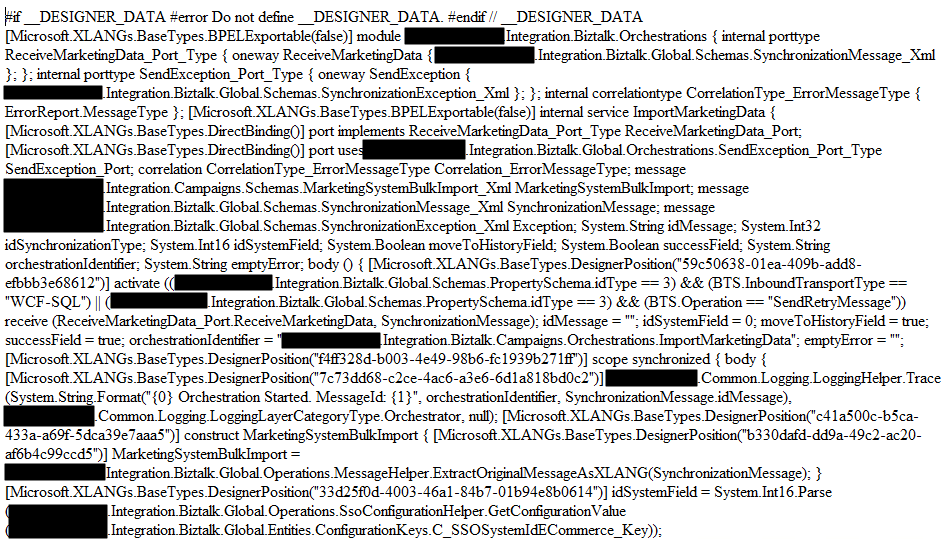
While trying to open a BizTalk Orchestration inside Visual Studio, normally a simple and easy double-click operation to open the BizTalk Orchestration Designer, I got a very famous behavior: BizTalk Orchestration didn’t open with the BizTalk Orchestration Designer, instead, it opened with the XML (Text) Editor
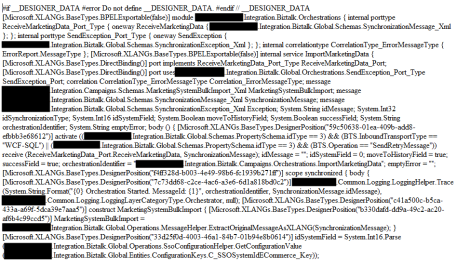
This behavior is happening to me a lot these last days. At first, I simply didn’t care because I know how to quickly workaround it, after a few times it just becomes annoying, after a few days and several orchestrations and different projects I got intrigued an entered in “Sherlock Holmes” mode.
Cause
Well, I don’t know exactly what can cause this problem but I suspect that this behavior happens more often when we migrate projects, or when we try to open previous BizTalk Server versions projects in recent versions of Visual Studio, special if we skip one or more versions, for example: from BizTalk Server 2010 to 2013 R2.
And may happen because of different configurations inside the structure of the “<BizTalk>.btproj” file.
The cause of this strange behavior, is without a doubt related with a mismatch setting inside the structure of the “<BizTalk>.btproj” file in the XLang nodes (each orchestration inside your project will reflect to one XLang node specifying the name of the file, type name and namespace. Normally it has this aspect in recent versions of BizTalk Server:
<ItemGroup>
   <XLang Include="MyOrchestrationName.odx">
      <TypeName> MyOrchestrationName </TypeName>
      <Namespace>MyProjectName.Orchestrations</Namespace>
   </XLang>
</ItemGroup>
But sometimes we will find an additional element:
<ItemGroup>
   <XLang Include="MyOrchestrationName.odx">
      <TypeName> MyOrchestrationName </TypeName>
      <Namespace>MyProjectName.Orchestrations</Namespace>
      <SubType>Designer</SubType>
   </XLang>
</ItemGroup>
When the SubType element is present, this strange behavior of automatically open the orchestration with the XML (Text) Editor.
Solution
First, let’s describe the easy workaround to this annoying problem:
- On the solution explorer, right-click on the orchestration name and then select “Open With…” option
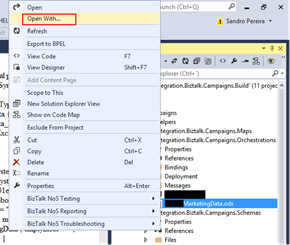
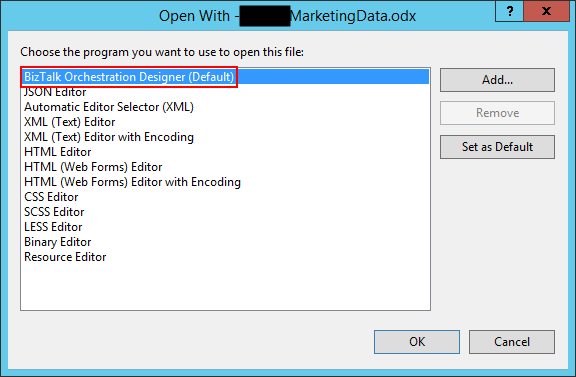
- On the “Open with …” window, select “BizTalk Orchestration Designer” option and click “OK”.
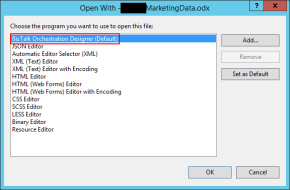
This will force Visual Studio to actually open the orchestration with the Orchestration Design. But again, this will be a simple work around because next time you try to open the orchestration inside Visual Studio it will open again with the XML (Text) Editor.
You may think that inside the “Open with …” window if we:
- Select “BizTalk Orchestration Designer” option, click “Set as Default”
- And then click “OK”.
It will solve the problem, but you are wrong, actually, if you notice in the picture above it is already configured as the default viewer.
So, to actually solve once and for all this annoying behavior you need to:
- Open the “<BizTalk>.btproj” (or project) file(s) that contain the orchestration(s) with this behavior with Notepad, Notepad++ or another text editor of your preference.
- Remove the <SubType>Designer</SubType> line
- Save the file and reload the project inside Visual Studio
If you then try to open the orchestration it will open with the BizTalk Orchestration Designer.
Author: Sandro Pereira
Sandro Pereira lives in Portugal and works as a consultant at DevScope. In the past years, he has been working on implementing Integration scenarios both on-premises and cloud for various clients, each with different scenarios from a technical point of view, size, and criticality, using Microsoft Azure, Microsoft BizTalk Server and different technologies like AS2, EDI, RosettaNet, SAP, TIBCO etc. He is a regular blogger, international speaker, and technical reviewer of several BizTalk books all focused on Integration. He is also the author of the book “BizTalk Mapping Patterns & Best Practices”. He has been awarded MVP since 2011 for his contributions to the integration community. View all posts by Sandro Pereira
by Sandro Pereira | Nov 10, 2017 | BizTalk Community Blogs via Syndication
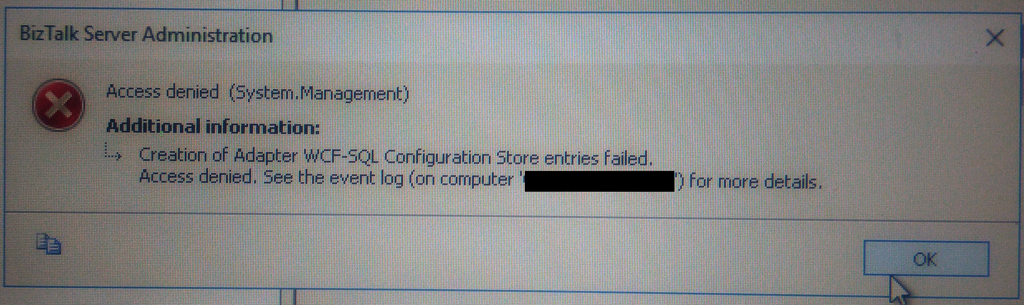
This week while configuring and optimizing a brand-new BizTalk Server 2016 environment we got the following error message while trying to configure register the WCF-SQL Adapter in the BizTalk Server Administration console:
Creation of Adapter WCF-SQL Configuration Store entries failed. Access denied. See the event log (on computer ‘SQL-SERVER’) for more details.
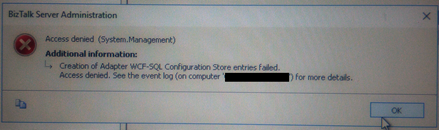
(sorry the picture quality, it was taken with my cell phone)
Despite I was a member of BizTalk Administration group, I didn’t have remote access to the SQL Server machine that was managed by another team so I couldn’t go there to check it out. Nevertheless, I reach that team (SQL and sysadmins) already with a possible solution that it turned out to be correct.
Cause
Many of the times these types of issues indicate or lead us to believe that there are problems associated with MSDTC. Or is not properly configured, Windows Firewall may be blocking DTC communications or in HA environment’s SSO is not clustered and may be offline.
All these possibilities should be investigated. However, if any of the points mentioned above were, for this particular case, a probable cause for this problem, it should have already manifested itself when the team pre-installed the environment and they did install the environment without encountering any problems.
The only difference between the installation and now my configuration was that these tasks were made by different users!
It is important to mention that, the user that is trying to registering an Adapter using the BizTalk Server Administration Console, need to have permissions to the SSO Database in order to register its properties so that he can store and retrieve the properties at design time and runtime.
And that is one of the reasons for why the “BizTalk Server Administrators” group should be a member of the “SSO Administrators” group.
BizTalk administrations are responsible for configuring all the components of BizTalk and many of them need to interact with SSO Database.
The people/team that was responsible to install BizTalk Server, they were members of BizTalk Server Administration, SSO Administration and some of them System Administrations and that was the reason why they didn’t get this problem or similar problems. The reason for the problem I faced was because:
- My user was a member of BizTalk Server Administrators and local admin only. But the BizTalk Server Administrators wasn’t member of SSO Administration group.
Solution
To solve this problem, you may have two options:
- Add my user to the SSO Administrators group.
- Not recommended because in my opinion is more difficult to manage user access rights if you add them to each individual group.
- Or add the “BizTalk Server Administrators” as a member of the “SSO Administrators” group.
After my user or the “BizTalk Server Administrators” group was added as a member of the “SSO Administrators” group, I was able to register the adapter.
Note: this problem can happen with any adapter you are trying to register.
Author: Sandro Pereira
Sandro Pereira lives in Portugal and works as a consultant at DevScope. In the past years, he has been working on implementing Integration scenarios both on-premises and cloud for various clients, each with different scenarios from a technical point of view, size, and criticality, using Microsoft Azure, Microsoft BizTalk Server and different technologies like AS2, EDI, RosettaNet, SAP, TIBCO etc. He is a regular blogger, international speaker, and technical reviewer of several BizTalk books all focused on Integration. He is also the author of the book “BizTalk Mapping Patterns & Best Practices”. He has been awarded MVP since 2011 for his contributions to the integration community. View all posts by Sandro Pereira

by Sandro Pereira | Oct 23, 2017 | BizTalk Community Blogs via Syndication
INTEGRATE (formerly known BizTalk Summit) is the premier, and maybe the biggest integration conference in the world focused on Microsoft Integration and a must go event for anyone who is working in this area. So, if you missed the chance to attend the London event this year, this is your last chance to meet and interact with the Microsoft Product Group, Microsoft Integration MVP’s and with almost 250 experts from the field.
Since the first BizTalk Summit event, I’m a constant presence as a speaker at these events, but unfortunately, due to several professional and personal factors I didn’t have the pleasure to be present in first INTEGRATE USA event, but I’m thrilled to be able to be present in this year’s edition… not only I am present as a speaker but my company DevScope is a proud sponsor of this event!
But if all of this was not enough, I can also say that:
- I will be the only non-Microsoft employee with a dedicated session about BizTalk Server – I cannot imagine such big event focus on Microsoft integration space without proper session about BizTalk Server;
- I will be responsible to close this amazing event – we can say that we can apply the following proverb here: “it is the cherry on top the cake, or the best stays always to the end”
You are still on time to register for the conference here.
About my session
Session Name: BizTalk Server Fast & Loud

Session Overview: In this session, I will talk about a hardcore BizTalk topic that will address the following question: How can you optimize/tuning your BizTalk environment for performance. Optimizing your BizTalk Server installation is not an easy thing to do because it affects several layers and skills. This topic is very well documented by the product group but the problem is that it is very extensive and complex. This presentation will aim to guide you through the most important steps, operations or task you need to do or be aware in order to boost the performance of your BizTalk Server environment and that you can adjust or follow according to your needs because, depending on your infrastructure, this can be a straightforward operation or a very extensive and hard operation. But I will try to keep it as simple as possible so everyone can understand and follow.
Bringing gifts
As I did in the last two INTEGRATE events in London, I will bring gifts to the attendees, in this case, my latest BizTalk Server sticker version: BizMan, The BizTalk Server SuperHero Sticker

So, fill free to reach me out and ask for a BizTalk sticker.

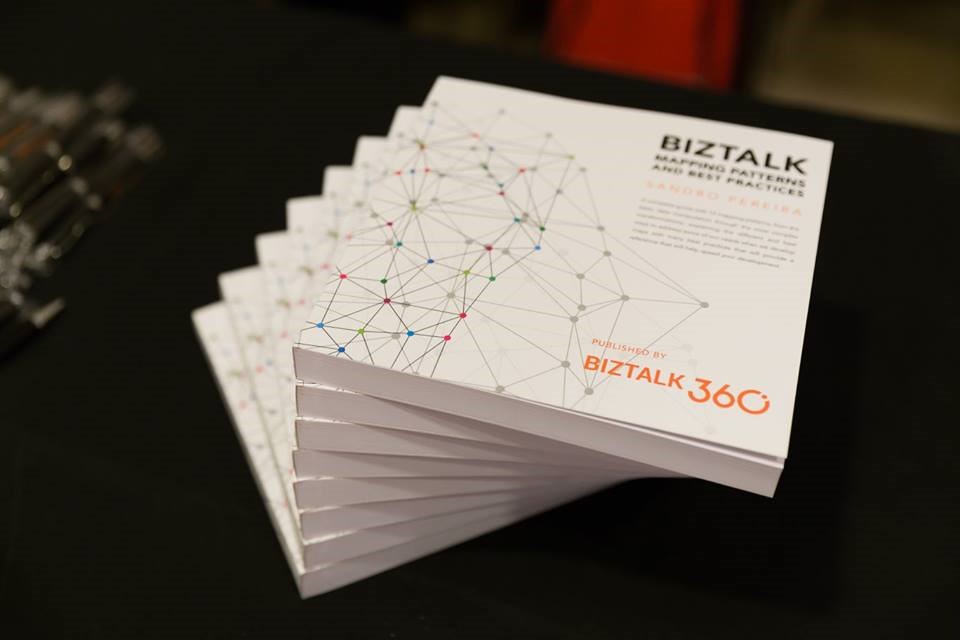
BizTalk Mapping Patterns and Best Practices book
Last but not the least, it will also be a good opportunity for you to grab a physical copy of my book about BizTalk mapping: BizTalk Mapping Patterns and Best Practices, the book is a reference guide mainly intended for BizTalk developers to make their day-to-day lives easier. It offers insights on how maps work, the most common patterns in real time scenarios, and the best practices to carry out transformations and has as technical reviewers Steef-Jan Wiggers, Nino Crudele, Michael Stephenson and José António Silva. Some of the key patterns address in this book are:
- Direct Translation Pattern: Simply move data to a different semantic representation without any manipulation or transformation.
- Data Translation Pattern: Similar to Direct Translation Pattern with the additional step of data manipulation or transformation to match the target system format.
- Content Enricher Pattern: Set up access to an external data source (say, a database) to enhance the message with missing information.
- Aggregator Pattern: Similar to Content Enricher Pattern but a different mapping technique. Multiple inbound requests mapped to a single outbound request.
- Content Filter Pattern: Opposite of Content Enricher Pattern; remove unnecessary items from message (even based on condition) and send what is exactly required
- Splitter Pattern: Opposite of Aggregator Pattern; single inbound request to be mapped to several outbound requests
- Grouping Pattern: Example – shopping catalog where items are grouped into categories like Sports, Women Cosmetics, Electronics, Computers, and so on.
- Sorting Pattern: In most scenarios, Grouping Pattern and Sorting Pattern will be bound together
- Conditional Pattern: To receive only a portion of the data from the message, apply a conditional statement to filter the result set at the source.
- Looping Pattern: For instance, a record in the source system may occur multiple times in the input file. They need to be transformed according to the target system
- Canonical Data Model Pattern: Ensures loose coupling between applications; if a new application is added, only the transformation between the Canonical Data Model has to be created.
- Name-Value Transformation Pattern: Target system requires a Name-Value Pair (NVP) structure, or the source system has an NVP structure and the target requires a hierarchical schema
Click here to download your free digital copy of the book.
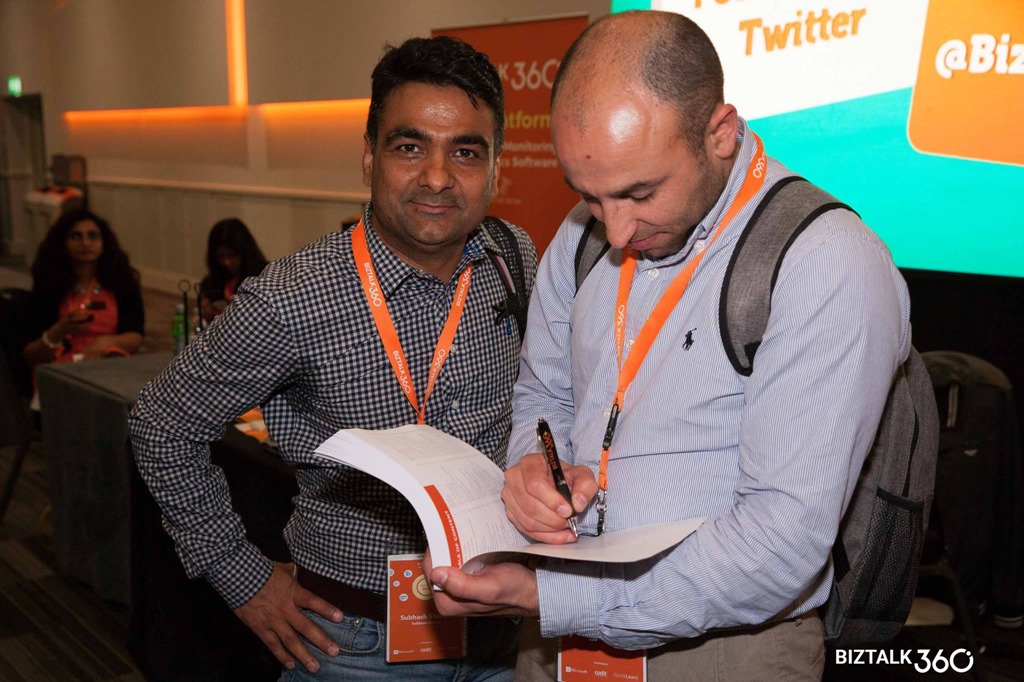
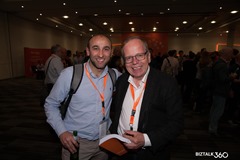
And since I will be there, if you want m please reach me out if and I will sign your copy of the book:




Author: Sandro Pereira
Sandro Pereira lives in Portugal and works as a consultant at DevScope. In the past years, he has been working on implementing Integration scenarios both on-premises and cloud for various clients, each with different scenarios from a technical point of view, size, and criticality, using Microsoft Azure, Microsoft BizTalk Server and different technologies like AS2, EDI, RosettaNet, SAP, TIBCO etc. He is a regular blogger, international speaker, and technical reviewer of several BizTalk books all focused on Integration. He is also the author of the book “BizTalk Mapping Patterns & Best Practices”. He has been awarded MVP since 2011 for his contributions to the integration community. View all posts by Sandro Pereira