by Sandro Pereira | Apr 20, 2017 | BizTalk Community Blogs via Syndication
This post is for the BizTalk Server and Microsoft Azure Portuguese Community, will be held on April 22, 2017 – between 9:00 AM – 6:00 PM the Global Azure Bootcamp 2017 – Lisboa at Microsoft Portugal in Lisbon.
In April of 2013, the first Global Windows Azure Bootcamp has held in more than 90 locations around the globe. And each year number is increasing! This year it is expected the event will be hosted in 244 cities worldwide!

O Global Azure Bootcamp (#GlobalAzure) está de regresso a Lisboa no próximo dia 22 de Abril para a edição de 2017!
No maior evento de Azure do planeta, a comunidade vai ter a oportunidade de experimentar as últimas novidades da plataforma e entrar em contacto com os maiores especialistas portugueses na plataforma.
Junta-te a nós a partir das 9h00 para um dia repleto de coisas interessantes para fazer/assistir:
- Sessões técnicas
- Global Science Lab
- Intro & Advanced Labs
Traz o teu portátil e aproveita para experimentar alguns dos desafios que temos para ti!
Além das sessões técnicas teremos vários labs à disposição dos participantes. Existirão labs mais introdutórios para quem quer ganhar conhecimentos e labs mais avançados para quem pretende aprofundar o know-how em Azure.
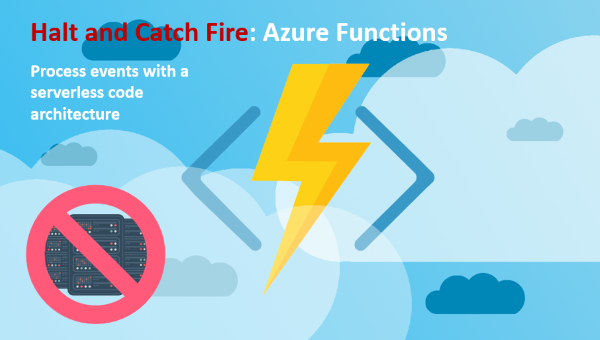
Sobre a minha sessão – Halt and Catch Fire: Azure Functions
“Halt and Catch Fire: Azure Functions” – No início dos anos 1980, o espírito de inovação na computação pessoal estava a iniciar-se, podemos mesmo dizer “catching fire”. Hoje vivemos numa era semelhante na inovação de Serverless computing, também conhecido como function as a service (FaaS), um modelo de execução de código na Cloud no qual o fornecedor de serviços Cloud gere todos os recursos necessários para a execução das funções como um serviço (PaaS).
Nesta deep-dive sessão, iremos ver como Azure Functions podem ser uma ferramenta poderosa no seu toolkit de desenvolvimento, saber quais os seus benefícios e desafios que poderemos encontrar. Onde iremos abordar temas como:
- Usar Azure Functions juntamente com Logic Apps: onde mostrarei um cenário de reconhecimento de formulários e interligá-los com Power BI
- Usar Azure Functions juntamente com Microsoft Flow
- HTTP e Event Hubs triggers em Azure Functions
- Ou Usar Azure Functions juntamente com PowerApps
(ainda a trabalhar noutras demos por isso poderão aparecer novas surpresas (tópicos)
Data Evento: 22 Abril 2017 – 09:00H
Local do Evento: Microsoft Portugal | Rua do Fogo de Santelmo Lote 2.07.02 | Lisboa 1990-110 | Portugal
O evento é gratuito! De que está à espera? Reserve já o seu lugar aqui e participe: Global Azure Bootcamp 2017 – Lisboa
Estamos a sua espera!
Author: Sandro Pereira
Sandro Pereira lives in Portugal and works as a consultant at DevScope. In the past years, he has been working on implementing Integration scenarios both on-premises and cloud for various clients, each with different scenarios from a technical point of view, size, and criticality, using Microsoft Azure, Microsoft BizTalk Server and different technologies like AS2, EDI, RosettaNet, SAP, TIBCO etc. He is a regular blogger, international speaker, and technical reviewer of several BizTalk books all focused on Integration. He is also the author of the book “BizTalk Mapping Patterns & Best Practices”. He has been awarded MVP since 2011 for his contributions to the integration community. View all posts by Sandro Pereira

by Sandro Pereira | Apr 20, 2017 | BizTalk Community Blogs via Syndication
This post is for the BizTalk Server and Microsoft Azure Portuguese Community, will be held on April 22, 2017 – between 9:00 AM – 6:00 PM the Global Azure Bootcamp 2017 – Lisboa at Microsoft Portugal in Lisbon.
In April of 2013, the first Global Windows Azure Bootcamp has held in more than 90 locations around the globe. And each year number is increasing! This year it is expected the event will be hosted in 244 cities worldwide!

O Global Azure Bootcamp (#GlobalAzure) está de regresso a Lisboa no próximo dia 22 de Abril para a edição de 2017!
No maior evento de Azure do planeta, a comunidade vai ter a oportunidade de experimentar as últimas novidades da plataforma e entrar em contacto com os maiores especialistas portugueses na plataforma.
Junta-te a nós a partir das 9h00 para um dia repleto de coisas interessantes para fazer/assistir:
- Sessões técnicas
- Global Science Lab
- Intro & Advanced Labs
Traz o teu portátil e aproveita para experimentar alguns dos desafios que temos para ti!
Além das sessões técnicas teremos vários labs à disposição dos participantes. Existirão labs mais introdutórios para quem quer ganhar conhecimentos e labs mais avançados para quem pretende aprofundar o know-how em Azure.
Sobre a minha sessão – Halt and Catch Fire: Azure Functions
“Halt and Catch Fire: Azure Functions” – No início dos anos 1980, o espírito de inovação na computação pessoal estava a iniciar-se, podemos mesmo dizer “catching fire”. Hoje vivemos numa era semelhante na inovação de Serverless computing, também conhecido como function as a service (FaaS), um modelo de execução de código na Cloud no qual o fornecedor de serviços Cloud gere todos os recursos necessários para a execução das funções como um serviço (PaaS).
Nesta deep-dive sessão, iremos ver como Azure Functions podem ser uma ferramenta poderosa no seu toolkit de desenvolvimento, saber quais os seus benefícios e desafios que poderemos encontrar. Onde iremos abordar temas como:
- Usar Azure Functions juntamente com Logic Apps: onde mostrarei um cenário de reconhecimento de formulários e interligá-los com Power BI
- Usar Azure Functions juntamente com Microsoft Flow
- HTTP e Event Hubs triggers em Azure Functions
- Ou Usar Azure Functions juntamente com PowerApps
(ainda a trabalhar noutras demos por isso poderão aparecer novas surpresas (tópicos)
Data Evento: 22 Abril 2017 – 09:00H
Local do Evento: Microsoft Portugal | Rua do Fogo de Santelmo Lote 2.07.02 | Lisboa 1990-110 | Portugal
O evento é gratuito! De que está à espera? Reserve já o seu lugar aqui e participe: Global Azure Bootcamp 2017 – Lisboa
Estamos a sua espera!
Author: Sandro Pereira
Sandro Pereira lives in Portugal and works as a consultant at DevScope. In the past years, he has been working on implementing Integration scenarios both on-premises and cloud for various clients, each with different scenarios from a technical point of view, size, and criticality, using Microsoft Azure, Microsoft BizTalk Server and different technologies like AS2, EDI, RosettaNet, SAP, TIBCO etc. He is a regular blogger, international speaker, and technical reviewer of several BizTalk books all focused on Integration. He is also the author of the book “BizTalk Mapping Patterns & Best Practices”. He has been awarded MVP since 2011 for his contributions to the integration community. View all posts by Sandro Pereira

by Sandro Pereira | Apr 5, 2017 | BizTalk Community Blogs via Syndication
Well, Empowering Hybrid Integration segment is online since January 30, 2017, but only now I realize that… During the MVP Global Summit, and taking the opportunity of having most of the Integration MVPs gathered at the event, Microsoft Pro Integration team tends to invite the MVPs to create short videos – 8 to 10 minutes videos – about Integration (on-premise or in the cloud). It happened in previous editions of the Summit and it happened in the last edition in which they invite us to talk about Hybrid Integration that includes BizTalk Server, Azure Logic Apps, Azure API Management and Azure Service Bus.
For several reasons, I never had the chance to accept the challenge in the past, but last year I was able to accept the invitation to speak and record at the “famous” Microsoft Building 20, building that is the home of Channel 9 studio …


… and make a short talk about Hybrid Integration using Service Bus Queues, BizTalk Server, Dynamic CRM, SQL Server, Logic Apps and File.
Has I told in a previous post of my blog, that was my first experience, and I have to confess, I was a little nervous to be recording in a small professional studio, so as expected after seeing the record in its raw state, the end result could have been better, but, fortunately for you guys I was able to edit the video and remove some breaks/delays between switching from my presentation slides to my screen. Nevertheless, for a first experience, it went pretty well and I am happy with the result. The important for me is to face new challenges, different situations, leave my comfort zone and improve to be better next time.
The result is this 8 minutes video on Empowering Hybrid Integration where you can learn how you can create powerful hybrid integration solutions using existing on-premises and cloud based solutions.
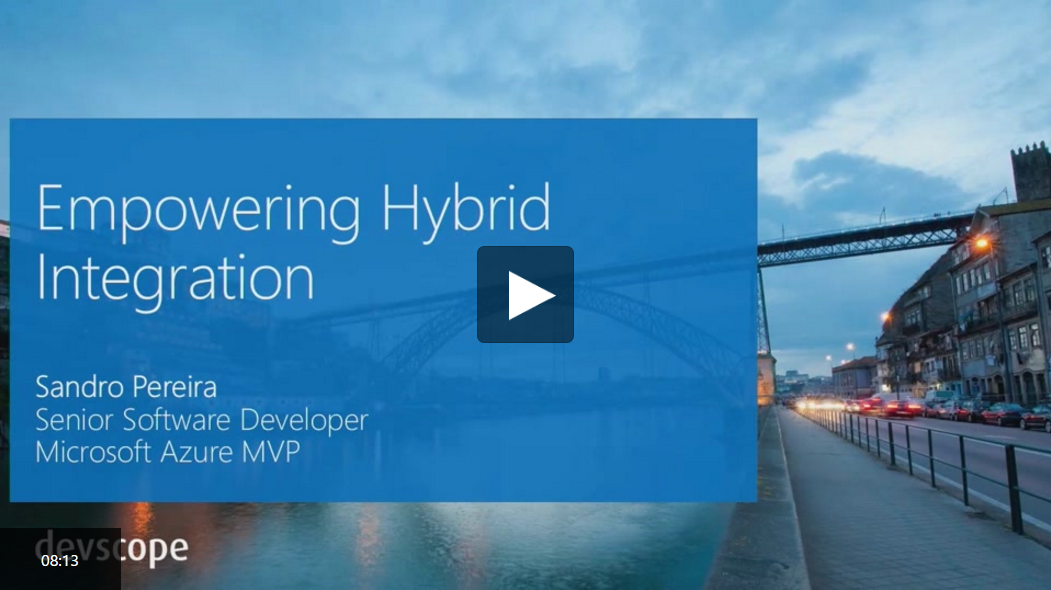
Fortunately, I had the company of my good friend Kent Weare in this small “adventure”:
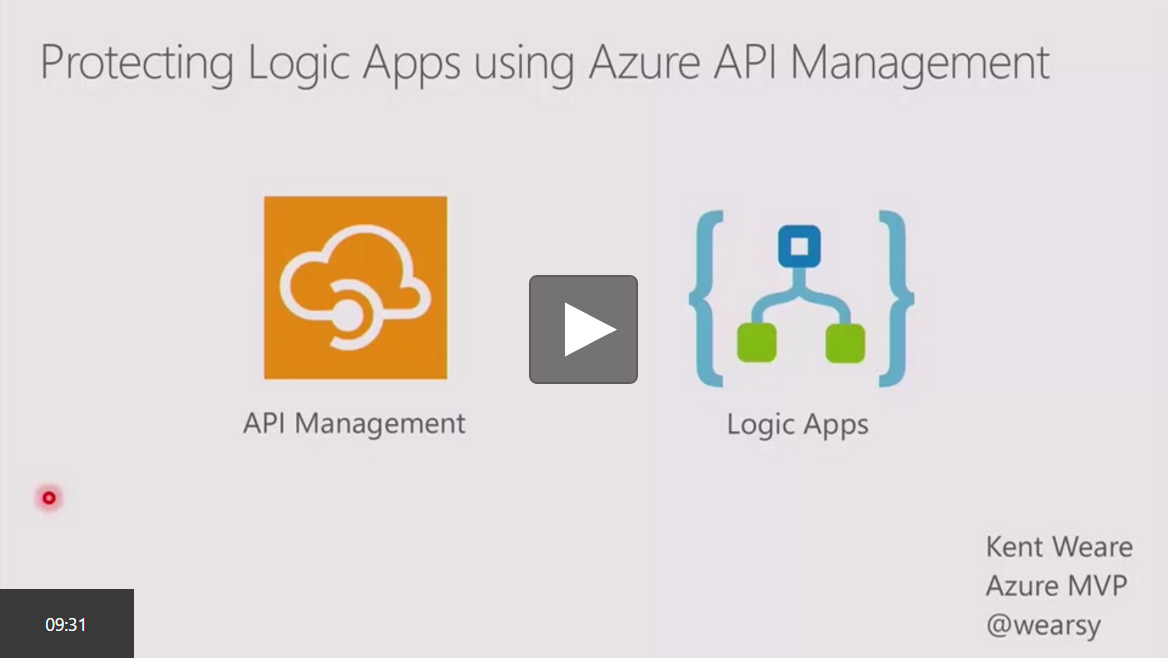
You can also watch his session about “Protecting Azure Logic Apps using Azure API Management”. In this video, you can learn how to use Azure API Management to protect your Logic Apps.
You can watch more sessions regarding Microsoft’s Hybrid Integration Platform on Channel 9 here.
Author: Sandro Pereira
Sandro Pereira lives in Portugal and works as a consultant at DevScope. In the past years, he has been working on implementing Integration scenarios both on-premises and cloud for various clients, each with different scenarios from a technical point of view, size, and criticality, using Microsoft Azure, Microsoft BizTalk Server and different technologies like AS2, EDI, RosettaNet, SAP, TIBCO etc. He is a regular blogger, international speaker, and technical reviewer of several BizTalk books all focused on Integration. He is also the author of the book “BizTalk Mapping Patterns & Best Practices”. He has been awarded MVP since 2011 for his contributions to the integration community. View all posts by Sandro Pereira
by Steef-Jan Wiggers | Mar 29, 2017 | BizTalk Community Blogs via Syndication
March, the last month of Q1 in 2017, a month filled with exciting integration focussed events. After my trip down under I continued my talks at the Integration Monday, SDN Event, my colleagues at Macaw, and the long awaited Global Integration Bootcamp. The latter was a result of months of preparations, and work on labs, meetings and conversations on slack.
Month March
In this month, I wrote a few guest blogs for BizTalk360 blog, which will be published in the next months along with an eBook containing all the labs, we (Eldert, Rob, Tomasso and myself) have created for the Global Integration Bootcamp. The eBook contains the hands on labs for API Management, On premise data gateway, Service Bus, Logic Apps, IoT Hub, Stream Analytics and Event Hub. Basically with this labs, you will touch all the services and products that deal with integration.
Books
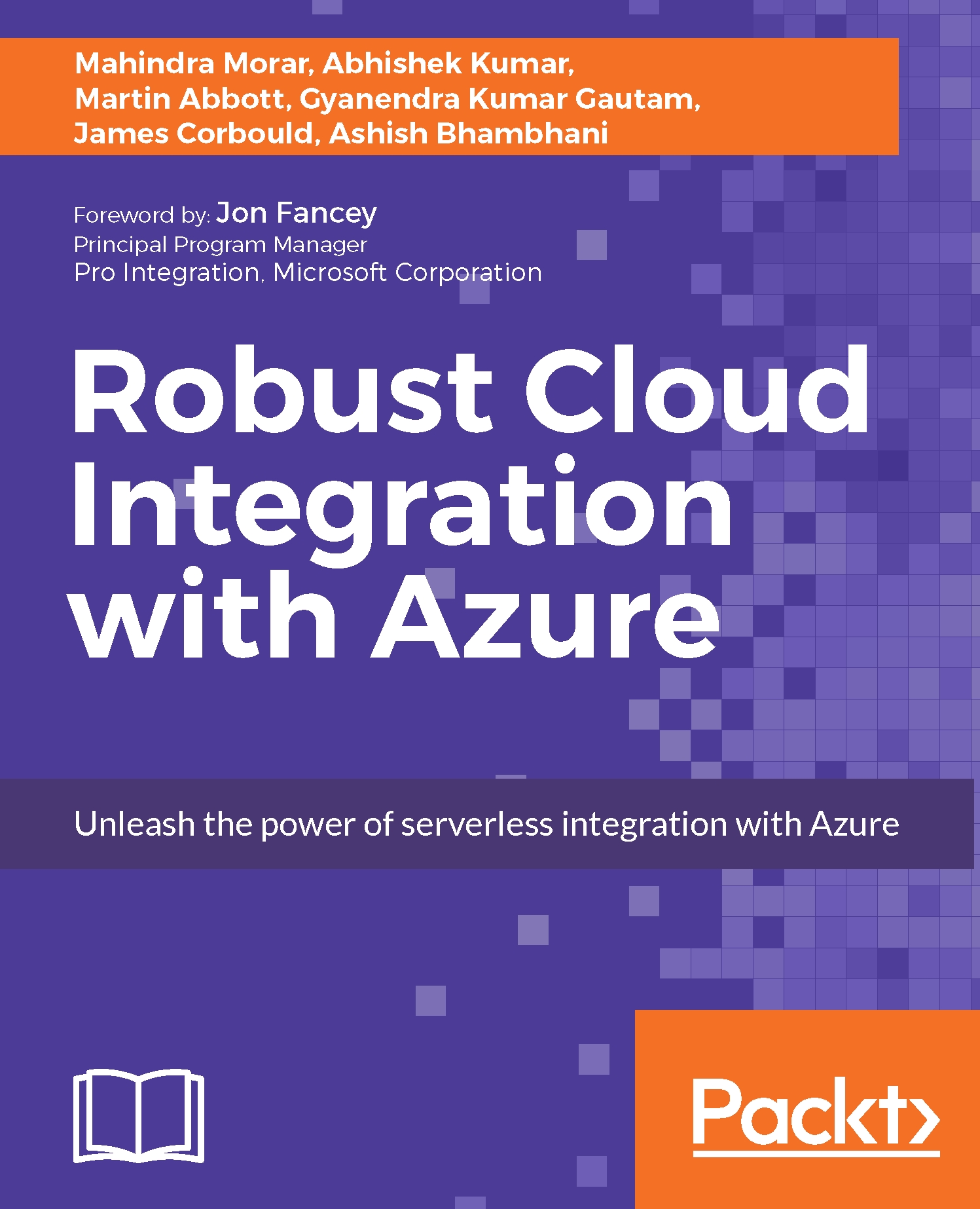
Any reading this month, to be frank not so much. I read a lot of new papers, magazines and blogs. However, I do like to mention a new book that has been released on the market about integration that is worth to buy and read: Robust Cloud Integration with Azure.
Music
My favorite albums that were released in March were:
- Obituary – Obituary
- Memoriam – For the Fallen
- Pallbearer – Heartless
- Junius – Eternal Rituals for The Accretion Of Light
- Sleepmakeswaves – Made of Breath Only
- Moonloop – Devocean
- Mastodon – Emperor of Sand
Running
In March I did a couple of runs, including a few half marathons, one being the CPC in The Hague wearing a BizTalk360 running shirt.
There you have it Stef’s third Monthly Update and I can look back again with great satisfaction. The Global Integration Bootcamp was a success, which you can read in my previous blog post of this month. I’m looking forward to my trip to Sweden in April and running the full Marathon in Rotterdam on the 9th of April.
Cheers,
Steef-Jan
Author: Steef-Jan Wiggers
Steef-Jan Wiggers is all in on Microsoft Azure, Integration, and Data Science. He has over 15 years’ experience in a wide variety of scenarios such as custom .NET solution development, overseeing large enterprise integrations, building web services, managing projects, designing web services, experimenting with data, SQL Server database administration, and consulting. Steef-Jan loves challenges in the Microsoft playing field combining it with his domain knowledge in energy, utility, banking, insurance, health care, agriculture, (local) government, bio-sciences, retail, travel and logistics. He is very active in the community as a blogger, TechNet Wiki author, book author, and global public speaker. For these efforts, Microsoft has recognized him a Microsoft MVP for the past 6 years. View all posts by Steef-Jan Wiggers

by Nick Hauenstein | Mar 28, 2017 | BizTalk Community Blogs via Syndication
The Global Integration Bootcamp was held for the first time this last week, events spanning 12 countries, 16 locations, with over 650 attendees. If you went to either the Seattle, WA location (here at QuickLearn Training’s headquarters), or the New York location, then you may have even ran into one of our instructors!

In the weeks leading up to the day of the bootcamp, Tom Canter with Phidiax arranged a speaker line-up, refreshments, and got the word-out about the event; while over here at QuickLearn Training, we prepared to transform our classrooms into an event space. When the day arrived, all were in good spirits and ready to share knowledge, and get deep into real-world possibilities for hybrid cloud integrations using BizTalk Server and Logic Apps.
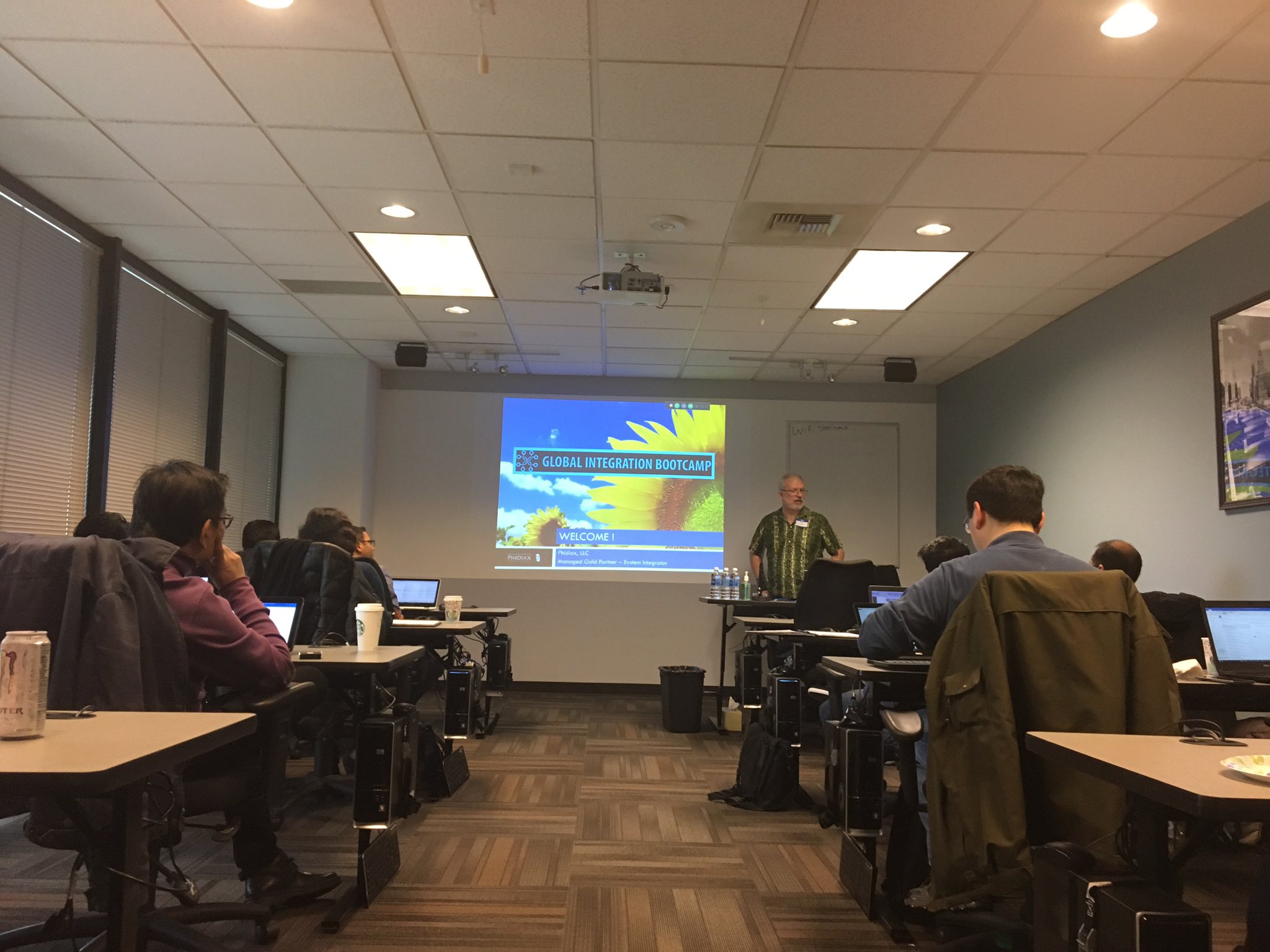
Tom kicked off the event with a keynote and introductions, and got everyone primed and excited for the day. Next up was Tord showing off some of the latest greatest features in BizTalk Server 2016 when used in concert with API Management along with a few surprises . I’m not sure what I’m allowed to share and what I’m not, so I will just leave that short, sweet, and to the point.
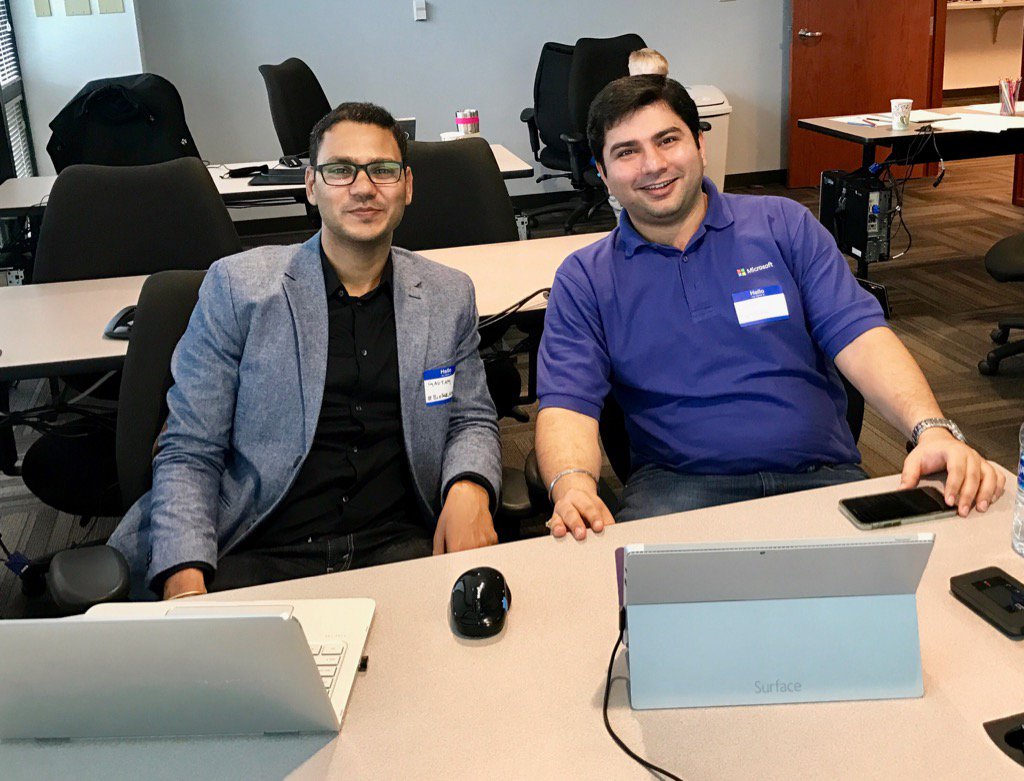
Gyanendra Gautam teamed up with Ashish Bhambhani (co-authors of the freshly published Robust Cloud Integration with Azure) to show some really slick B2B scenarios with Logic Apps and the Enterprise Integration Pack. Trading Partner and Agreement configuration were shown, along with a special surprise that no one had ever seen before – the world’s smallest X12 834 interchange! It was both a fun and informative session, and if you haven’t at the very least experimented with EDI in Logic Apps – do it. You’ll find your BizTalk Server experience in the same will serve you quite well.
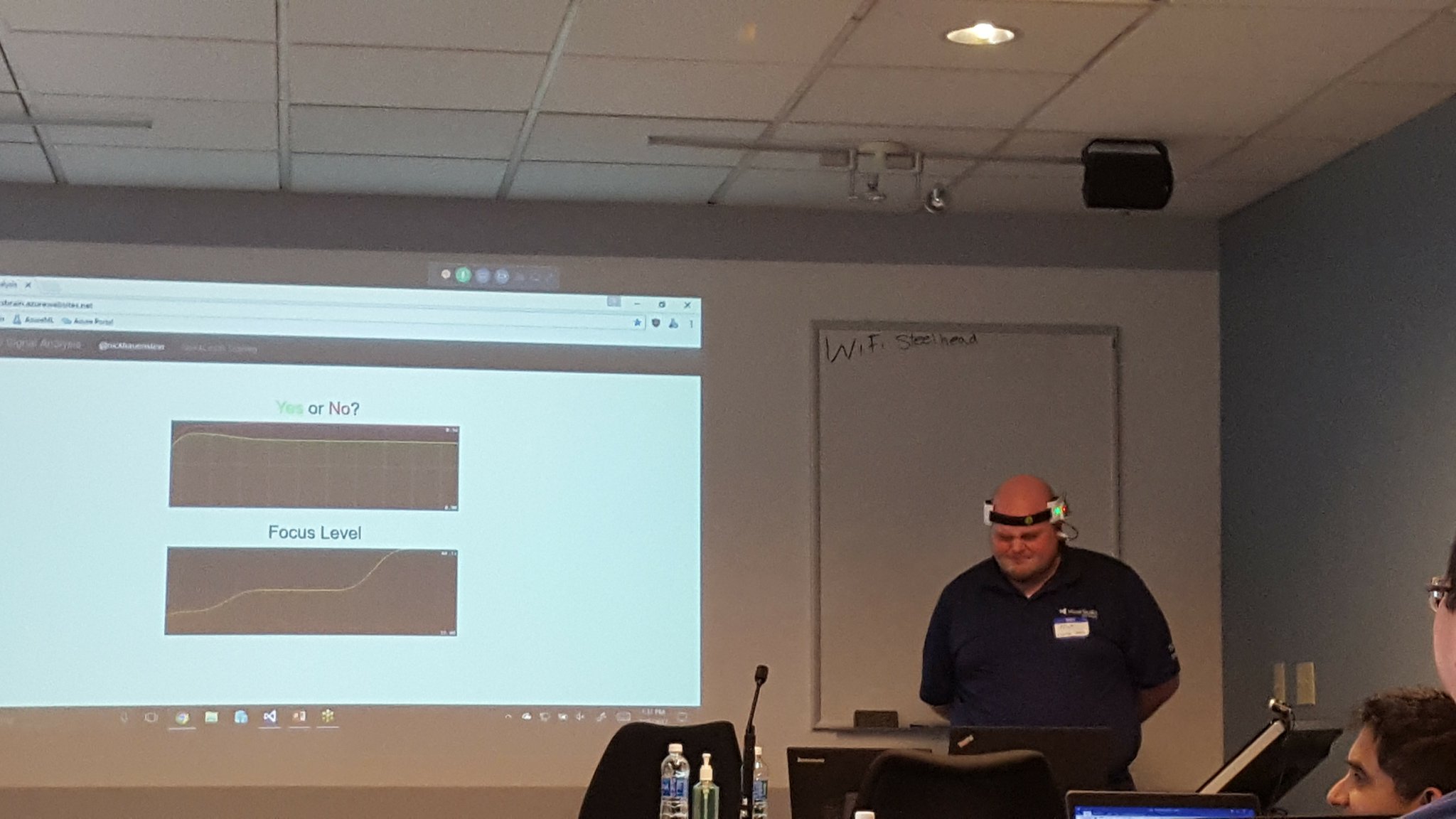
I was up next, wearing a contraption to be explained at a later date. The focus of my talk was to demystify machine learning – and to demonstrate that it’s not just for the sexy applications (e.g., self-driving cars, HoloLens, whatever it is that I’m wearing, etc…). I spent the bulk of my session walking through a simple Hello Azure ML world demo that showed how one could train, operationalize, and then call Azure ML models from within Azure Logic Apps. It is my intention to further refine the models used in this talk and share the full talk, sample code, hardware diagrams, etc. in the summer of 2017.
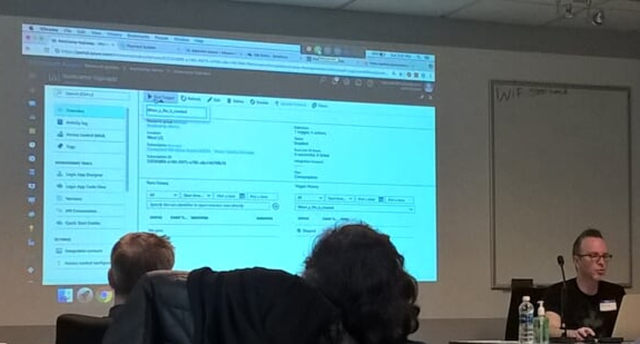
After I was carted away in a straight jacket, Richard Seroter gave a really cool talk on the intersection between microservices and messaging – and how when using both, one can realize seamless multi-cloud scenarios. It was a very well executed talk with fairly complex demos involving node.js services, java services (built using Spring Boot), and Logic Apps.
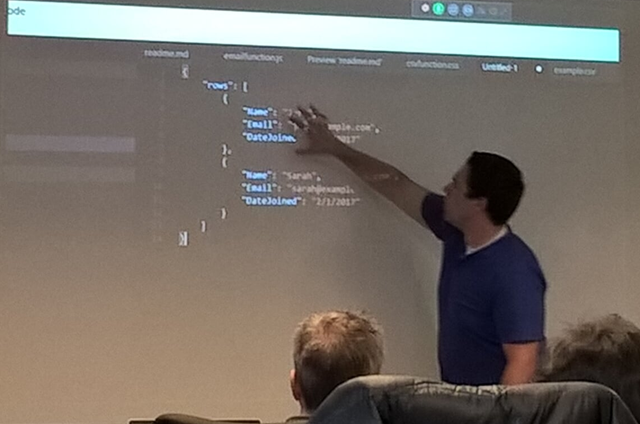
Undeterred by a ruthless cold that had claimed his voice, Jeff Hollan gave an excellent talk on the concept of serverless applications. He opened with an analogy comparing owning/renting/hiring a car with the equivalent on the server-side. He then looked to where serverless would lead the development of applications (i.e., API composition).
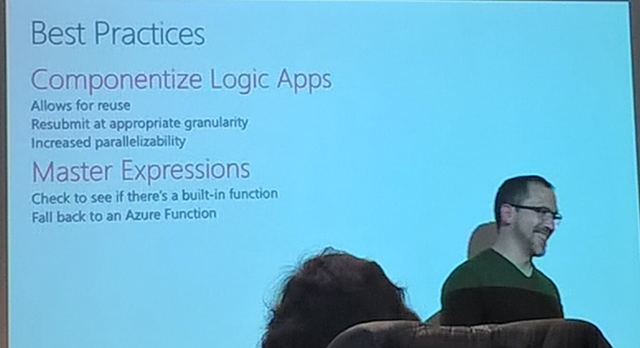
Kevin Lam wrapped up the day by going through a list of Enterprise Integration Patterns and the implementation required to make it happen on the Logic Apps side. He also addressed how to increase throughput for Service Bus connections, how to control parallelism, advanced scheduling and other fun goodies that I will likely put to quick use (and maybe follow-up with some blog posts on later). One thing did come as quite the surprise though – Sequential Convoys!
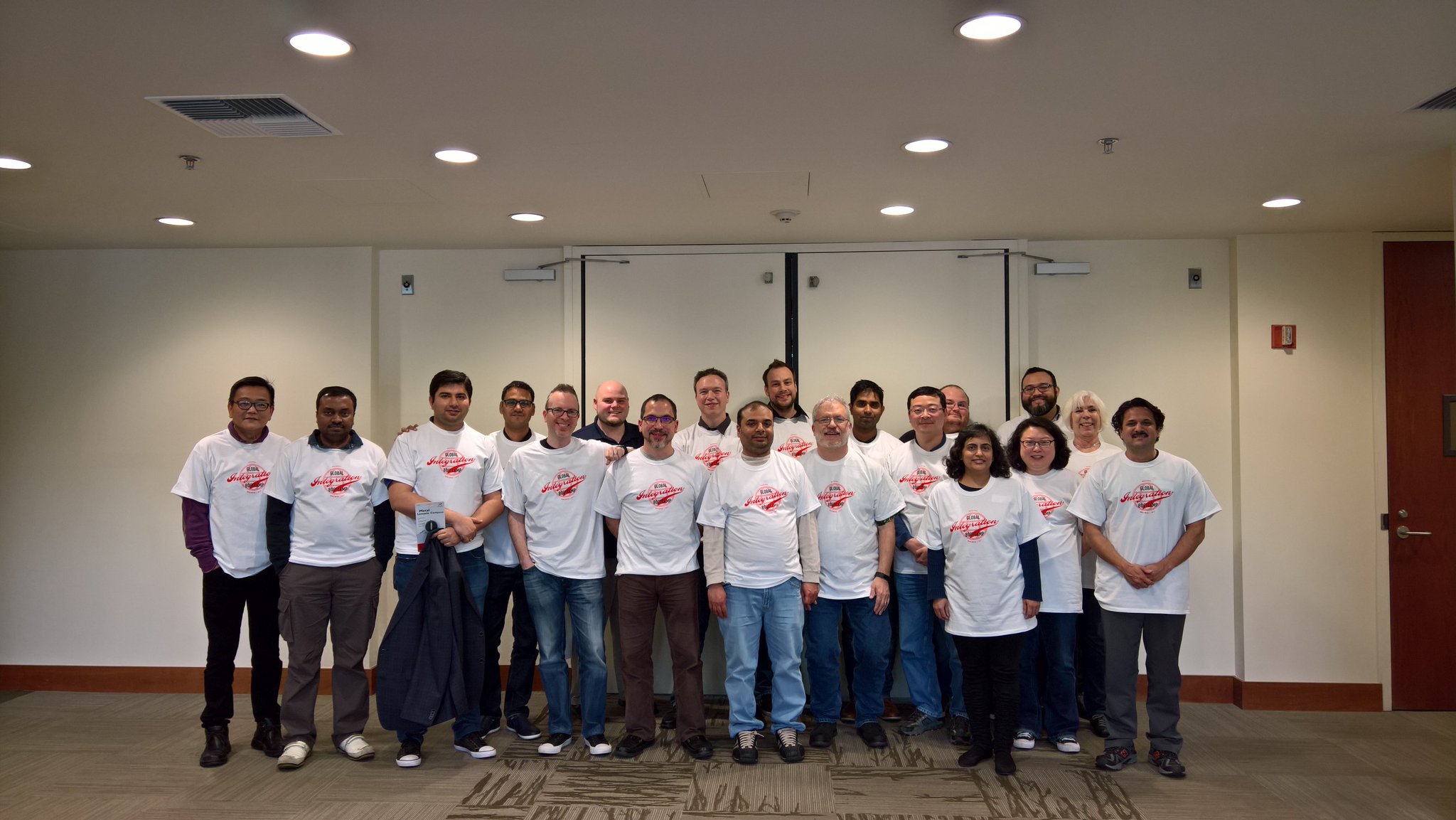
It was a great time, and I hope to be able to share more when I can. Thanks to everyone who attended, and I really hope you all had as great of a time as we did.
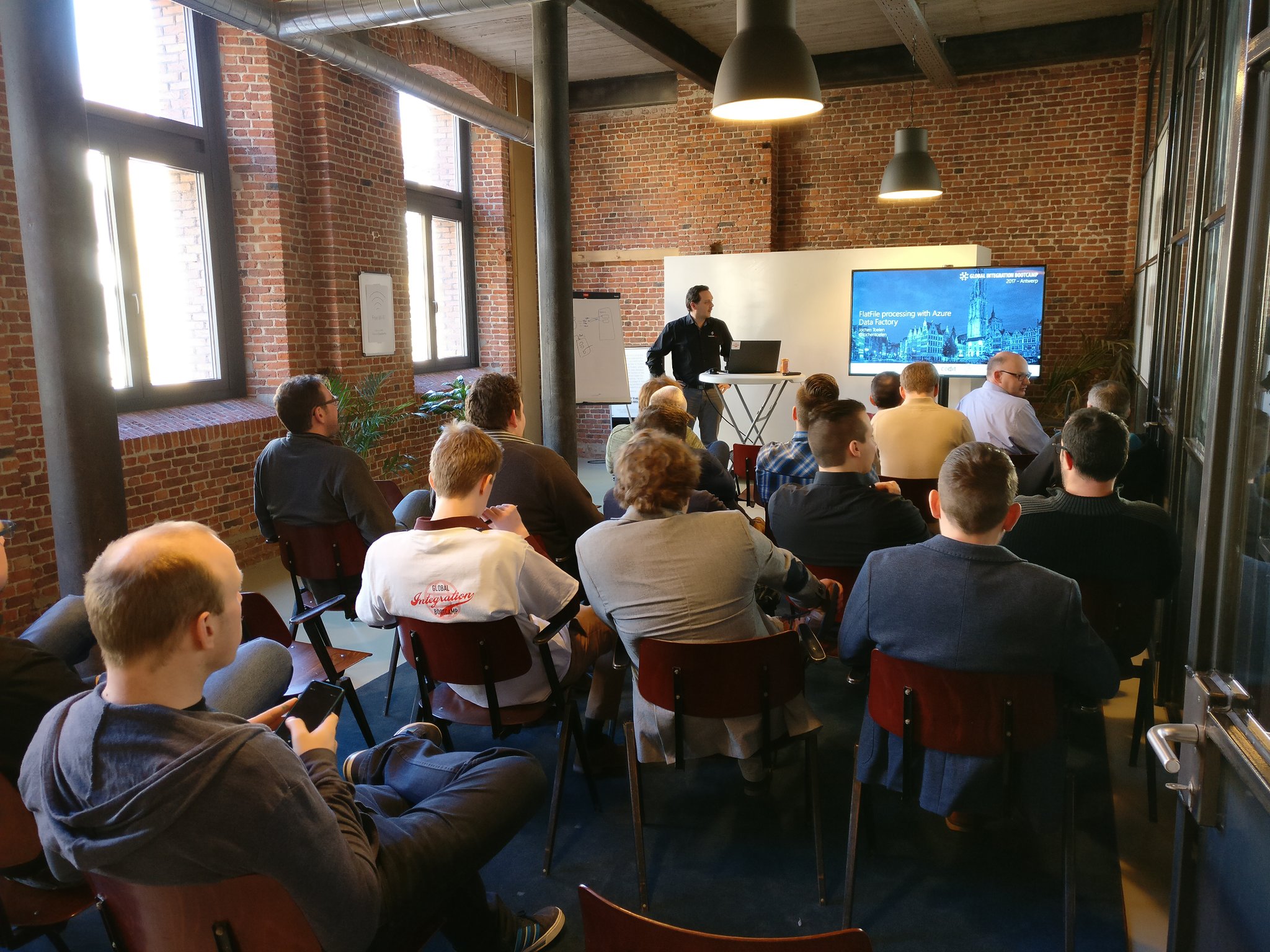
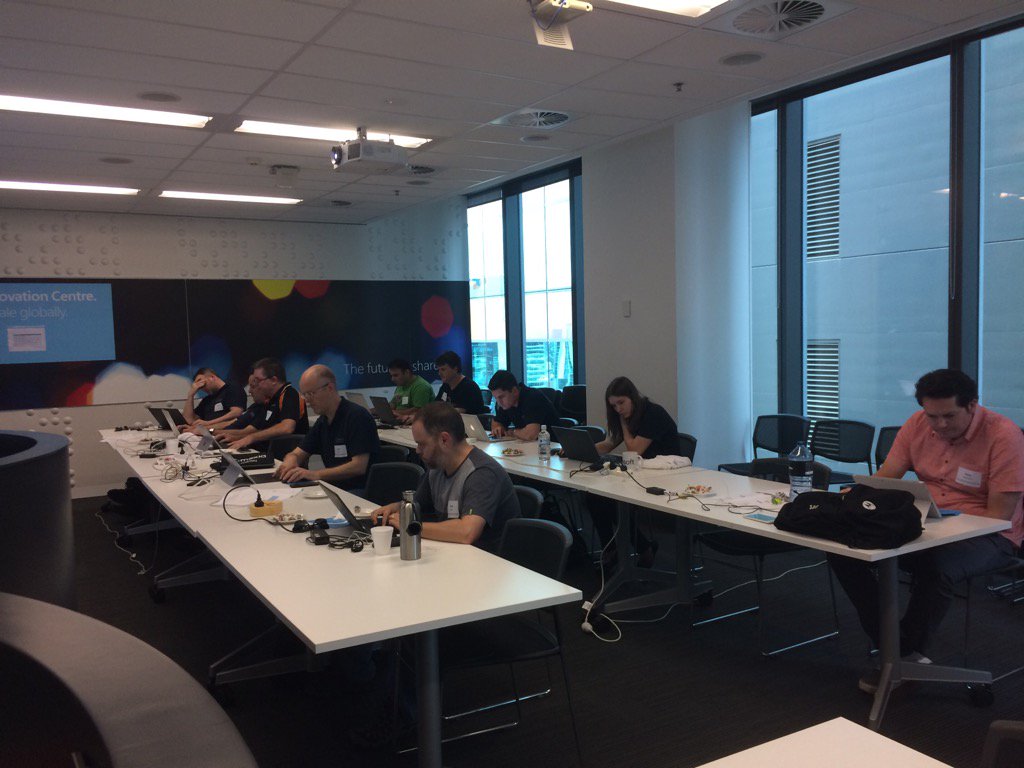
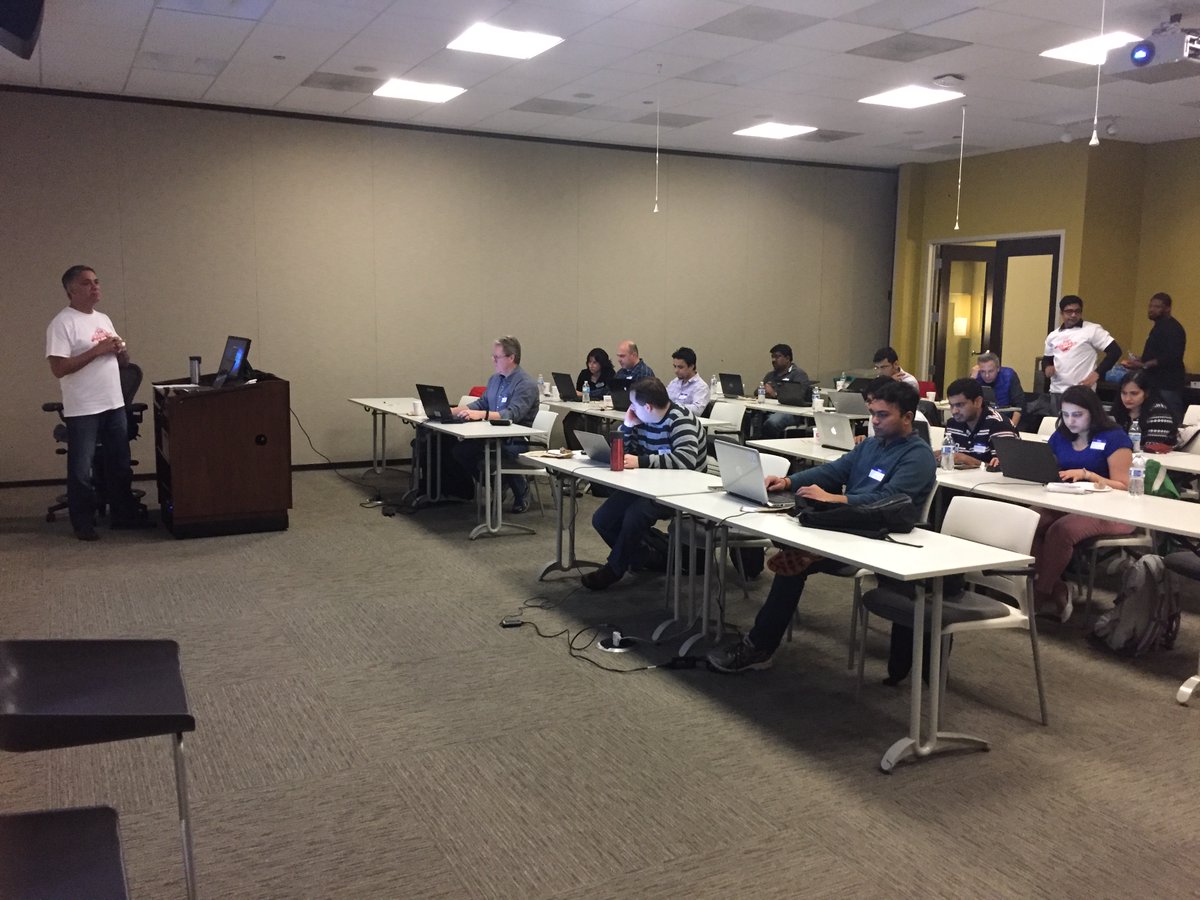
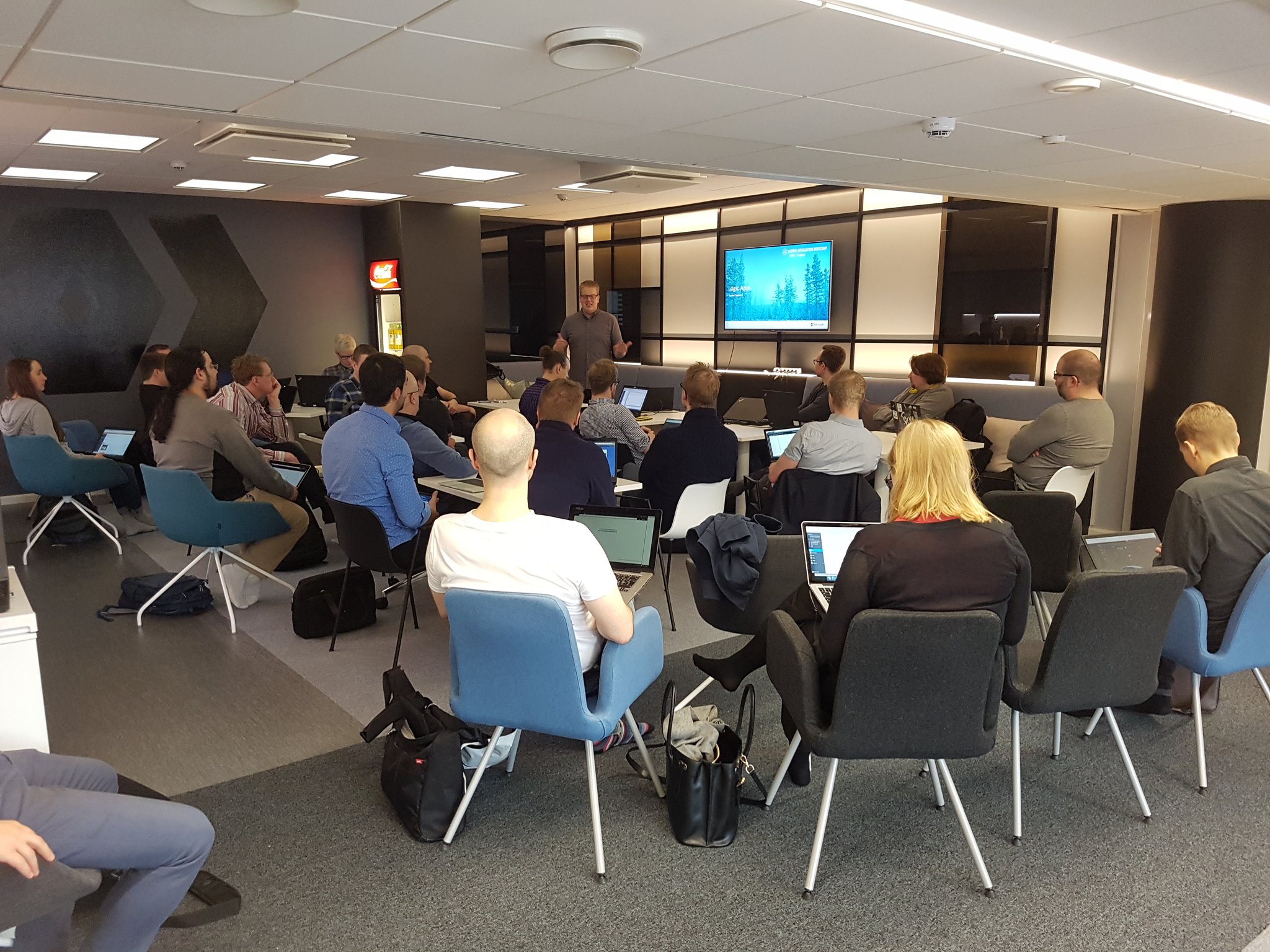
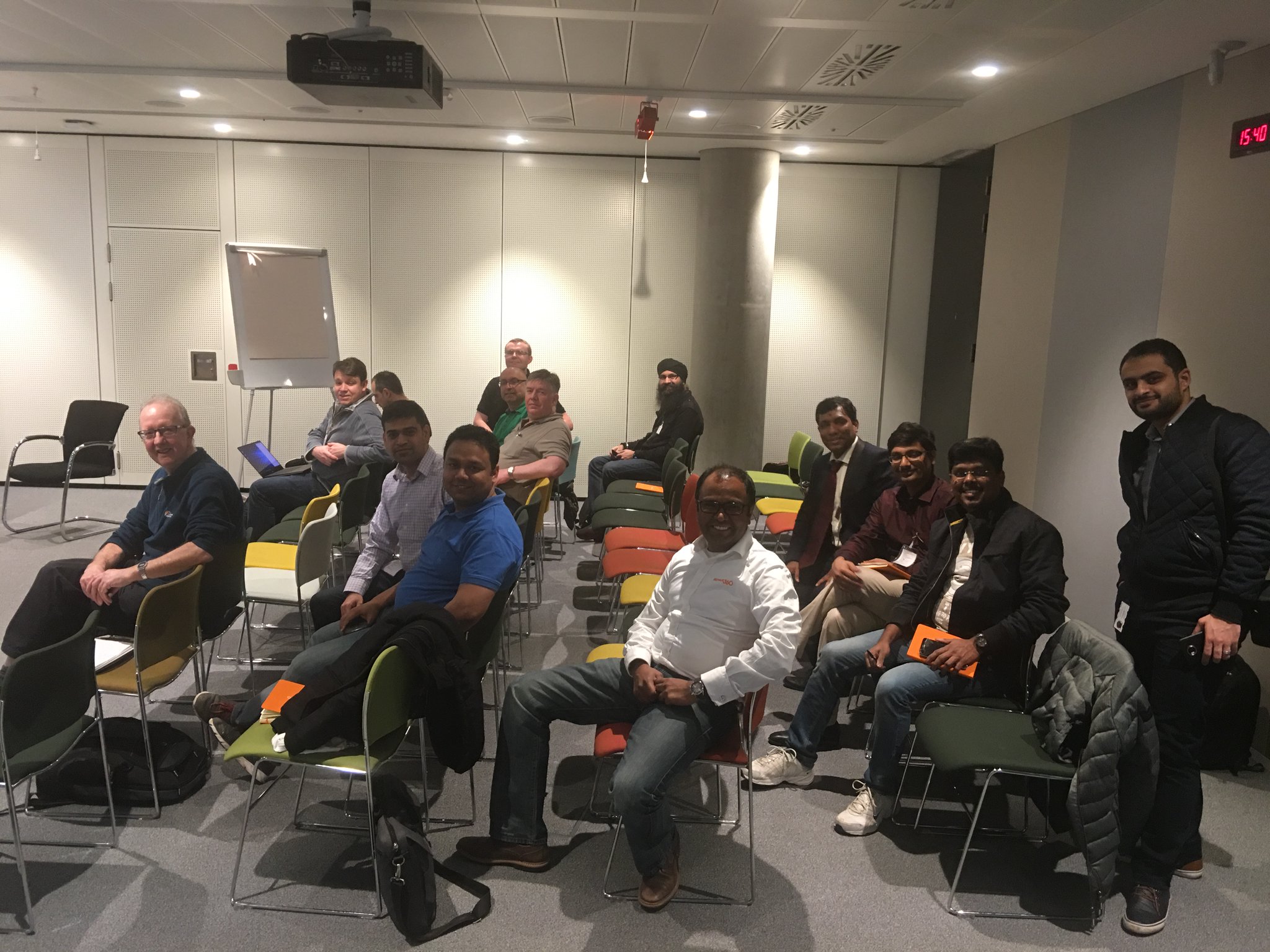
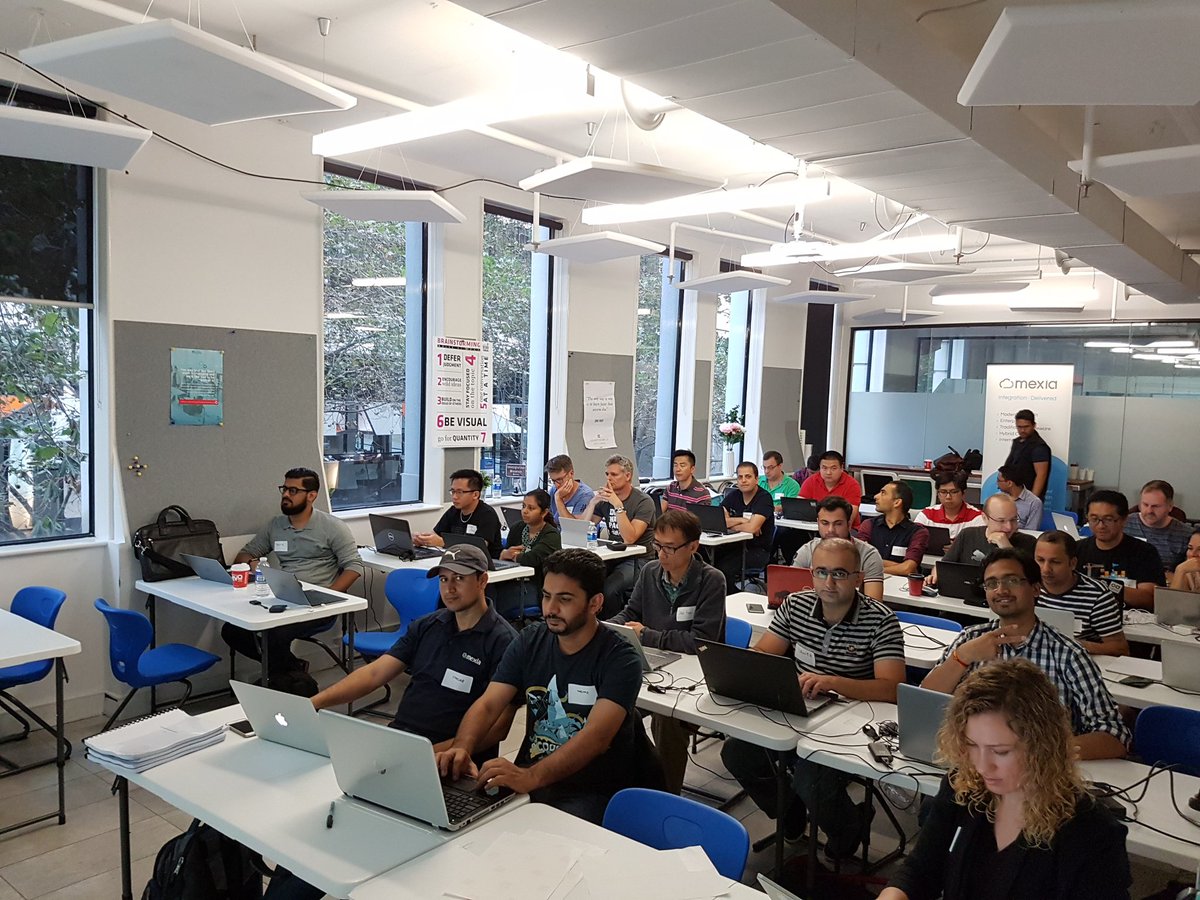
QuickLearn Training’s offices were just one of many locations for the event. Below is a short gallery of photos gathered from Twitter of other venues.
Belgium
Brisbane
Chicago
Finland
London
Melbourne
New York
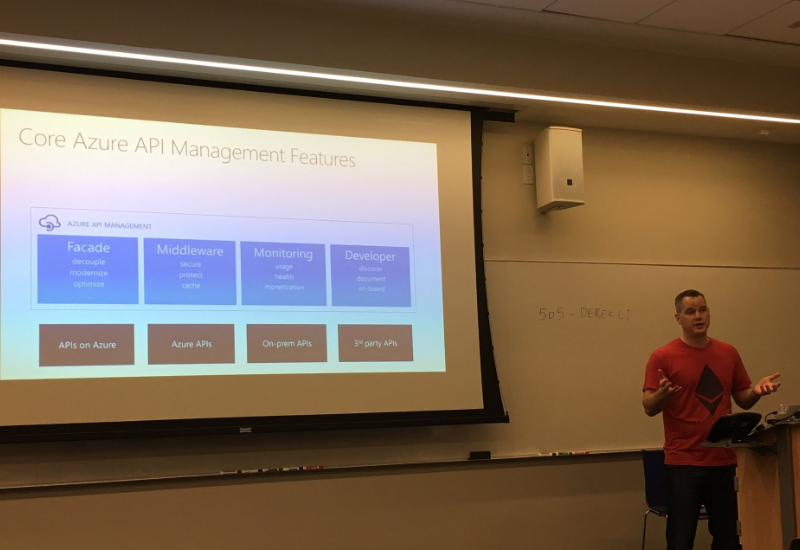
(I haven’t been able to find a picture with the camera pointed the other way, but I get it, @wearsy is a model now after all).
New Zealand

Oslo

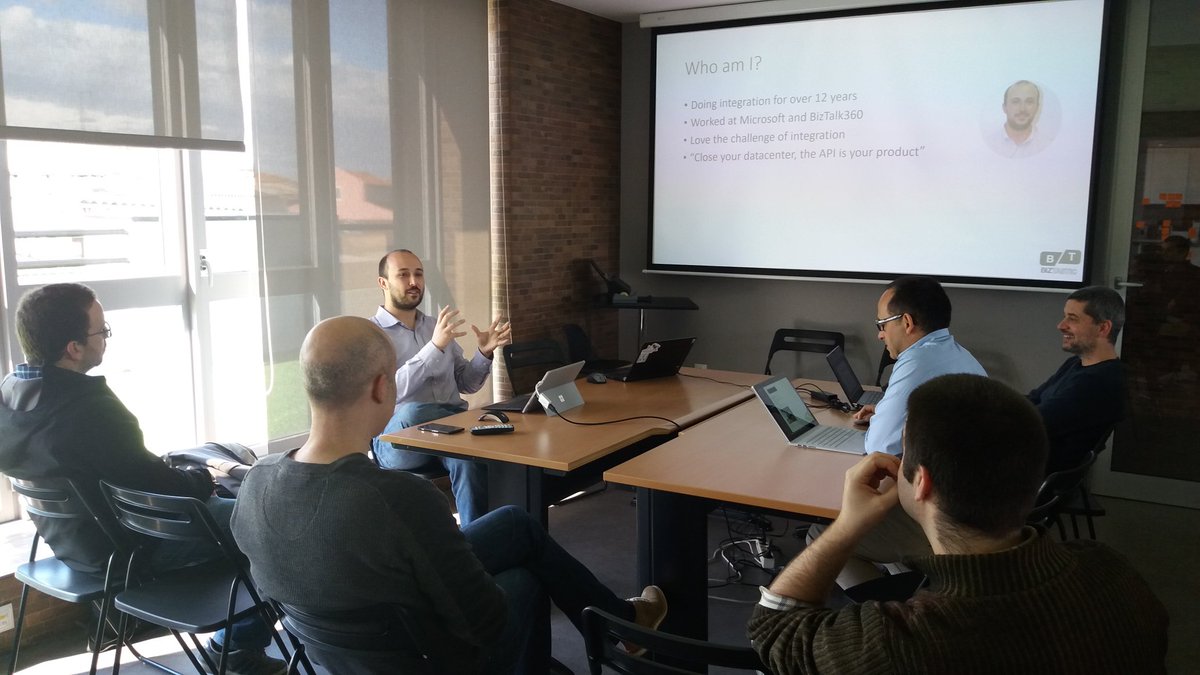
Portugal
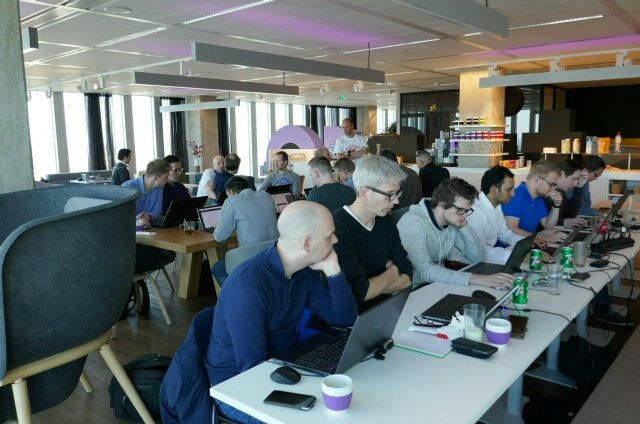
Rotterdam
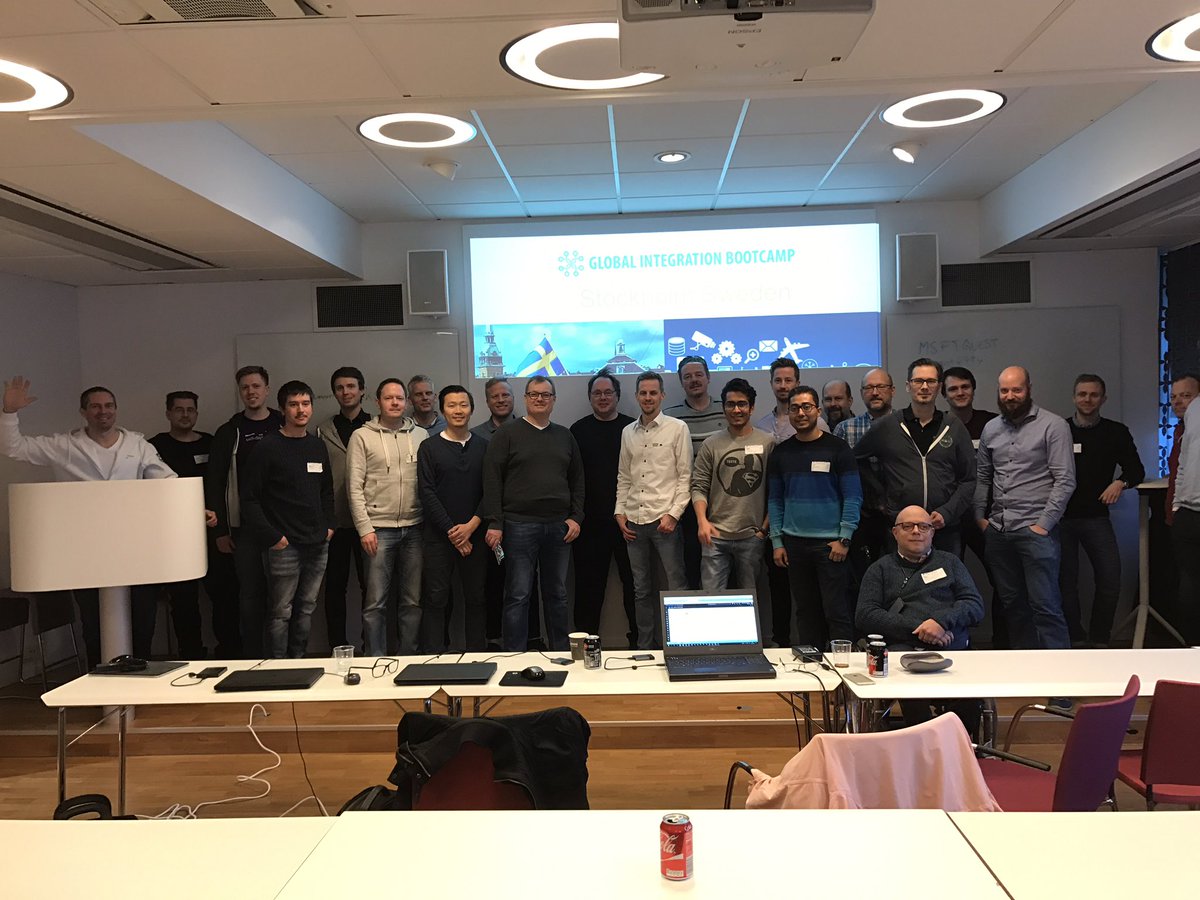
Sweden

by Steef-Jan Wiggers | Mar 26, 2017 | BizTalk Community Blogs via Syndication
Success has many fathers and with the Global Integration Bootcamp that is a fact. Organizers, speakers, companies hosting the event, the Microsoft Pro-Integration Team, and above all the attendees. This global event showed how passionate, strong and active this integration community is!
The Event
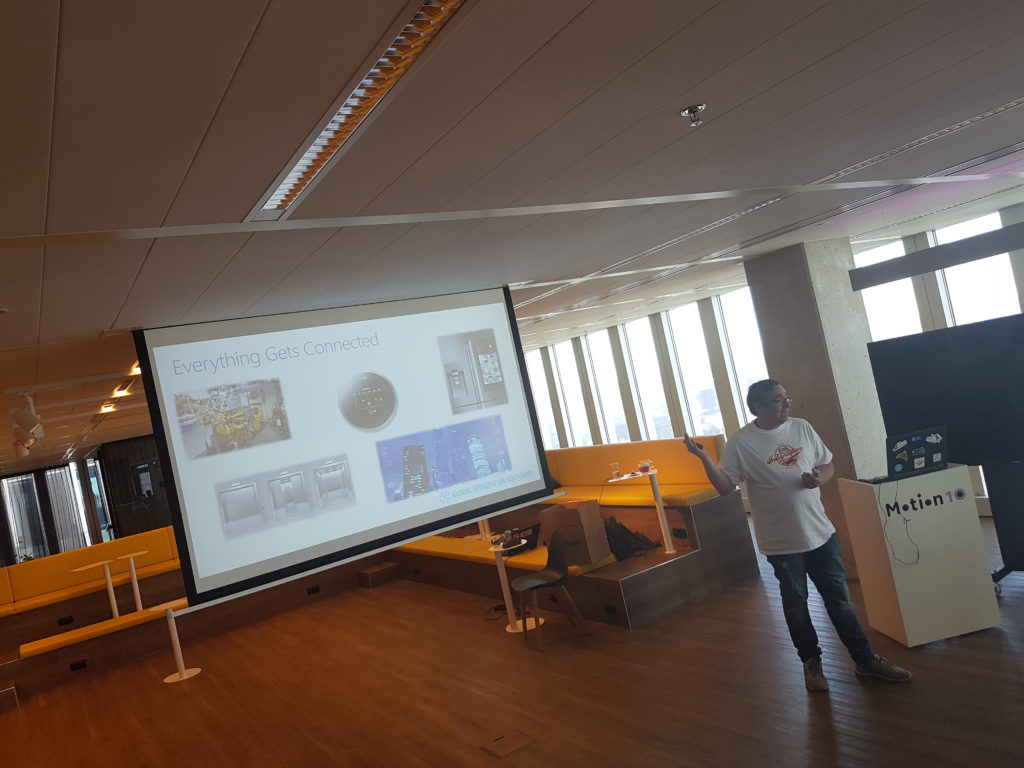
During the Global Integration Bootcamp at the Dutch location at motion10 in Rotterdam I did a few interviews with fellow organizers of this amazing event:
The motion10 has an amazing view over Rotterdam, which you can see in two of the video interviews.

In case you like to learn more about the history and how this great event came its tremedous success do read these two excellent posts:
Start of the day
In holland we kicked of at motion10 HQ at the same time as some of the other locations in Europe. Our friends in New Zealand, Australia and India just completed there day.
Sessions
At motion10 Gijs kick off the day followed by Tomasso presenting on API Management.
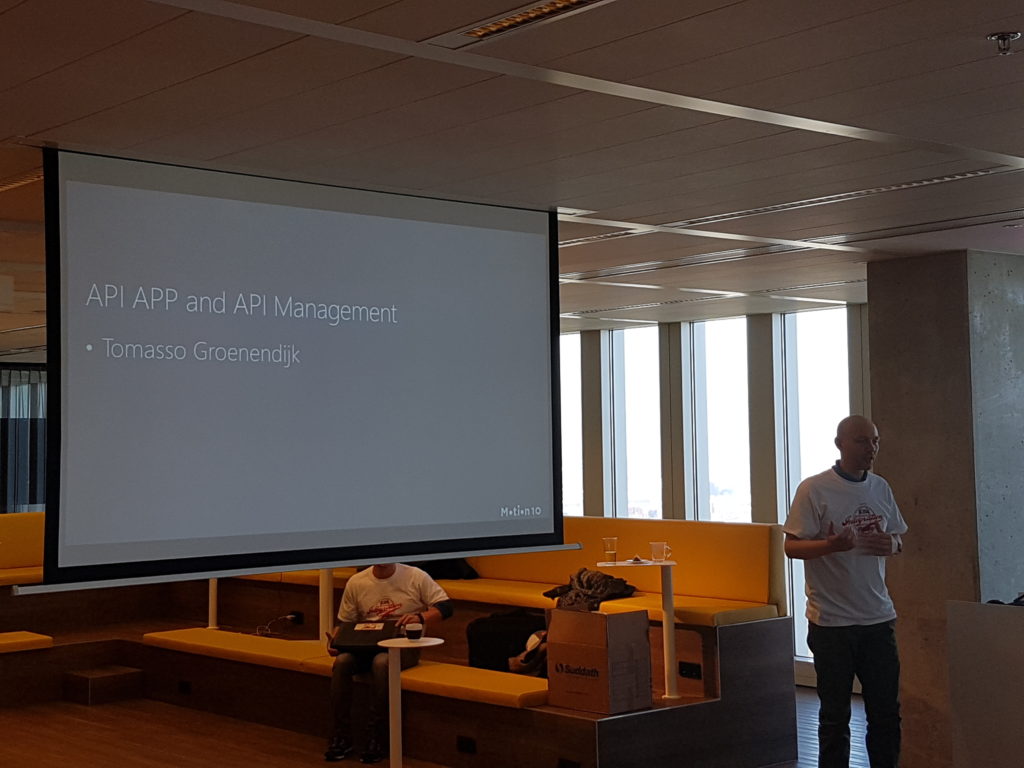
After Tomasso session the attendees dive into the first lab. The requirements to do the labs yourself can be found here and the labs will be published soon in an eBook by BizTalk360.
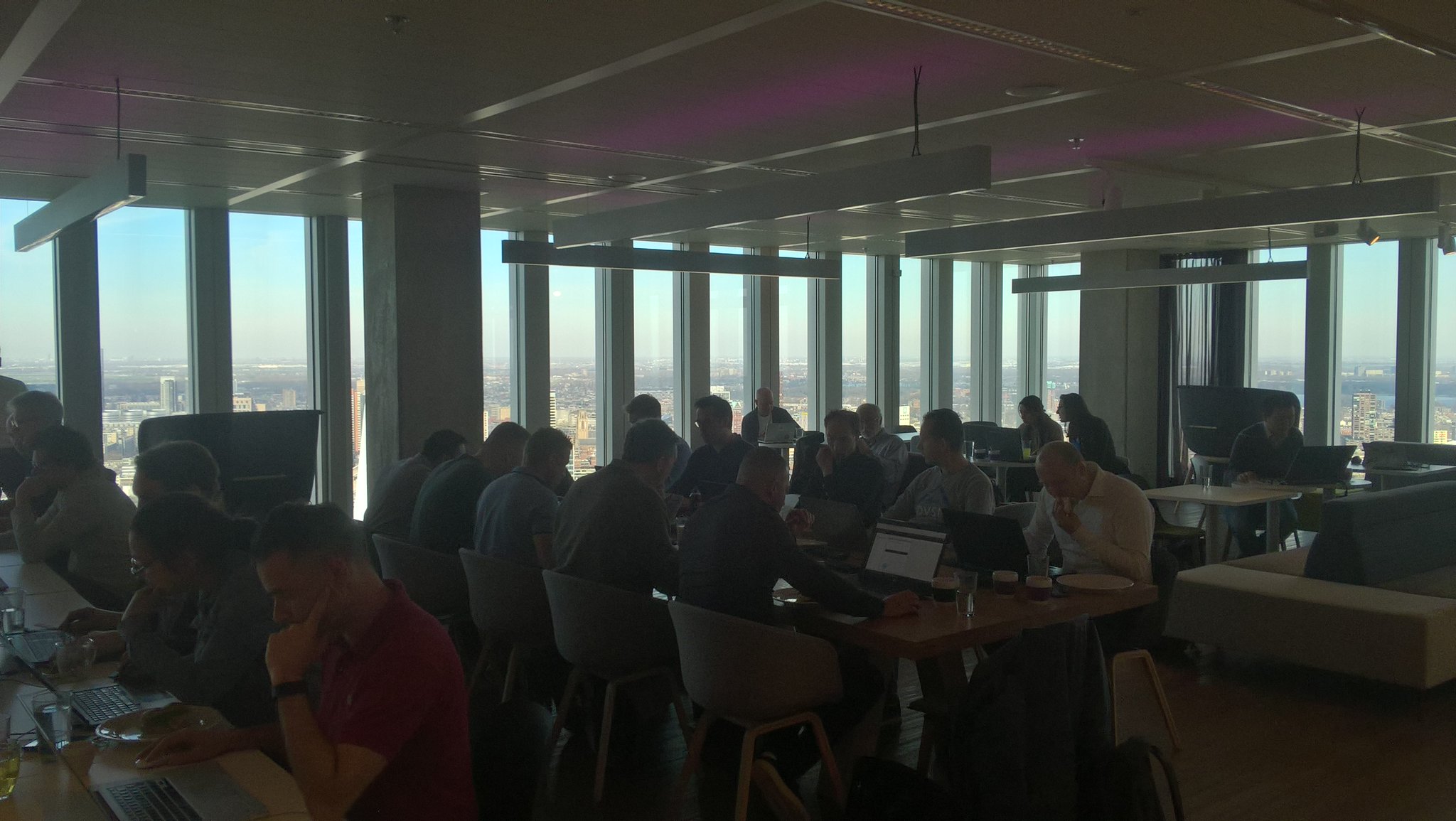
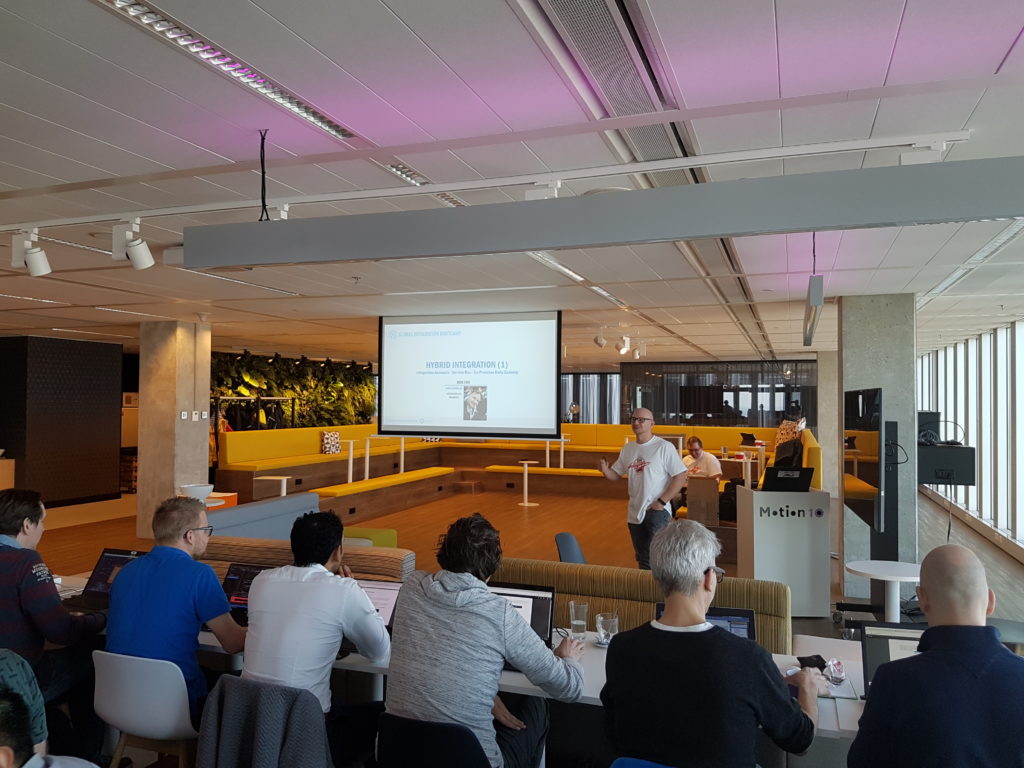
The second session was done by Rob Fox on Hybrid Integration including working with the on-premise gateway.
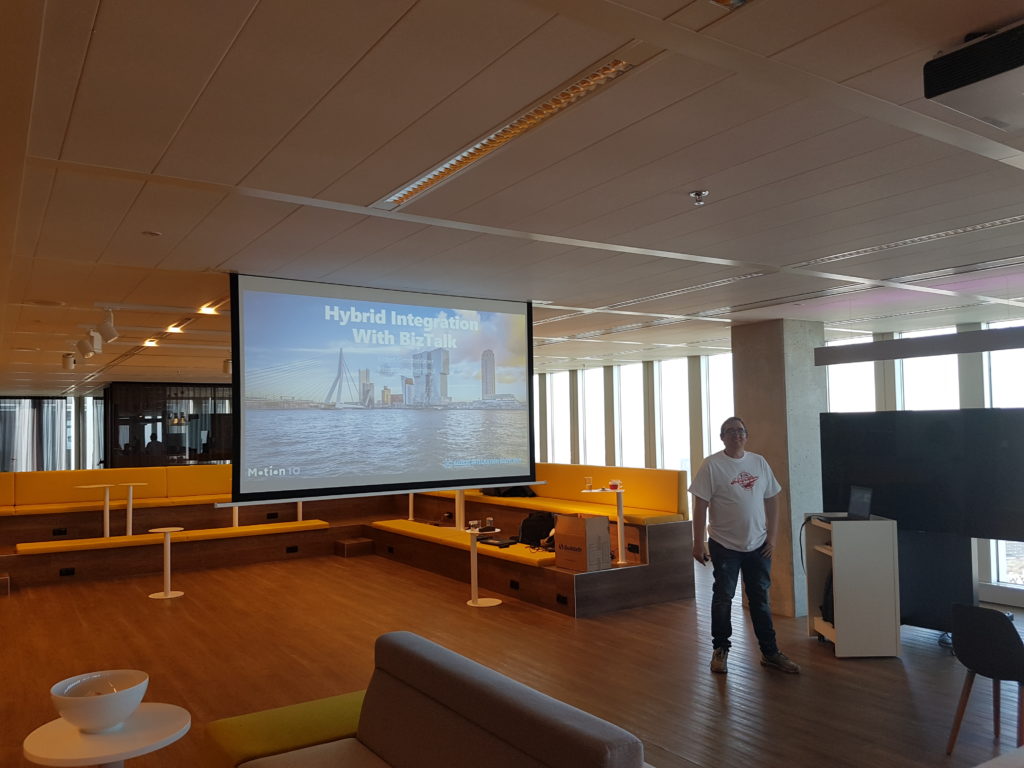
During the lunch people continued with their labs, followed by the third talk by Eldert, who continued with the hybrid integration story. This story included the connectivity through Logic Apps with on-premise BizTalk Server.
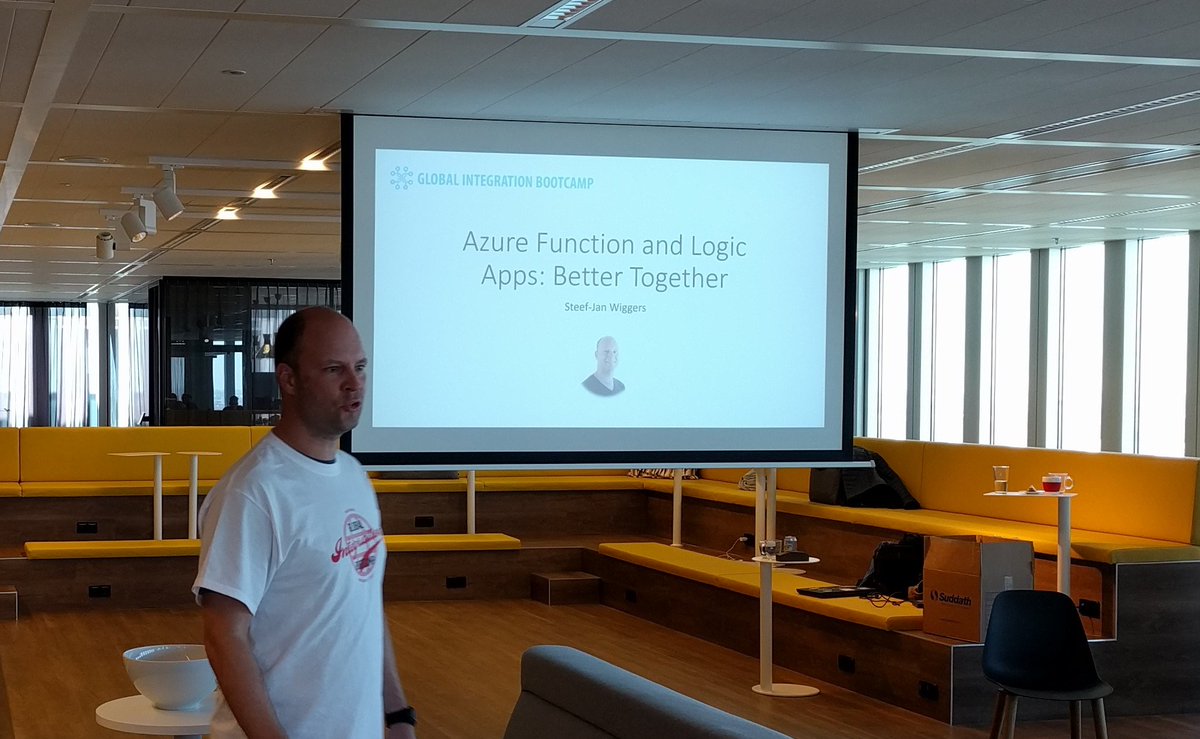
My session, number four, was to showcase some great Azure services like Logic Apps and Azure Functions. It was fun to do as I was able to show my trumpizer demo again.
The final session of the day was about IoT and done by Eldert again.
Acknowledgements
I am proud to be able to be part of this great event and journey to it. Loved the close collaboration with Eldert, who has been a key factor in organizing this event. His passion and drive is amazing and his recent MVP award is well deserved as it is a crown of his dedicated work for the community. And this something that I like to point out as his mentor. Well done buddy!
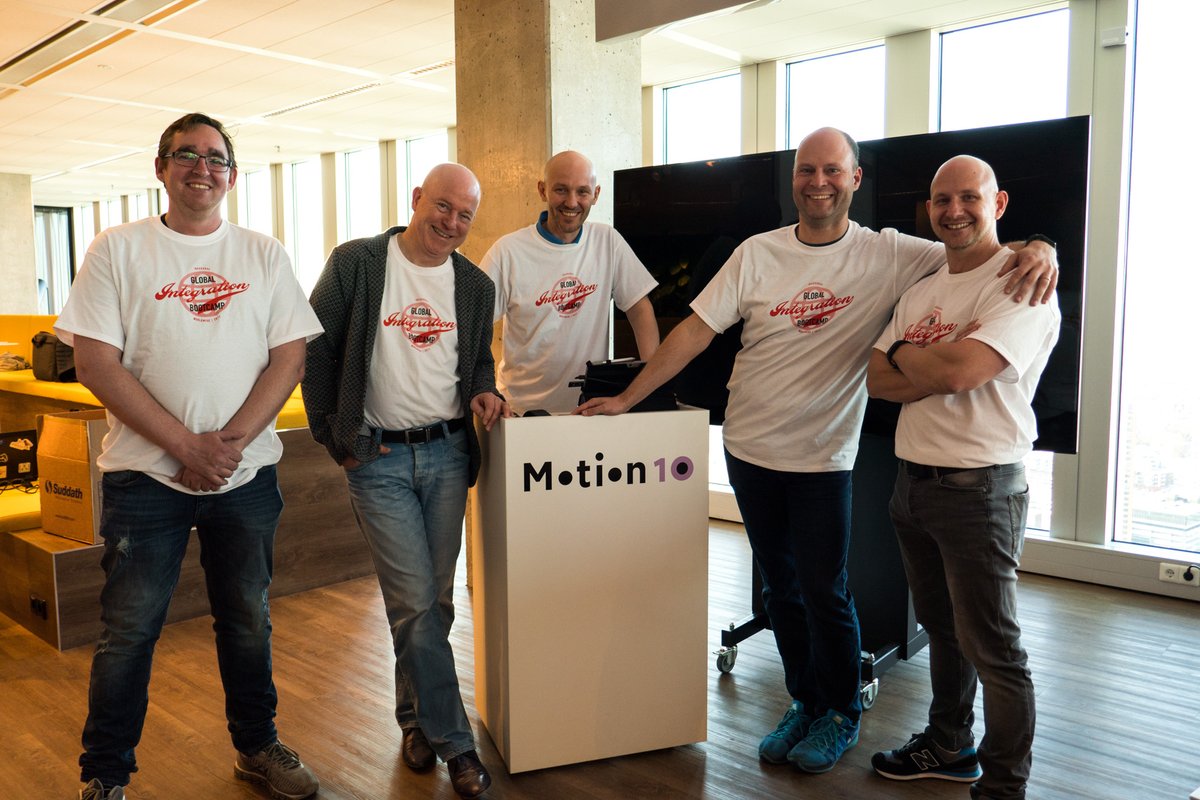
Thanks from the Dutch speakers #gib2017 and see you next year at #gib2018!
Cheers,
Steef-Jan
Author: Steef-Jan Wiggers
Steef-Jan Wiggers is all in on Microsoft Azure, Integration, and Data Science. He has over 15 years’ experience in a wide variety of scenarios such as custom .NET solution development, overseeing large enterprise integrations, building web services, managing projects, designing web services, experimenting with data, SQL Server database administration, and consulting. Steef-Jan loves challenges in the Microsoft playing field combining it with his domain knowledge in energy, utility, banking, insurance, health care, agriculture, (local) government, bio-sciences, retail, travel and logistics. He is very active in the community as a blogger, TechNet Wiki author, book author, and global public speaker. For these efforts, Microsoft has recognized him a Microsoft MVP for the past 6 years. View all posts by Steef-Jan Wiggers
by Daniel probert | Mar 25, 2017 | BizTalk Community Blogs via Syndication
Update 2017-03-26: I’ve updated the article below to make it clearer that each separate Logic App execution instance has its own member variable instance, but that variables are shared (currently) between parallel iterations in a loop.
The latest Logic Apps refresh, on March 24th 2017, finally added support for variables.
Microsoft have taken an interesting approach with variables: unlike a BizTalk orchestration, where you define variables separately to your workflow, in Logic Apps they’re defined in new Variables actions. This means that they’re defined inline, similar to how you would define them in source code. There is also a new @variables(‘variableName’) expression that can be used to obtain the value of a named variable.
There are some limitations to variables though:
- They are currently only global in scope within a Logic App execution (same value is available everywhere within that Logic App instance)
- You can currently only initialize a variable, or increment its value – you can’t update the value in any other way
- Only Integer and Float values are supported
In this post, I’m going to look at how you can add variables to your Logic Apps; what you can use them for; and why there is such limited support for variables in this initial release.
How to add variables
You can initialize and increment variables using the two new Variables actions (you can find them by entering “Variable” into the action search box):
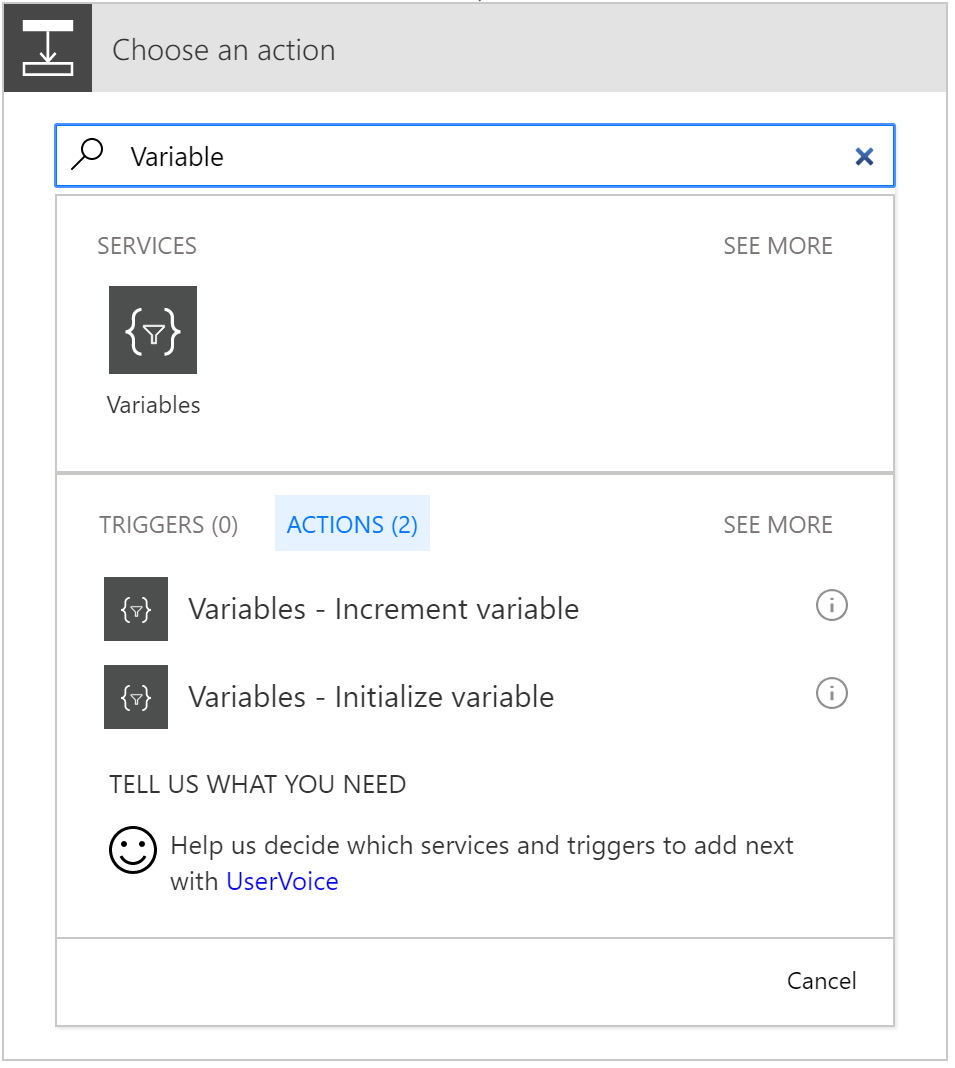
As mentioned above, there are currently only two options.
Selecting Initialize variable gives you an action that looks like this:
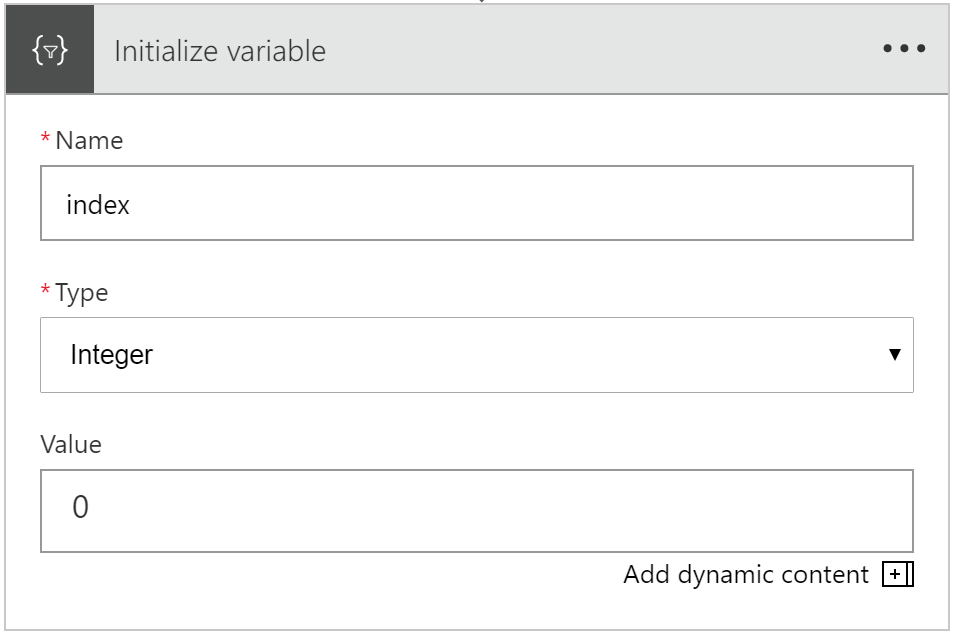
You can supply the variable name, give it a type (only Integer and Float supported), and give it an initial value.
Selecting Increment variable gives you an action that looks like this:
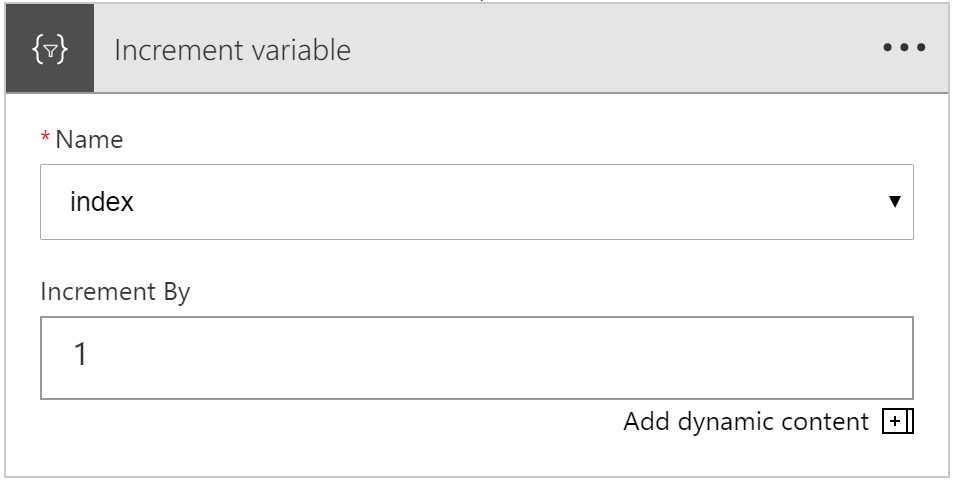
You can select an existing variable (numeric variable types only – Integer or Float – although those are the only types you can create at the mo!), and enter the amount you want to increment by.
Interestingly, you can put a negative value in here, and it will decrement by that much.
What you can do with variables
Numeric variables that can be incremented/decremented are useful for two main activities: maintaining the count in a loop; and selecting a specific value (by index) from an array.
Here’s an example to show you how you could use the current numeric variable support.
Let’s imagine we’re sent an array of cities, as a JSON message. However, we don’t want to process *all* the cities in the array: we just want to process a subset. The request includes start and end position properties that give us the subset of cities to process.
For example:
{
“count”: 4,
“startPos”: 1,
“endPos”: 3,
“cities”: [
{
“city”: {
“name”: “New York”,
“lat”: 40.71,
“long”: -74
}
},
(more cities removed)
]
}
In the example above, we’re going to be supplied 4 cities, but we only want to process cities 1-3.
Without variables, this is tricky to do in Logic Apps, as we have no way of knowing where we are in a loop. Logic Apps only supports 2 types of loops currently: foreach, and do-until.
foreach iterates over all items in an array; do-until will iterate until a condition is reached. Neither of these options provide us a built-in way to iterate over a subset of items in an array.
Note: there are other ways to achieve this e.g. using the @take function, but none so clean as a for loop.
But now we can do this with Variables: by creating an Index variable, setting it to 0, using a foreach loop, and incrementing the index value. Unfortunately, there’s no equivalent of a for loop in LogicApps (i.e. where we can start at a given value and continue until a condition is met). So, that means we’re still going to iterate over every item in the array, but we’ll only process items that fall between the start and end positions.
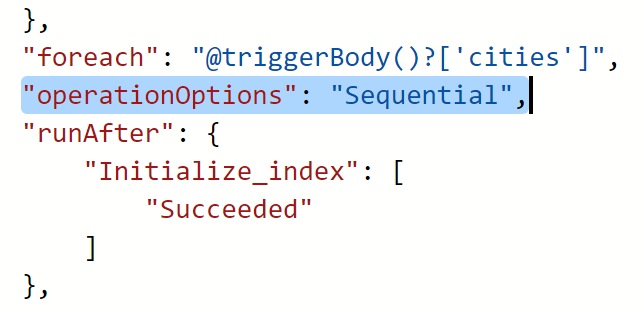
There’s one other thing we need to do: we must set our foreach loop to execute sequentially i.e. not in parallel. By default, foreach loops will execute each iteration of the loop in parallel, up to 20 executions at a time. But trying to decrement a variable in a parallel loop gives us a non-deterministic value each time.
I learnt this the hard way, as I forgot to set my foreach loop to execute in sequence (in the example below), and I couldn’t work out why I was getting odd results…
Setting a foreach loop to execute in parallel is as simple as adding “operationOptions”: “Sequential” to the foreach definition. However, we currently need to do this from the code view as there’s no UI option to do this:
A For-Loop Example
Let’s create an example logic app that shows this.
We’ll take in the JSON message from above, which gives us a start position, and an end position, and then an array. And then we’ll initialize an Index variable to 0:
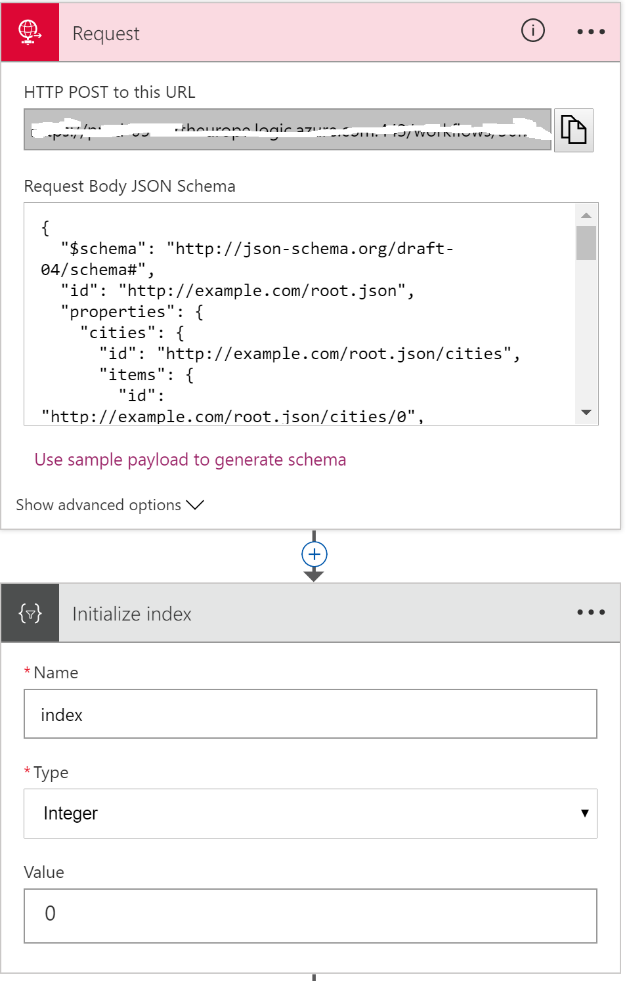
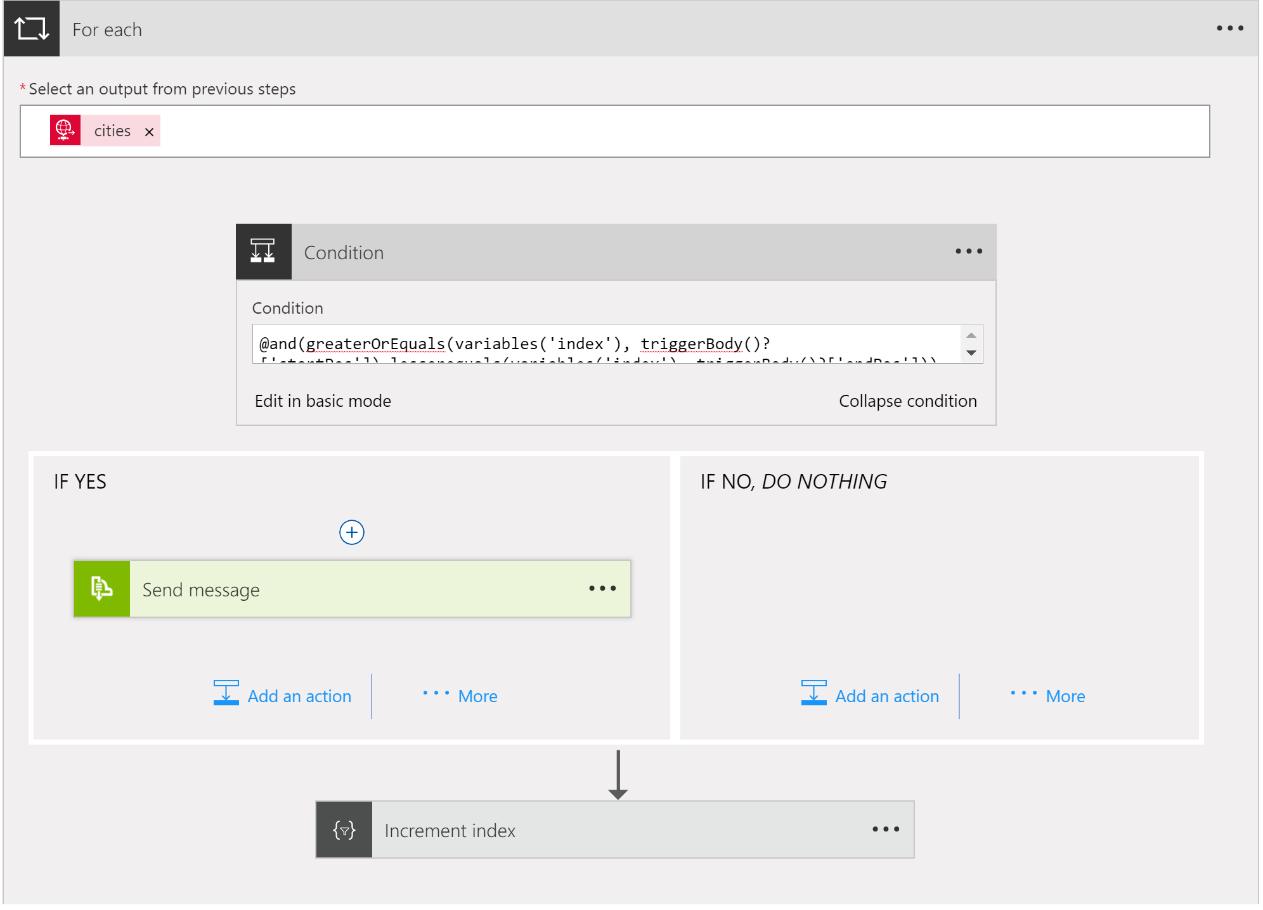
And then we’ll create a foreach loop. Because we don’t want to process all the items in the array, just those that are between the start/end positions, we’ll use a condition.
The condition we use needs to ensure that the current index is greater than or equal to the start position, and less than or equal to the end position. We’ll use the advanced editor and write it manually like this:
@and(greaterOrEquals(variables(‘index’), triggerBody()?[‘startPos’]),lessorequals(variables(‘index’), triggerBody()?[‘endPos’]))
Notice the use of the new variables expression.
If we are between start/end then we’ll send the city object to a service bus queue; if we’re outside the start/end position, then we do nothing. And then we’ll use the Increment variable action to increment the index variable by 1.
The for-each action looks like this:
We can test our Logic App by submitting a message to it using Postman, and if things go correctly, we should end up with 3 messages in our Service Bus queue:
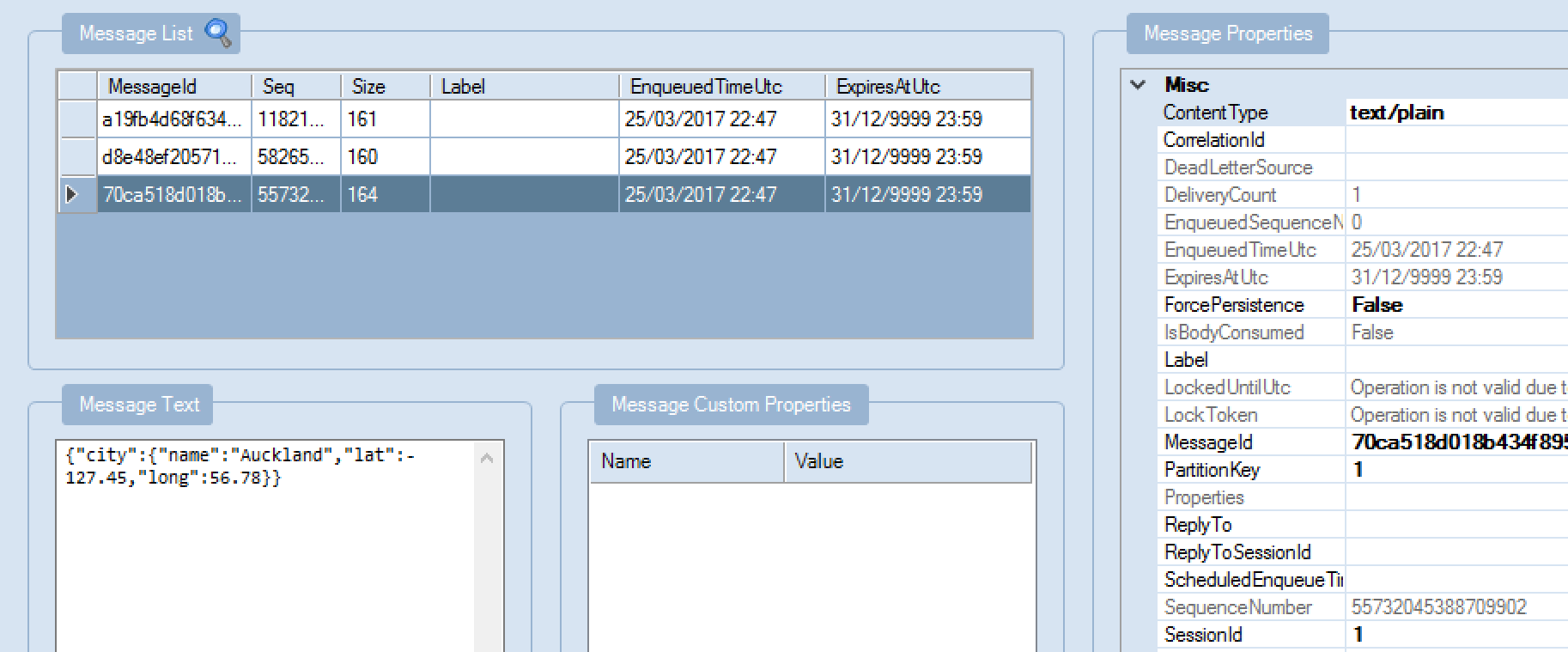
Which is exactly what we get! (Note that I passed in the current Index variable value as the SessionId so I could debug.)
How about decrementing?
We can test that by initializing the index variable to the count of array items; and using “-1” as our increment value:
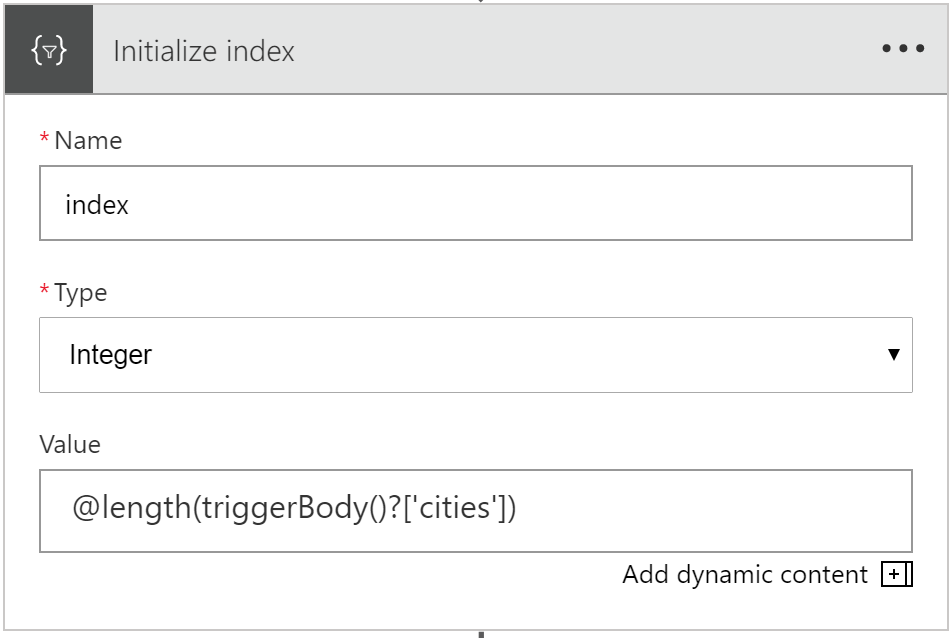
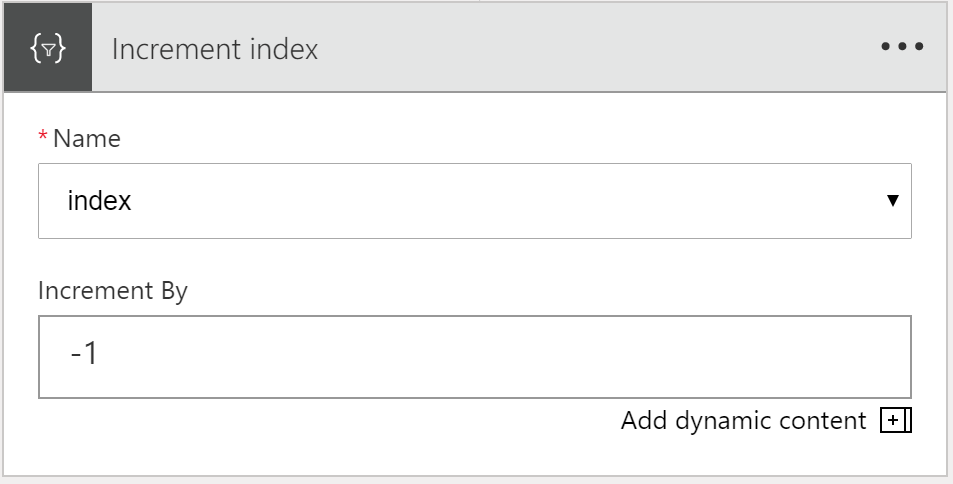
I tested using this message:
{
“count”: 4,
“startPos”: 2,
“endPos”: 3,
“cities”: [
{
“city”: {
“name”: “New York”,
“lat”: 40.71,
“long”: -74
}
},
{
“city”: {
“name”: “London”,
“lat”: 120.82,
“long”: -97.1
}
},
{
“city”: {
“name”: “Auckland”,
“lat”: -127.45,
“long”: 56.78
}
},
{
“city”: {
“name”: “Tokyo”,
“lat”: -12.98,
“long”: 34.66
}
}
]
}
I expected to get 2 more messages to my Service Bus queue, which is what I saw:
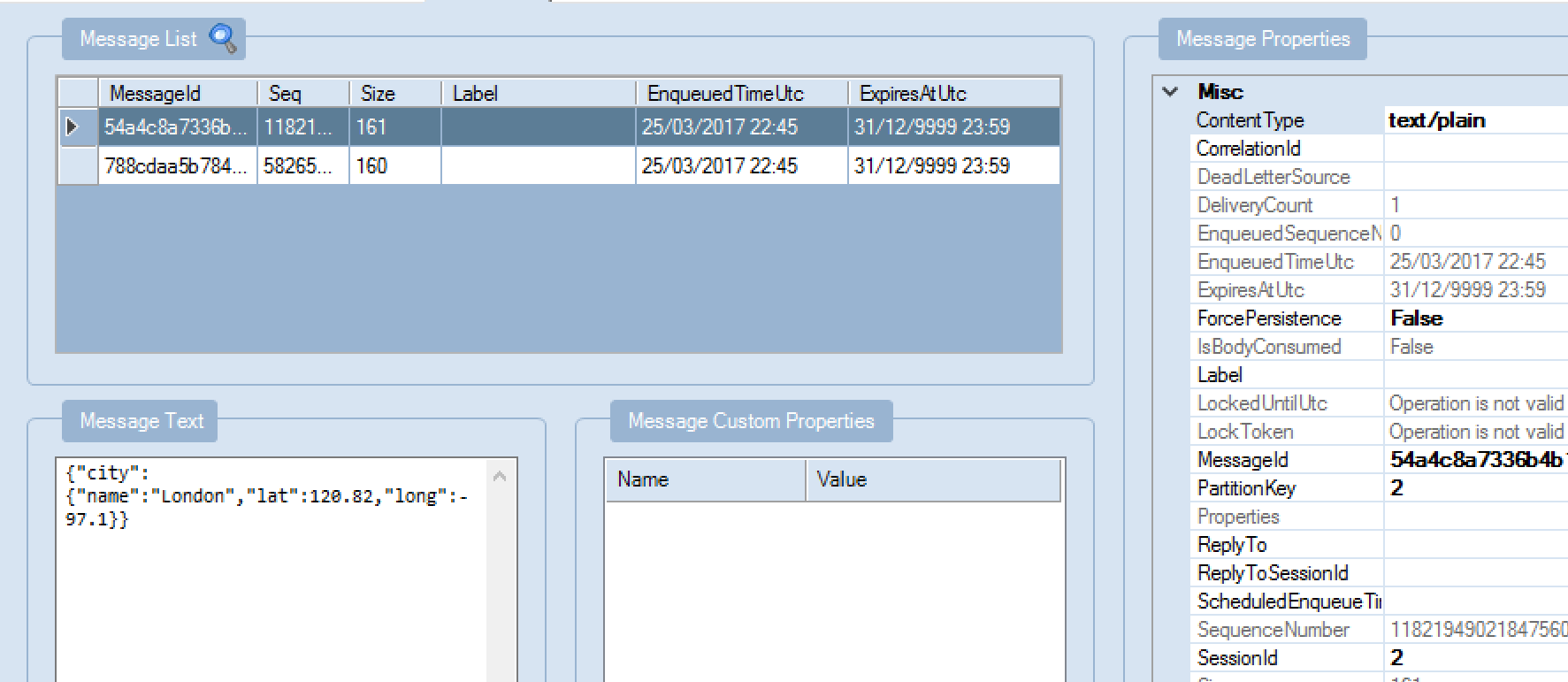
So, there we go, successful first test of using variables.
Why such limited support for variables?
One of my clients asked why we can’t yet set variable values i.e. what use are variables if you can only initialize them. And where’s support for string variables?
As the Logic Apps team mentioned in their last webcast, support for more variable types, and support setting a variable value, are coming.
But I can appreciate this is a tricky thing to do.
For example, let’s say you have a foreach loop, and you want to set a variable value on each iteration. How does that work if your loop is executing in parallel (the default)? Remember that the current variable action defines a variable that is effectively static within loop iterations i.e. all parallel runs that are spawned from a loop will have access to the same variable instance.
I suspect the product group will need to either find a way to scope variables (i.e. making changes to a variable in a particular execution in a loop doesn’t affect any other instances of that variable); or they may implement a version of the C# lock() keyword, so that only one thread can update the global variable at a time.
Note that this doesn’t mean that separate triggered executions of your Logic App share the same variable value: this only applies to parallel iterations in loops.
We’ll have to wait and see.
In any case, I hope this helps with your understanding of how to use variables in a Logic App. I’ll update this article, as more variable functionality is released.
by Daniel probert | Mar 23, 2017 | BizTalk Community Blogs via Syndication
The Logic Apps team have been crazy busy this month. In case you missed the latest webcast (link here) this is what’s new and updated this month – and it’s a big list!!! 17 new features in all! Plus, one new region. And 17 new connectors. Here’s a look at all of that:
- Header Control
For HTTP actions (e.g. HTTP or HTTP+Swagger, although not the Response action) you can now properly set headers in the designer – rather than using a JSON blob, you can enter name/value pairs directly in the designer – in the example below I’ve set the SOAPAction header:
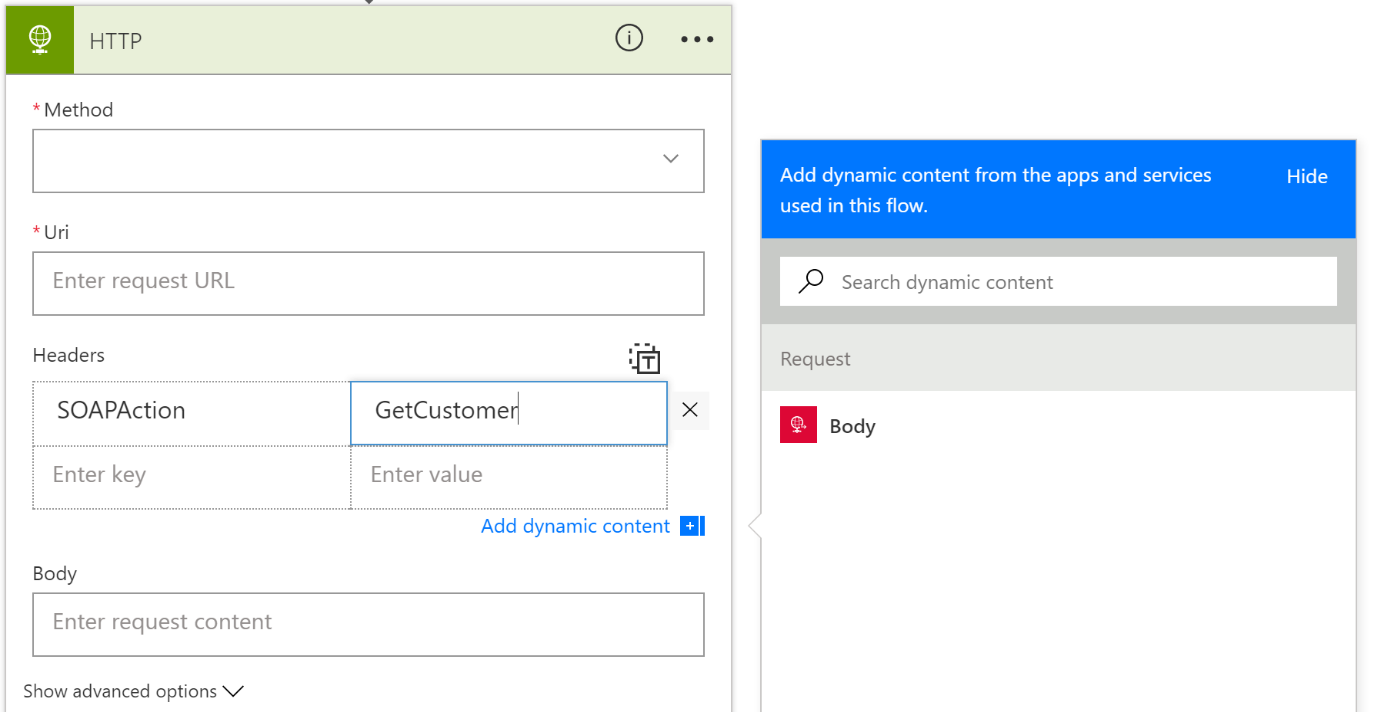
Note that the header value can also be set from a value returned by a previous step.
Also note that there’s a little “T” button at the top right of the Headers section – clicking this lets you switch back to the old JSON-based way of supplying headers.
- Generate schema from sample
The Request trigger gives you the option to specify a JSON schema for the message being received. If you do this, then you get rich UI support for the fields in your message i.e. they appear in the dynamic content boxes, so you can select the fields you wish to use).
To get the JSON Schema, you usually went to jsonschema.net to generate it. Now, you don’t have to – there’s a new option called “Use sample payload to generate schema” on the Request trigger:
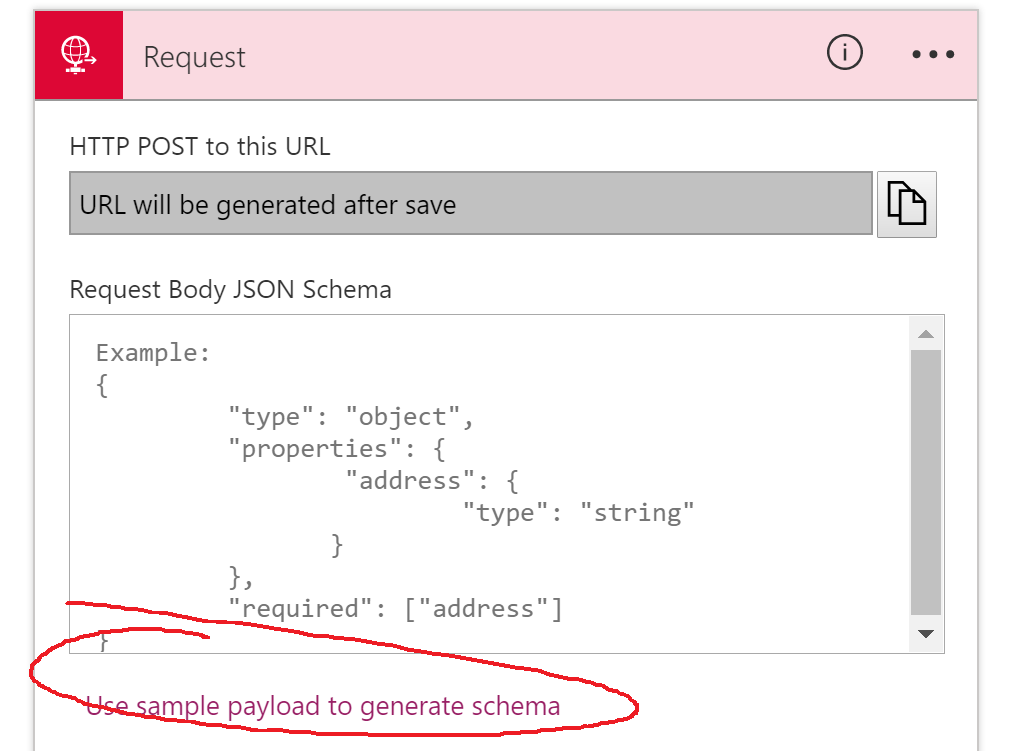
When you click this, you get a window where you can paste in a sample JSON message:
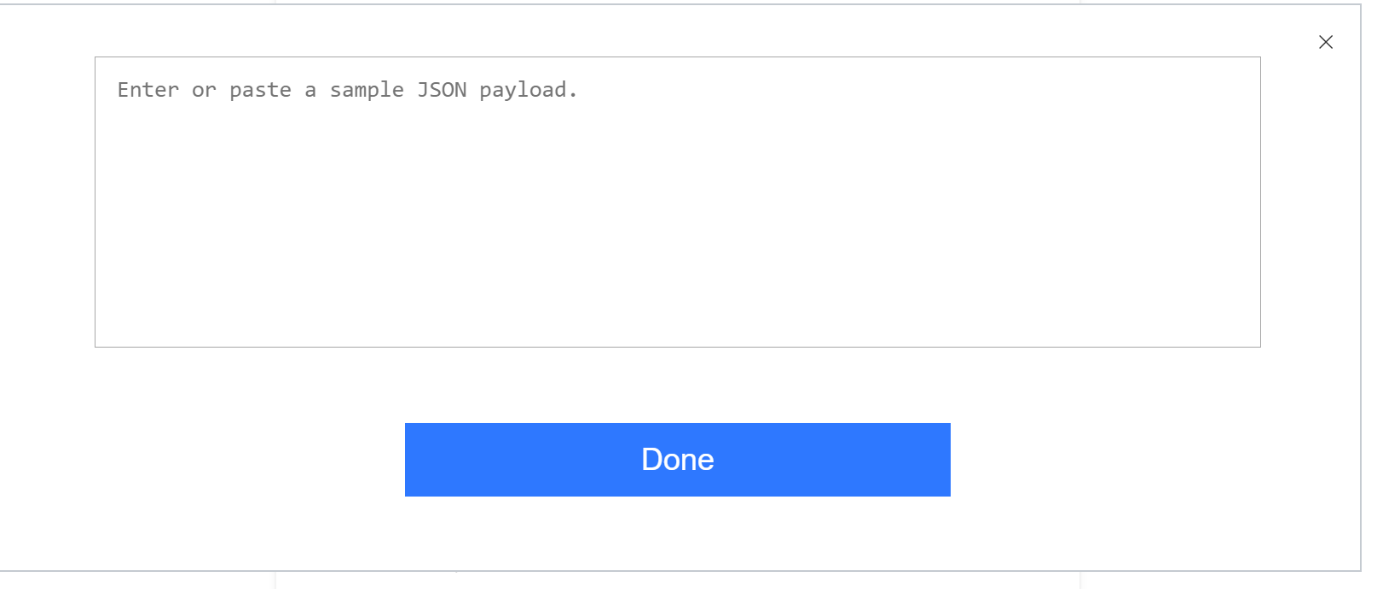
When you do this and click Done, a new JSON schema is generated and added to the Request trigger:
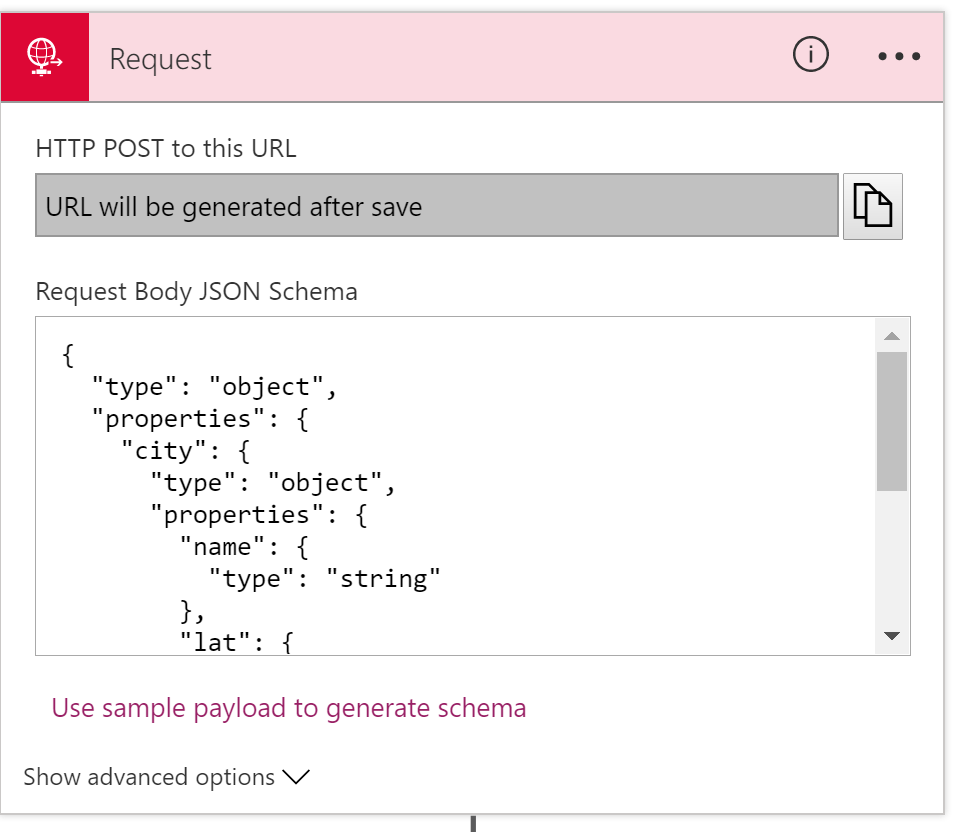
Saves some time, although remember that if you’re working in Visual Studio, you’ll also want to save your JSON schema as a separate file, so it can be reused.
Note: JSONSchema.net gives you more advanced control over your schema, but for simple schemas this is a real time saver.
- Add a new action from anywhere in designer
This is a fairly subtle addition. Previously, if you wanted to add a new action to your logic app, you’d use the Add Action button that appears after the last action in a scope (e.g. last action in your logic app, or last action in a scope, or last action in a decision branch).
What wasn’t clear was how you add a new action in between two existing actions.
The way I always did it was to create a new action at the bottom, and then drag it up (did you know you can drag and drop actions?!) to the appropriate place. But apparently, some people did it from the code-behind.
Now, the team have got you covered:

- Table Action
This is a new action, that converts an array to html or csv. It basically allows you to pull out certain fields from an object array, and group those into an HTML template or a CSV stream.
It’s not yet available in the region I tested in, so I can’t see exactly how it works, but from the video you get two new actions, under Data Operations:
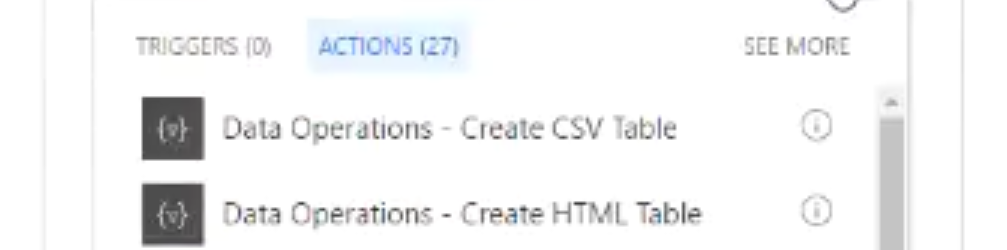
The demo showed using the Create HTML Table action:
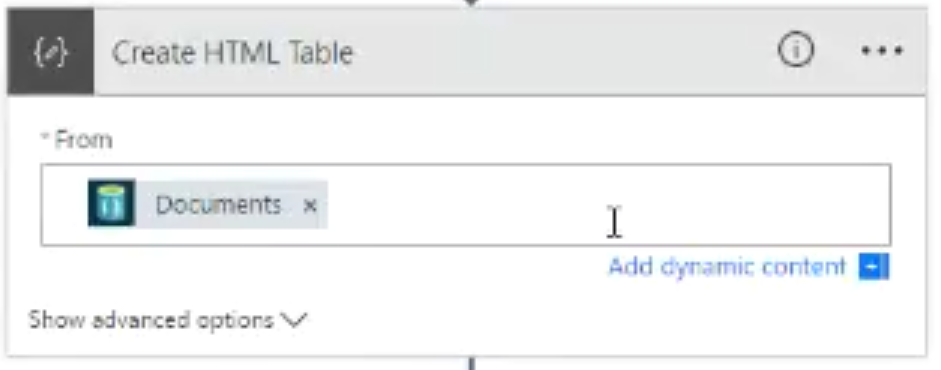
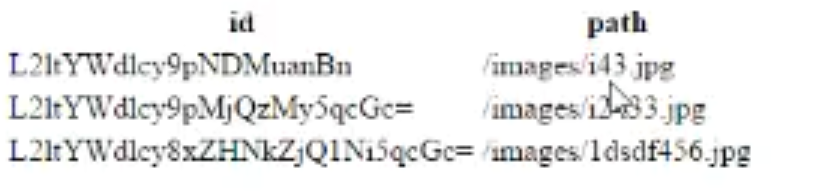
You provide an array of objects, and it will return an HTML representation of those objects.
From the demo, it looks like it gives you an HTML table:
- Connection Resource Picker
This is a new feature that allows you to select the resource you want to connect to from within the designer. It currently supports ServiceBus, Document, and Blob storage. Previously, when you used the ServiceBus/DocDb/Storage connectors, you would have to enter a connection string for the resource you were accessing.
Now, the designer gives you a list of resources (that you can access via RBAC and which are in the same subscription), and you can pick the resource.
For example, the image below shows the use of the Service Bus GetMessage action, and it gives me a list of the Service Bus Namespaces I have access to – I can then click on one to select it:
Note: If you’re doing this from Visual Studio, you’ll have to first create the resources you want to access *before* you create your Logic App.
- Multipart formdata and formencoded
Some actions will return multipart/formdata or multipart/x-www-form-urlencoded data (or sometimes you just have an HTTP POST to a Logic App from a web form!).
Previously you’d have to go out a function or API App to parse this data. But now you can do this from within the Logic App, using several new expressions that parse the data and make it available easily.
- Terminate with Succeeded
The Terminate action is used to stop your Logic App at a certain point. Previously, the Terminate action could be used to indicate that your Logic App run had failed or been cancelled:
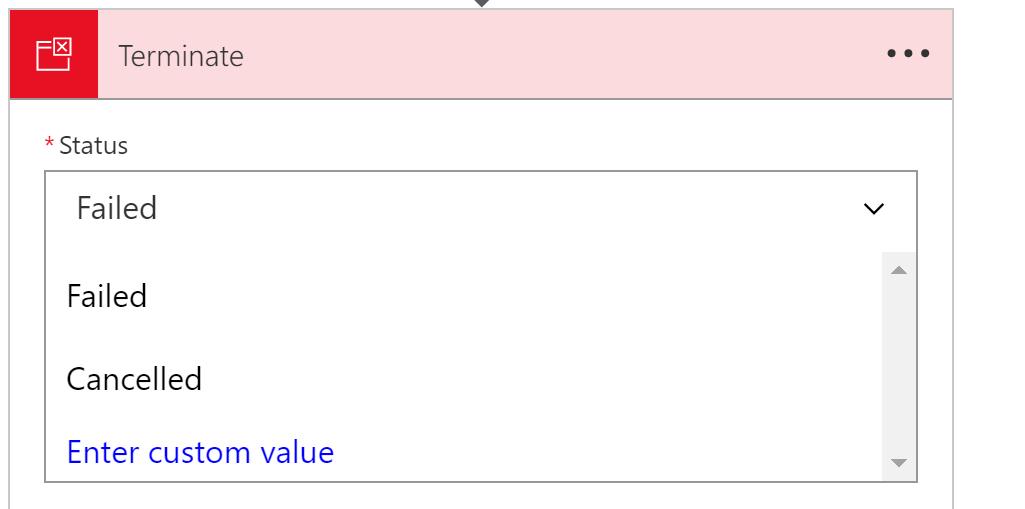
But now there is an option for your Terminate action to show up as a successful run.
- Open Azure Function from designer
This option is exactly as it sounds: in the CallFunction action, there is a new context option to open the function directly:
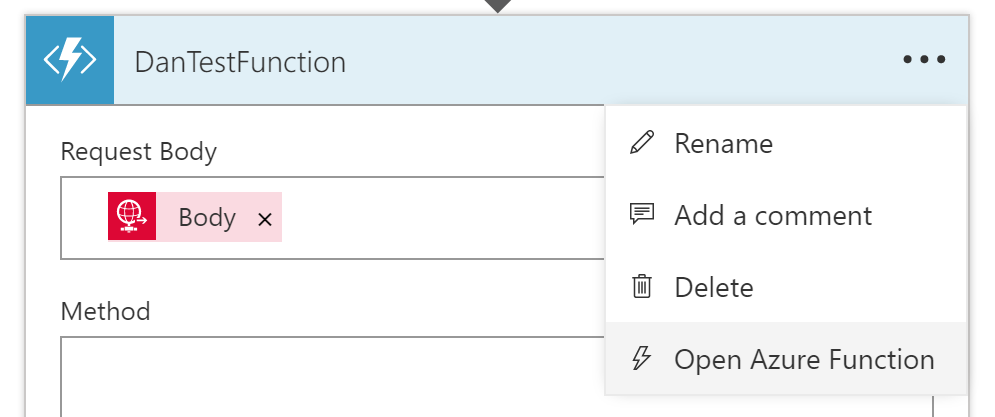
Selecting this opens the Functions App designer in a new blade, meaning you can edit the function, save it, and return to the Logic App.
Note that this option will not work from Visual Studio, where you would edit your function via a Visual Studio project, but if you’re using DevTool-less environment, then this is a great timesaver.
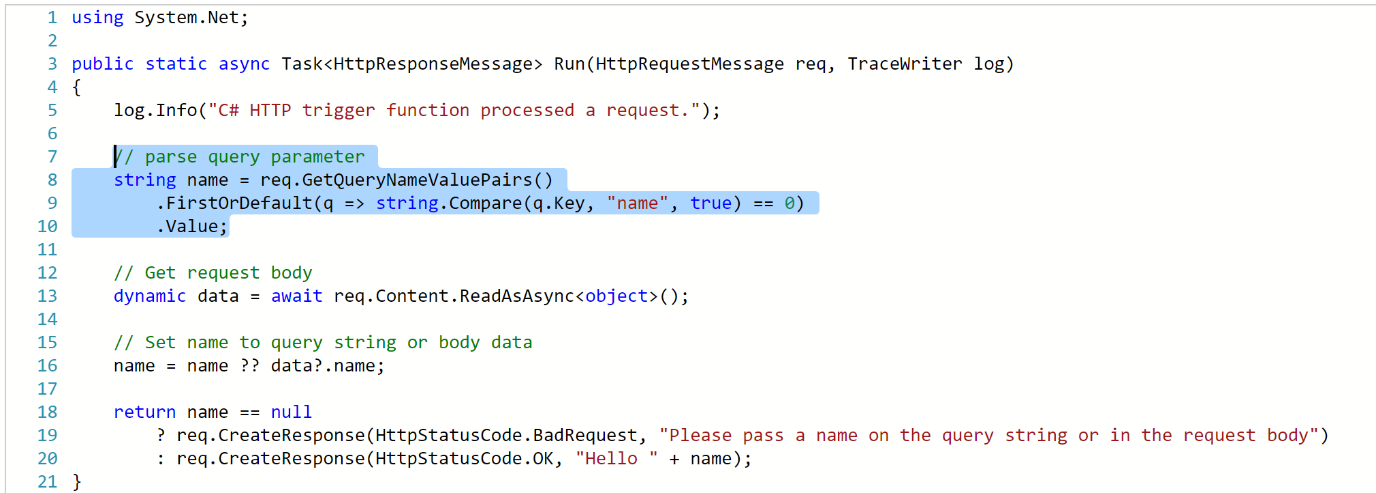
- Azure Functions HTTP Trigger Support
Previously, you could only call a function from a Logic App if it used the Webhook binding (either C# or JavaScript/Node.JS).
But now you can also use Functions that that use the HTTP binding:
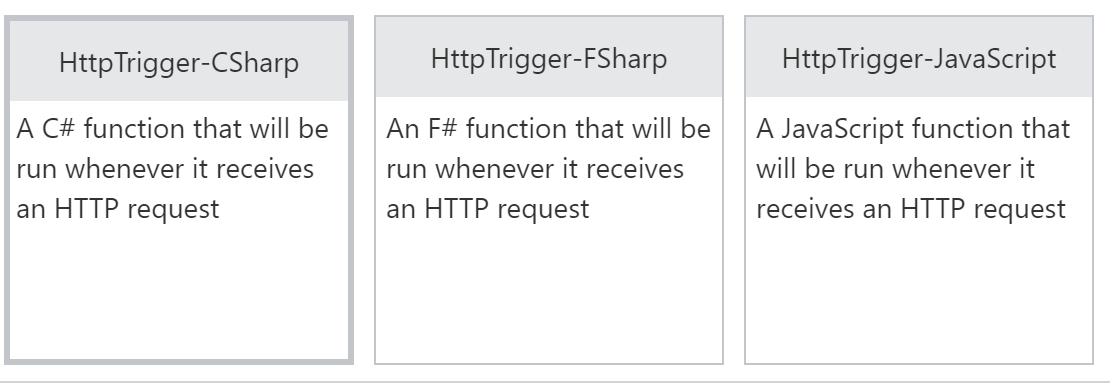
The function template for an HTTP Binding trigger is identical to that of a WebHook trigger; one of the main differences between the two is that you can access query string parameters in an HTTP trigger, as shown in the sample you get when you create an HTTP Binding function:
- Variables
Finally! Rock on!!! I’ve been waiting for this for years, it feels.
For those of you who use Logic Apps regularly, and come from the BizTalk world, you may have noticed that there was no variable support: there was no direct way to store a value in a Logic App, and then change it, or access it later.
There were ways around this (e.g. using metadata in an Integration Account, or storing your variable sin Blob Storage/Azure SQL) but these weren’t ideal.
As of today, we have variable support.
Initial variable support is limited.
What we get is:
- Initialize a variable (e.g. loopCount = 0)
- Increment a variable (e.g. loopCount = loopCount + 1)
- Access a variable (using the @variable expression – @variable(‘loopCount’))
Variables are currently global, but it sounds like scoped variables (plus additional variable support) is coming.
There’s no documentation on how to initialize/increment variables yet, but it’s coming
- Multiple actions in Do-Until
This may seem like a no-brainer if you’re new to Logic Apps, but up until today, a Do-Until loop could only contain a single action. This mean that most developers would call a function or a child Logic App here to get past the limitation.
But now a Do-Until loop is its own scope, so you can add multiple actions into it:
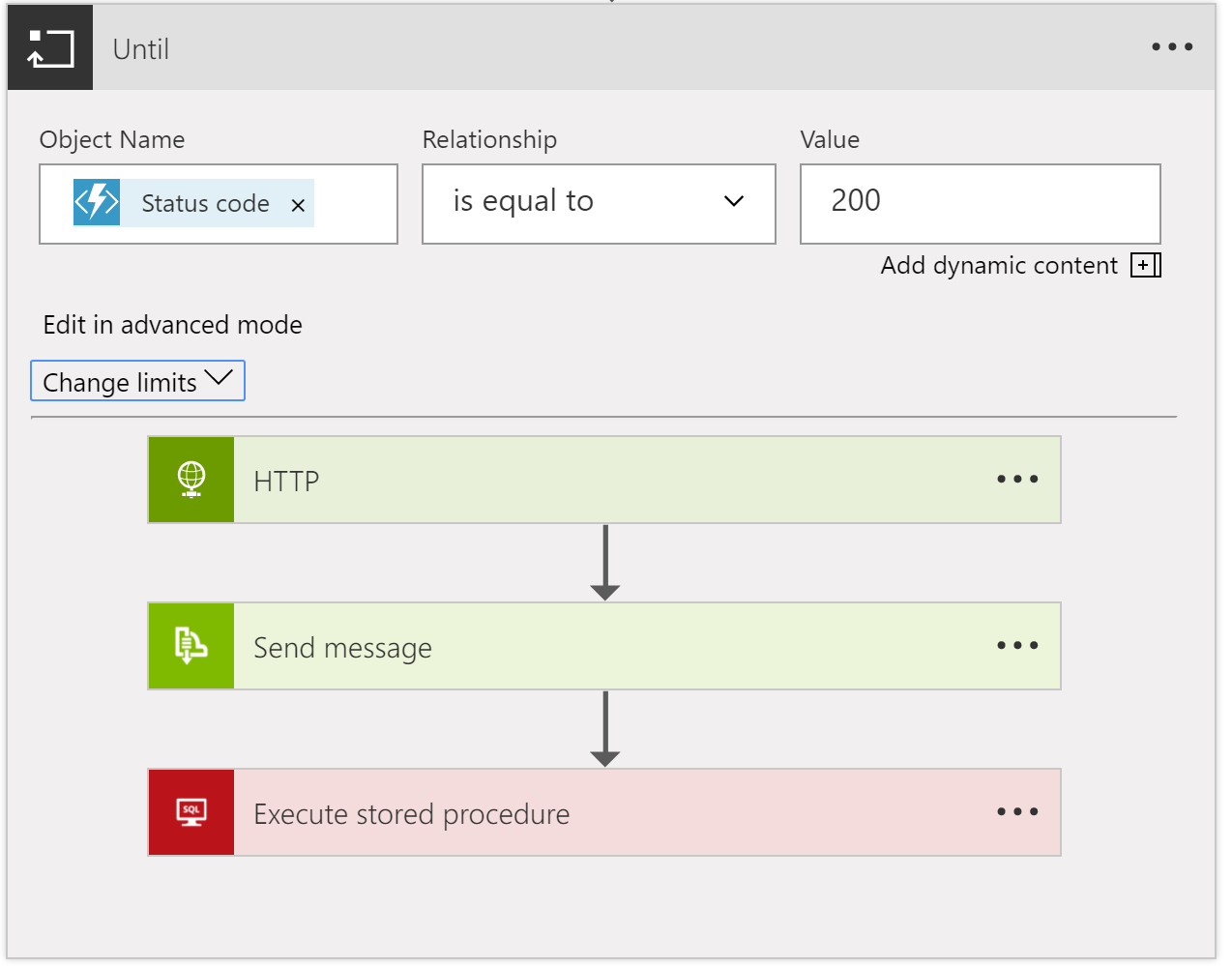
Note: although the Do-Until supports multiple actions, when I tested it (today) there was no “Add Action” option inside the loop, instead I had to create new actions outside the loop, and drag them in.
- Nested Foreach
Again, this is an incremental change, but also super useful. Previously, you couldn’t put a foreach inside another foreach loop. Now you can.
Although this may seem surprising if you’re a sequential programmer, the reason this was hard to do lies with the way that Logic Apps handles loops: by default, the Logic Apps execution engine will parallelise each iteration of a foreach loop (up to 20 executions in parallel).
For example, if you have a loop that will run 10 times, the execution engine will spin up 10 separate instances of the actions in that loop, and they will all execute in parallel, and then serialise back after they’ve all finished.
You can disable this behaviour using the sequential value on the operationOptions property for the foreach action (see the Logic Apps workflow action and triggers guide).
I’m not yet sure what happens with parallelisation of nested foreach loops – do they all execute in parallel? I’d assume so, but there must a limit on the total number of parallel executions across all loops.
- Foreach support 100k items
Previously, you could only support arrays/collections with up to 5000 items using foreach. Now you can use arrays/collections with up to 100,000 items. Bear in mind that your array might be a JSON object array, with each object having a lot of data.
- Version Promotion
This is great news for operations staff. For a while now, Logic Apps has supported the idea of storing the previous versions of a Logic App every time you save it. And you could swap the latest version with the previous version. But now you can see a list of all the versions, and you can promote any of them to live.
This is great news for operations/support staff if they have to quickly roll-back a production Logic App to a previous version.
Having said that, you should be using a fully automated deployment process that automatically tests your logic Apps, in which case you’d never need this feature 😊.
You can access the list of versions from the Versions tab (under Development Tools) when you view the properties for your Logic App:

Clicking on a version gives you the option to promote it:
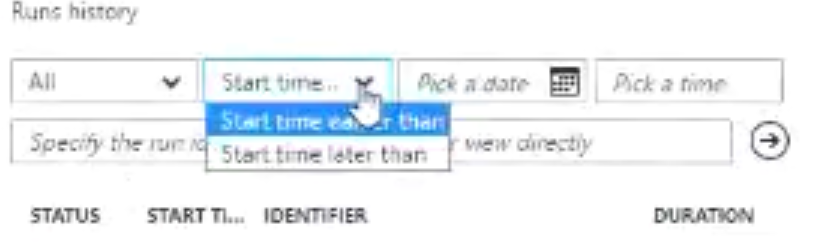
- Date-time filter for runs
This is an extension to work done to help you filter/search the run history for a Logic App.
Up till now, you could only filter on the run status i.e. Failed, Succeeded, Cancelled:

But now, you’ll also be able to filter by Date/Time. However, this change doesn’t yet seem to have made it to the region I was using so I can’t test it. Here’s the (low quality) image from the webcast:
- Open Nested Logic App
This is a monitoring view change: when you’re looking at the run history for a Logic App, if your Logic App called a child Logic App, you couldn’t previously jump into the child Logic App definition – you had to go find the run history for that Logic App separately.
But now, it will jump into the monitoring view for that child Logic App’s run.
Again, this doesn’t seem to be enabled in my region, so I can’t test it.
- Partner Tile in OMS
This is an addition to the B2B support for Operations Management Suite (OMS). Now you can view information grouped by Partner, not just by protocol.
- New Region: Canada
The Canada Azure datacentres are now available for hosting Logic Apps. And then after that comes the UK!
17 new connectors in total:
- Azure Data Lake
- Azure Automation (calling runbooks from Logic Apps)
- Azure Event Hubs (trigger and action)
- Oracle DB (supports On-Premises Data Gateway)
- Zendesk (helpdesk)
- Bitbucket (Git hosting)
- Eventbrite (event organisation)
- Pipedrive (sales CRM)
- Infusionsoft (small business CRM)
- Basecamp2 (Project Management/Team Communication software)
- Intercom (messaging system for sales/marketing etc.)
- FreshBooks (small business accounting software)
- LeanKit (support software for KanBan)
- WebMerge (pdf/word/excel file generation online)
- Pivotal Tracker (agile project management software)
- Toodledoo (to-do lists and notes)
- Muhimbi PDF (PDF converter)
- Azure Blob trigger: can start a Logic App when a new blob entry is created in a container.
- FTP metadata-only trigger: can trigger when a file arrives, but instead of getting the file, you just get the metadata, and you can do claim checks, or decide if you want to get the file.
- SQL Stored Procedures on-premises: can now call stored procedures via the On-Premises Data Gateway.
They’re also working on some cool new stuff:
- Optical Character Recognition Connector
This is part of the Computer Vision API, and will run OCR over an image you provide, and then return the text for that image.
- Additional Variables support
Will give the option to update the value of the variable once the Logic App has started (now, you can only initialize and then increment a variable).
You’ll also be able decrement a variable value, and also append your variable to an array.
- Parallel Designer Support
This is something you can do today (e.g. using the splitOn expression), but you can only do it from code-view. Support for executing Logic Apps in parallel will be surfaced up into the UI.
- Function Parameters
Functions will have SWAGGER support, which means that the Logic Apps designer will be able to display function parameters in the dynamic code viewers, and you’ll be able to use those function parameters in other actions.
- Select
This will let you create new arrays from existing arrays by selecting items in the array that met certain conditions.
- Join
This lets you create a string from an array, by supplying a separator token – each item in the array is added to the string, separated by the separator token.
- Retry Monitoring
At the moment, the Logic Apps execution engine handles retries for you, but the information isn’t surfaced up to the monitoring view. This information will be surfaced up, so you can see when retries occur plus the results, time they took, etc.
- Expression Tracing
This is super cool: if you have complex nested expressions, and you’re debugging a run and want to see what the value of each of the expressions was, then you’re stuck – you can only currently see the final value. But this new feature will show you the value of each expression evaluation.
- Management Portal Updates
Instead of having to go to aka.ms/logicappsupdate, you’ll be able to get to the list of updates directly from the Management Portal.
- Export Logic App to Visual Studio
A long-awaited feature, you’ll be able to select a deployed Logic App (from Visual Studio) and import that Logic App into a Logic Apps project in Visual Studio. This will appear in the next version of the Logic Apps Tools for Visual Studio. I’m not sure if you’re exporting from Azure, or importing into Visual Studio… 😊.
- New Connectors in-progress
New connectors are on their way, including:
- Service Bus Sessions (will enable convoy patterns, yay!!)
- Azure Cognitive Vision (OCR)
- SQL Trigger (trigger when new rows are created)
- Oracle EBS (E-Business Suite)
- ProsperWorks (CRM for Google products)
- Benchmark Email (Email marketing services)
- Inoreader (content and news reader)
Whew! And that’s it.
Don’t forget the Global Integration Bootcamp, coming to a location near you… https://www.globalintegrationbootcamp.com/
by Steef-Jan Wiggers | Mar 14, 2017 | BizTalk Community Blogs via Syndication
Last month was a busy month and in February most of my time I spend on the road or plane. Anyways, what has Stef been up to in February?
In this month, I have also written a few guest blogs for BizTalk360 blog and did a demo for the Middleware Friday Show. The blog posts are:
The show can be found in Middleware Friday show 5th episode about Serverless Integration.
During my trip in Australia and New-Zealand I did a few short interviews, which you can find on YouTube:
· Mick Badran
· Wagner Silveira
· Martin Abbott
· Daniel Toomey
· Bill Chesnut
· Rene Brauwers
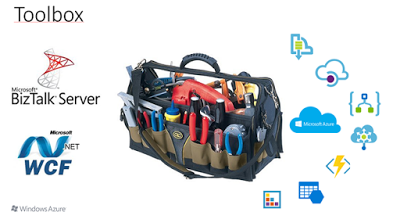
Besides the interviews a few Meetups took place, one in Auckland, another one in Sydney and a live webinar with Bill Chesnut in Melbourne. In Auckland I talked about the integration options we have today. An integration professional in the Microsoft domain had/has WCF and BizTalk Server. With Azure the capabilities grow to Service Bus, Storage, BizTalk Services (Hybrid Connections), Enterprise Integration Pack, On Premise Data Gateway, Functions, Logic Apps, API Management and Integration Account.
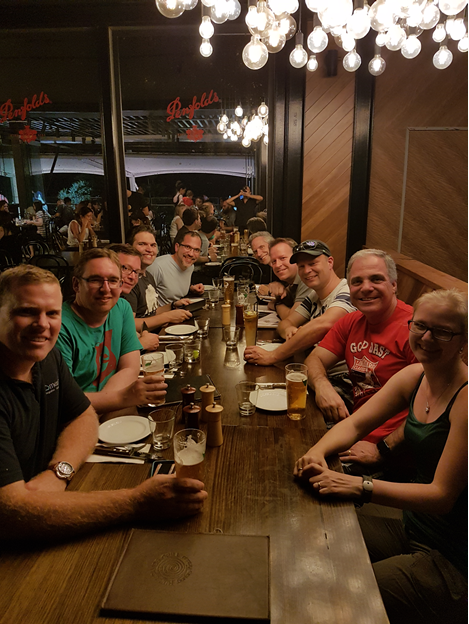
After my talk in Auckland I headed out to the Gold Coast to meet up with the Pro Integration Team (Jim,Jon, Jeff and Kevin) and Dan Rosanova. They were all at the Gold Coast because of Ignite Australia, and here’s a list of their talks:
During my stay, we went for a couple of drinks and had a few good discussions. One night Dean Robertsoncame over and we all had dinner. After the Gold Coast Dan Toomey, took me, Eldert and his wife to Brisbane for a day sightseeing.
The next week after Auckland, Gold Coast and Brisbane I returned to Sydney for the Meet up organized bySimon and Rene. My topic was “Severless Integration”, which dealt with the fact that we integration professional will start building more and more integration solutions in Azure using Logic Apps, API Management and Service Bus. All these services are provisioned, management and monitored in Azure. In the talk I used a demo, which I also described in Serverless Integration with Logic Apps, Functions and Cognitive Services.
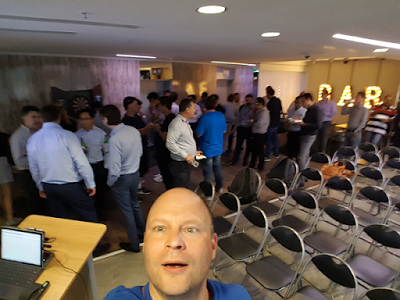
In Sydney I was joined on stage with Jon, Kevin and Eldert. We had about 45 people in the room and we went for drinks after the event.
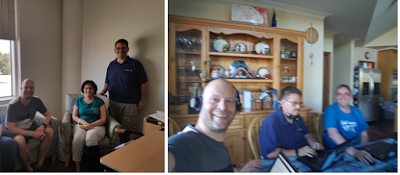
The next day Eldert and me went to Melbourne to meetup with Bill, Jim and Jeff who were there to do a Meet up. The PG had split up to do meetups in both Sydney and Melbourne. In Melbourne, we did two things, we visited Nethra, who survived the Melbourne car rampage 25th of January and did a live Webinarat Bill house in Beaconsfield.
Overall the trip to Australia and New Zealand was worthwhile. The meet ups, the PG interaction in Australia, the community and hospitality were amazing. Thanks Rene, Miranda, Mick, Nicki, Simon, Craig,Abhishek, James, Morten, Jim, Jon, Jeff, Kevin, Martin, Dan Rosanova, Bill, Mark, Margaret, Johann,Wagner and many others I met during this trip. It was amazing!!!

Although February was a short month I was able to find a little bit of time to read. I read a few books on the plane to Australia, New Zealand and back:
- Together is better, a little book of inspiration by Simon Sinek. I read this book as I shared aninterview (Millennials in the Workplace) with him on Facebook. It tells a short story about three young people escaping from a playground that has a playground king to find a better place. The story is about leadership with the message that leaders are students, need to learn and to take care of their people and inspire.
- Niet de kiezer is gek by Tom van der Meer. On March 15th, we will have a general election for a new upcoming government. And we as voters are more aware of the what each party has to offer than the parties think we know. The access to information, because of digitalization has made voters more informed on the situation in our country, how politicians operate and vocal.
My favorite albums that were released in February were:
· Soen – Lykaia
· Immolation – Atonement
· Persefone – Aathma
· Ex Deo – The Immortal Wars
· Nailed To Obscurity – King Delusion
In February I did a couple of runs, including a half just before my trip started. During my busy travel schedule, I ran with the same frequency, but cut the number of miles to prevent to wear myself out.

There you have it Stef’s second Monthly Update and I can look back again with a smile. Accomplished a lot of things and exciting moments are ahead of me in March.
Cheers,
Steef-Jan
Author: Steef-Jan Wiggers
Steef-Jan Wiggers is all in on Microsoft Azure, Integration, and Data Science. He has over 15 years’ experience in a wide variety of scenarios such as custom .NET solution development, overseeing large enterprise integrations, building web services, managing projects, designing web services, experimenting with data, SQL Server database administration, and consulting. Steef-Jan loves challenges in the Microsoft playing field combining it with his domain knowledge in energy, utility, banking, insurance, health care, agriculture, (local) government, bio-sciences, retail, travel and logistics. He is very active in the community as a blogger, TechNet Wiki author, book author, and global public speaker. For these efforts, Microsoft has recognized him a Microsoft MVP for the past 6 years. View all posts by Steef-Jan Wiggers

by Sandro Pereira | Mar 13, 2017 | BizTalk Community Blogs via Syndication
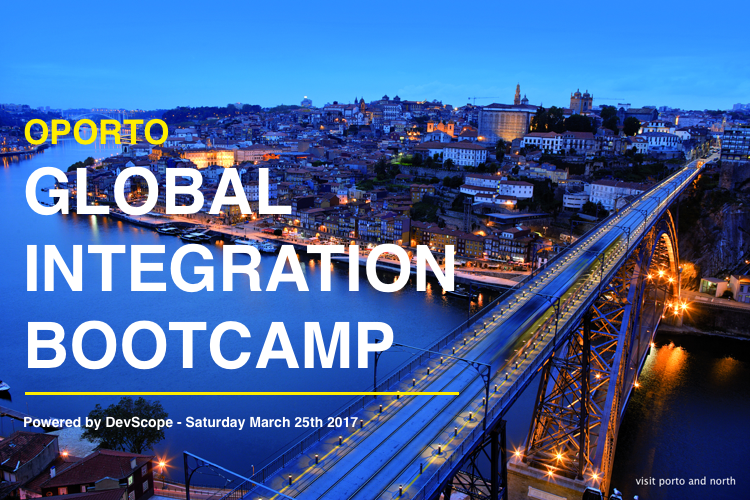
I am really excited to announce that all the arrangements for first Oporto Global Integration Bootcamp are almost finalized and I can now release 90% of the event agenda. This event will be held at DevScope offices in Oporto on March 25, 2017, between 09:00 – 17:00.
What is Global Integration Bootcamp?

This is a free, event driven by user groups and communities around the world, backed by Microsoft, for anyone who wants to learn more about Microsoft’s integration story. In this full-day boot camp, we will deep-dive into Microsoft’s integration stack with hands-on sessions and labs, delivered to you by the experts and community leaders. In this Boot Camp, we will focus on:
- BizTalk Server 2016: BizTalk Server 2016, what’s new, and using the new Logic Apps adapter.
- Logic Apps: Creating Logic Apps using commonly-used connectors.
- Service Bus: Build reliable and scalable cloud messaging and hybrid integration solution
- Enterprise Integration Pack: Using the Enterprise Integration Pack (EIP) with Logic Apps
- API Management: How does API management help you organize your APIs and how does it increase security?
- On-Premise Gateway: Connecting to on-prem resources using the On-Premise Gateway
- Hybrid Integration: Hybrid integrations using BizTalk Server and Logic Apps
- Microsoft Flow: Learn to compose flows with Microsoft Flow
But much more. Porto will be joining locations all over the globe holding this event on the same day. Check out the global website for information about the global organizers and other locations, or follow the Twitter hashtag #integrationbootcamp.
Oporto Global Integration Bootcamp Agenda
09:00 Registration opens and welcome
10:00 BIZTALK 2016 IN A HYBRID WORLD
The integration landscape has definitely evolved to be a hybrid, significant on-premise investment has been accumulated over the years while at the same time cloud computing brought new challenges and new ways of implementing integration. Let’s navigate through the innovations in both worlds and how BizTalk and the cloud currently live together. – Ricardo Torre
11:00 BIZTALK OCTOPUS DEPLOY
How to deploy BizTalk solutions with Octopus – José António Silva & Pedro Sousa, DevScope
11:30 Coffee-break
11:45 UNLEASH THE POWER OF IOT WITH SHAREPOINT
SharePoint is becoming modern, there are modern sites ready for mobile, a modern framework to develop web parts, but what about embracing modern concepts?
Internet of things will be everywhere in a blink of an eye and probably you are already dealing with it every day without even knowing.
In this session, we will explain how to collect data from sensors, send it to SharePoint and how to display it in a modern dashboard using modern SharePoint sites.
The possibilities are endless, from temperature sensors to access control devices you can have all this data inside your SharePoint Intranet with a modern look and feel. – João Ferreira, BindTuning
12:45 THE SPEAKER NIGHTMARE: Eval Forms & OCR & Logic Apps & Power BI
In this session, I will show and explain a real live demo on how we can easily build a robust solution for process evaluation forms, using an OCR software and easily integrate them with Power BI to present the results in an interactive and beautiful way. But most important: How you can educate your enterprise Developers and IT pros users to easily extend capabilities for power users, who understand their business challenges the best, and allowing them to use their familiar tools like: OCR software to process Evaluation forms and quickly build and deliver Power BI solutions to build Interactive Data dashboards. And at the same time integrate these tools, platforms or systems and a very quick and robust way using integrate feature on Azure, like, Logic Apps, API Apps and Azure Functions. How to start from a simple solution and evolve them enabling new functionalities. – Sandro Pereira, Microsoft Integration MVP
13:15 Lunch and Networking
Register
The agenda is not completely defined, you see that there are some sessions to be announced and can be subject to changes in terms of order of the sessions.
Thanks to sponsorship from DevScope, this event will be free of charge, including the catering, however, capacity will be limited in the venue so don’t delay and reserve your ticket at https://www.eventbrite.com/e/oporto-global-integration-bootcamp-tickets-31508629158. I’m looking forward to welcoming you to the Oporto Global Integration Bootcamp on March 25, 2017!
Author: Sandro Pereira
Sandro Pereira lives in Portugal and works as a consultant at DevScope. In the past years, he has been working on implementing Integration scenarios both on-premises and cloud for various clients, each with different scenarios from a technical point of view, size, and criticality, using Microsoft Azure, Microsoft BizTalk Server and different technologies like AS2, EDI, RosettaNet, SAP, TIBCO etc. He is a regular blogger, international speaker, and technical reviewer of several BizTalk books all focused on Integration. He is also the author of the book “BizTalk Mapping Patterns & Best Practices”. He has been awarded MVP since 2011 for his contributions to the integration community. View all posts by Sandro Pereira