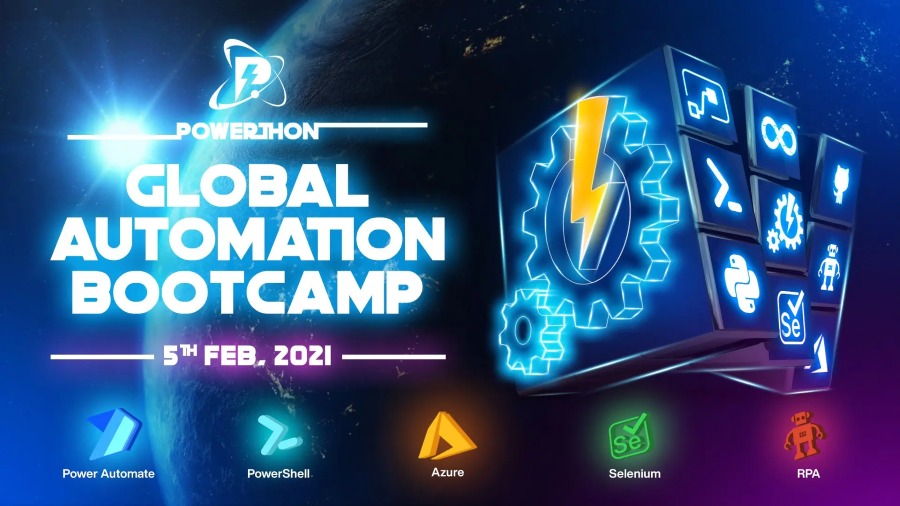
Global Automation Bootcamp 2021 will occur between 5th-27th February, where it will be delivered 53 sessions across six days on Power Automate, Powershell, Azure, LogicApps, and Functions, WebHooks, Runbooks, DevOps, Selenium, and RPA to automate administrative manual business operations.
5th February – Global Automation Bootcamp Day 1
6th/7th February – Power Automate Bootcamp
13th February – RPA Bootcamp
20th February – Azure Track
20th February – Powershell Saturday
27th February – UI Test Automation Bootcamp
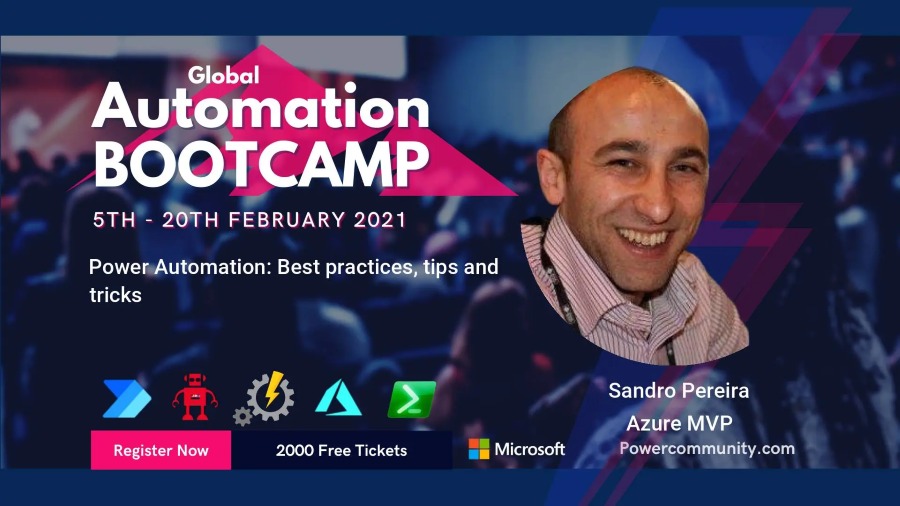
I’m honored to be accepted and allowed to speak at this event on a session about Power Automation: Best practices, tips and tricks. My session will take place on the second day, Saturday – February 6, 2021, on the track/day Power Automate Saturday Bootcamp at 11 am according to GMT/UTC.
Power Automation: Best practices, tips and tricks
As I mentioned before, my session will be all about best practices and small tips and tricks that we can apply to our Power Automate flows. For those reasons, I would like to invite you to join me at the Global Automation Bootcamp 2021 virtual event on Saturday, February 6, 2021.
Session name: Power Automation: Best practices, tips and tricks
Abstract: In this session, we will do a reflection to your existing Power Automation flows and when thru a list of must-have best practices, tips, and tricks that will allow you to build more reliable and effective flows. At the same time, these will allow you to be more productive and document your flow’s from the beginning. I will be sharing 10 tips that you should know for being more productive and build epic flows!
Sessions, sessions, and more sessions this has been my frantic start to the year in terms of contributions to the community, four different presentations delivered in January where Logic Apps was the only common factor:
Logic Apps: Development experiences at Azure User Group Portugal with Pedro Almeida (video not yet available)
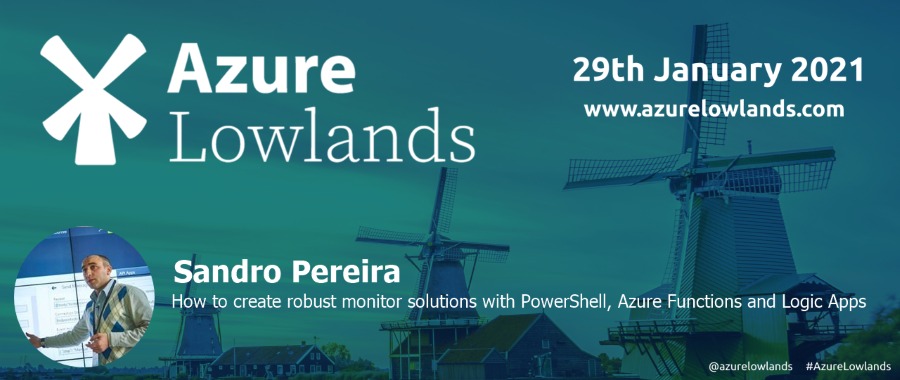
How to create robust monitor solutions with PowerShell, Azure Functions and Logic Apps at Azure Lowlands (video not yet available)
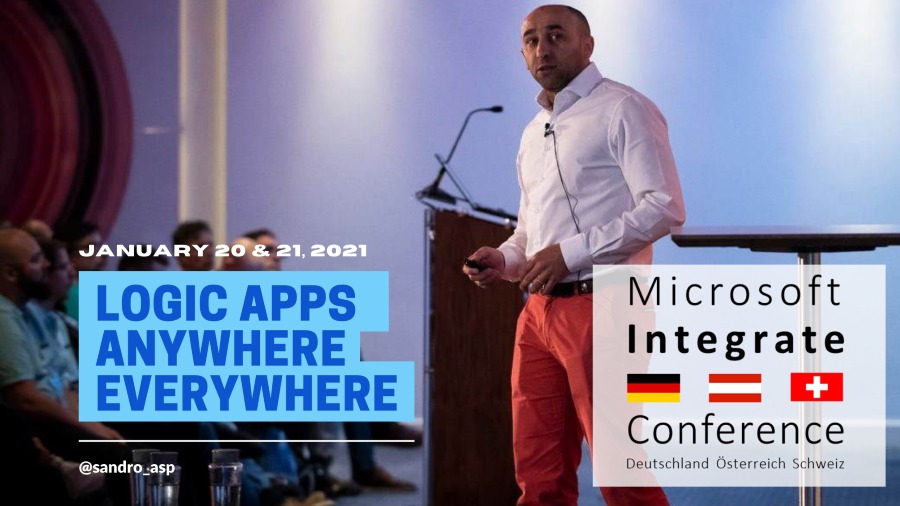
and Logic Apps: Anywhere, Everywhere at Microsoft Integrate Conference DACH
Today I’m happy to share with you the slides and the video of this last session are now available online for those who want to see them.
About the session
Session name: Logic App: Anywhere, Everywhere.
Abstract: A walk-thru session on how and where we can or should use Logic Apps and start building fantastic business processes. We will be addressing topics like: what tools should you use: Azure Portal, Visual Studio, or Visual Studio Code. What kind of solutions you can create, cloud integration, hybrid integration, or on-premises integration. Along with some best practices and what are the advantages and drawbacks of each approach.
For any reason, you could not be present at this online event, or if you want to review it again, you can now do it here:
It was a pleasure to deliver a presentation on this event, and most important, by doing that, I was able to raise and give away 1000€ to a non-profit organization.
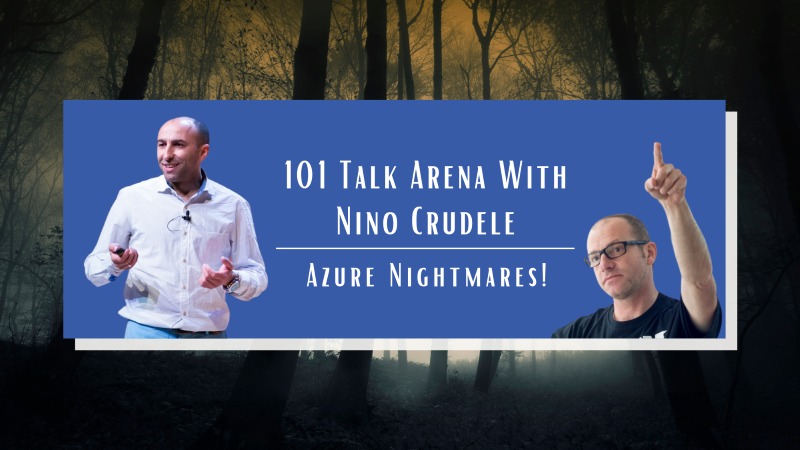
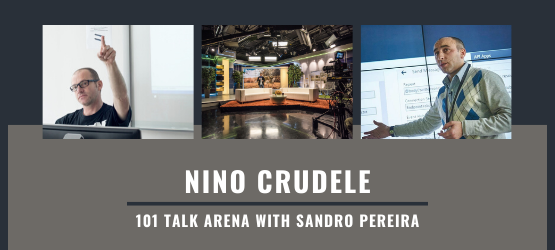
And the roles are reversed! After the success of the first edition and before we move on to different topics of different guests, we will be inverting the roles, and now I will be the host of this conversation and “interview” Nino Crudele and extract from that obscure brain his knowledge and experience about Microsoft Azure.
This open and friendly talk will take place on February 4th at 19.30 UTC. As always, all of you will be invited to join us and participate and make any question on this one-to-one talk without filters, no marketing, and where nothing is planned!
Some suggested topics may be:
Azure strategies
Costs
Cybersecurity
Learning
And anything else related or not to Azure
And guess what is free!
You can see more about the event on Nino Crudele’s website: 101 Talk Arena with Nino Crudele – Azure Nightmares
Last January 14, I had the pleasure to be the first guest of 101 Talk Arena chat with Nino Crudele on a talk about integration without any filters, and it was amusing!
Now I’m happy to announce that the record is online and available for all of you to watch on youtube:
Scottish Summit is a technology event organized by Microsoft MVP’s Mark Christie and Iain Connolly. Their first incarnation was as Dynamics 365 Saturday, in Glasgow in 2019. In 2020, they returned as Scottish Summit, a larger event held in the Technology & Innovation Centre at the University of Strathclyde.
The Scottish Summit is a diverse and inclusive technology event that brings some of the top Microsoft FTE, MVP’s & the amazing Microsoft Community to your PC to deliver Level 100 to Level 400 sessions on a variety of topics to Partners, Consultants, Customers, End Users, and Educators.
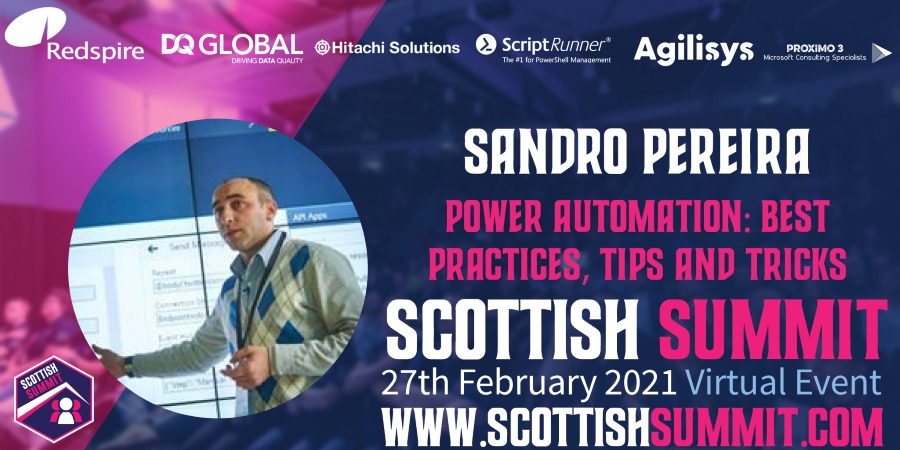
I’m honored to be accepted and allowed to speak for the first time at this event on a session about: Power Automation: Best practices, tips and tricks.
Power Automation: Best practices, tips and tricks
As I mentioned before, my session will be all about best practices and small tips and tricks that we can apply to our Power Automate flows. For those reasons, I would like to invite you to join me at the Scottish Summit2021virtual event on Saturday, February 27, 2021.
Session name: Power Automation: Best practices, tips and tricks
Abstract: In this session, we will do a reflection to your existing Power Automation flows and when thru a list of must-have best practices, tips, and tricks that will allow you to build more reliable and effective flows. At the same time, these will allow you to be more productive and document your flow’s from the beginning. I will be sharing 10 tips that you should know for being more productive and build epic flows!
Join us and reserve your presence at the Scottish Summit2021virtual event, it is free!
Azure Lowlands is a single-day event with three tracks around Microsoft Azure Platform as a Service (PaaS) offerings, ranging from containers, data, integration all the way to DevOps, IoT, and AI.
It was the first time I submit a session to this event, and I’m honored to be accepted and allowed to speak at this event on a session about: How to create robust monitor solutions with PowerShell, Azure Functions and Logic Apps. Azure Lowlands will take place on January 29th, 2021, and once again due to the current pandemic situation, the event will be completely virtual and free! So make sure to tune in and join us for a day full of exciting sessions.
How to create robust monitor solutions with PowerShell, Azure Functions and Logic Apps
Monitoring your systems or platforms is a crucial aspect of any organization and my session will be all about this! How you can create a robust monitor solution using tools and technologies like PowerShell, Azure Functions, and Logic Apps.
Session name: How to create robust monitor solutions with PowerShell, Azure Functions and Logic Apps
Abstract: Monitoring your systems or platforms is a crucial aspect of any organization. Based on my experience, all your clients will tell you that all the platforms or applications are being monitoring by external partners or internally. Nevertheless, when disasters occur or are in the process of happening, guess what? Your team will be the last to know. This session will address and present how you can easily and quickly create a robust monitoring solution on your platforms using PowerShell, Functions app, and Logic Apps or Power Automate Flows.
Join us and reserve your presence at the Azure Lowlands virtual event, it is free!
Microsoft Integrate ConferenceDACHis one if not the most important event on Microsoft Integration in German-speaking countries, and I’m honored to be invited for the first time to this event.
I’m super excited about presenting at this event alongside great speakers and well-known Microsoft names like Clemens Vasters and Jon Fancey. I had presented in several places all over Europe and North America, but I never had a chance to deliver a session on the Alpine Countries. Unfortunately for me, it will be an online event to do this COVID-19 pandemic. Otherwise, I could revisit these countries that I know a little. In the past, I spent six months in Switzerland and visited Germany a few times.
This will be a two-day virtual event and I will be there on the second day presenting a session about Logic Apps. The title of my session will be Logic Apps: Anywhere, Everywhere.
Logic Apps: Anywhere, Everywhere
As I mentioned before, my session will be all about where and how we can use Logic Apps to address our integration needs .
Session name: Logic App: Anywhere, Everywhere.
Abstract: A walk-thru session on how and where we can or should use Logic Apps and start building fantastic business processes. We will be addressing topics like: what tools should you use: Azure Portal, Visual Studio, or Visual Studio Code. What kind of solutions you can create, cloud integration, hybrid integration, or on-premises integration. Along with some best practices and what are the advantages and drawbacks of each approach.
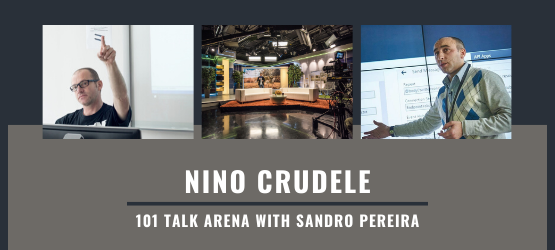
I’ve known Nino for many years, he is like a brother to me, and for that reason, I can’t say no to him and his crazy ideas. When he invited (challenged) me to have a 101 talk about Integration, obviously, I said yes!
It is already next Wednesday, January 14, 2021, that I will have an open conversation about Enterprise Integration and Azure:
A conversation about Enterprise Integration like BizTalk Server, Logic App, API Management, Service Bus, Azure Functions…
Is still worth using BizTalk Server?
What about the new Integration stack offered by Microsoft?
Azure RAD vs BizTalk Server, when, where, and why?
What about migration from BizTalk Server to Azure?
And other topics with Nino Crudele, and I will invite all of you to join us it is free. This is a one to one talk without filters, no marketing, nothing planned, and where people can also jump in with any question.
You can see more about the event on Nino Crudele’s website: 101 Talk Arena with Sandro Pereira – What about integration now?
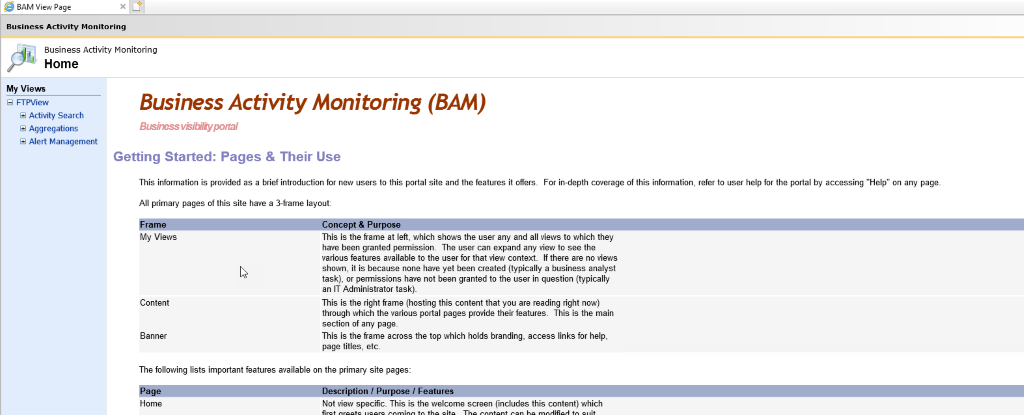
I know, BAM Portal is deprecated in BizTalk Server 2020 but it is still available and until there is no better alternative – you can always use BizTalk360 – it is better than nothing.
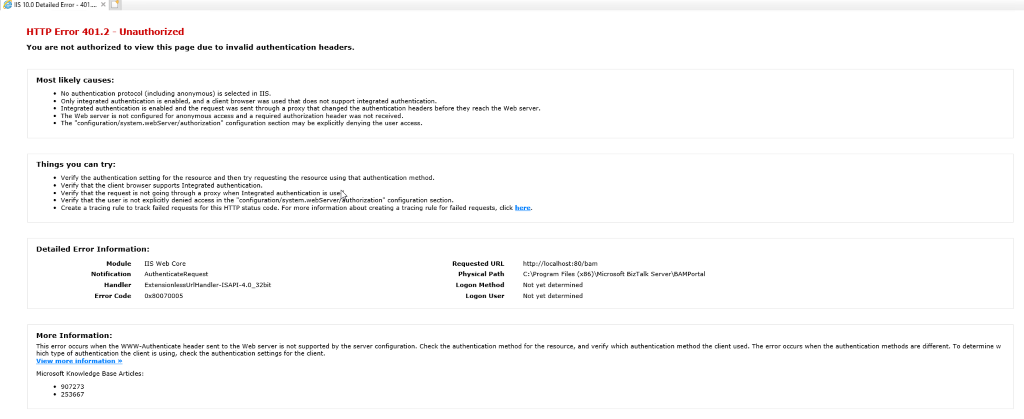
Yesterday while I was once again playing with BAM in BizTalk Server 2020 I ended up having the following error message while trying to access to BAM Portal:
HTTP Error 401.2 – Unauthorized
You are not authorized to view this page due to invalid authentication headers.
That was a bit strange since normally Everyone has access to BAM Portal, what normally can happen is that they don’t see any BAM View to explore.
Cause
For me, it was clear that this error was somehow related to the user-authentication methods/protocols installed on IIS. So I went to check the available user-authentication methods on IIS and realized that was missing the most critical method for BAM Portal to work: Windows Authentication.
BAM Portal requires Windows Authentication to work correctly.
This error is not related
Solution
This issue is very simple to fix. Windows Authentication was not available as an option, so we have to install it, and to do that you need to:
Start by running the Server Manager, if it is not already open, on the Windows Start menu, click the Server Manager option.
Under the Manage menu, select Add Roles and Features (or press Add roles and features under the Dashboard panel).
On the Before You Begin screen, click Next.
On the Installation Type screen, select Role-based or feature-based installation and click Next.
On the Server Selection screen, select the appropriate server, leave the default options, and click Next.
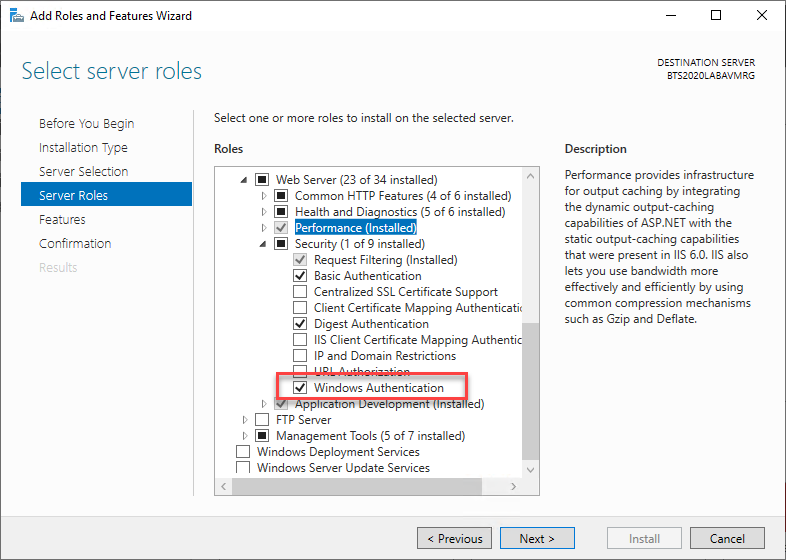
On the Server Roles screen, expand the Web Server (IIS) > Web Server > Security options.
Make sure that you select Windows Authentication option
Click Next.
On the Features screen, click Next.
On the Confirmation screen, click Install
Now if you try you will be able to successfuly access to BAM Portal
I sincerely believe that humankind has faced worse years than in 2020. Nevertheless, this was probably the most challenging, exhausting, and difficult year of our generation. When the pandemic hit, and we were forced to be locked down at home, everything change, and we have to struggle between:
Both parents working from home. We were not prepared, i.e., we did not have the necessary conditions at home, but that was the least of concerns, and it was relatively easier to fix. I ready had my office at home, so it was a matter to extend it to fit my wife’s needs and improve the network capabilities.
3 Kids with younger ages being 24 hours at home and more critical having virtual school at home, and this was truly a challenge. Once again, luckily, I have several devices, that unfortunately, many people do not have, so in terms of equipment, that was easy, the oldest get a Mac, and the youngest was entitled to a Surface Pro. the little one, fortunately, didn’t have virtual school. But to conciliate both kids having virtual school and both parents having to work, and taking care of the kids and the house… wow, that was something huge that we luckily succeeded in without causing to much stress on our family and marriage.
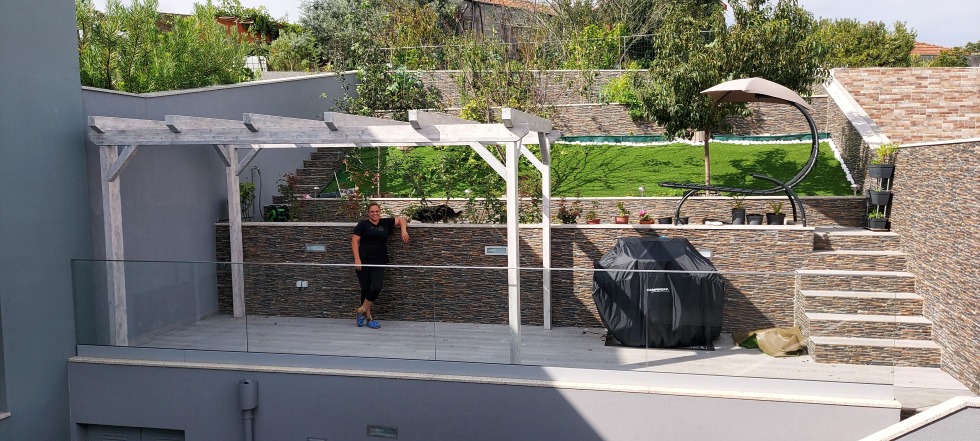
Briefly and in the face of adversity, I would say that this turned out to be a good year. Family until now is safe and healthy, and that is the essential thing in life. We didn’t travel this year, that is something that I miss, but we arrange other things to pass the time in family, mainly at home safely. And for that reason, renovations at home continue to happen during 2020 in order to continue to build our dream house.
But that it’s not all:
We increased the family by adopting a new member: a 4-year-old puppy who suffered from mistreatment and that is now is a little princess here at home and cause for great joy and children’s play
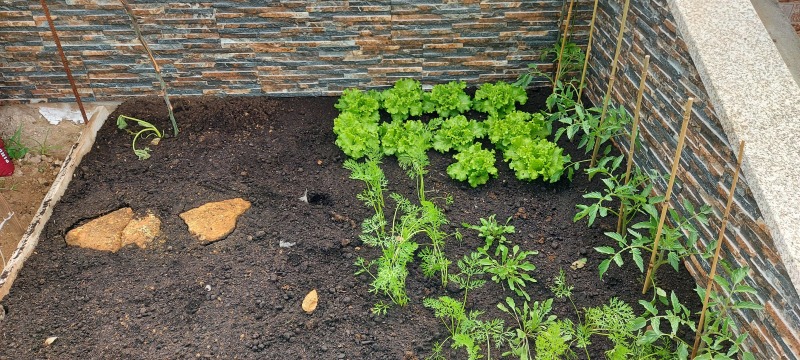
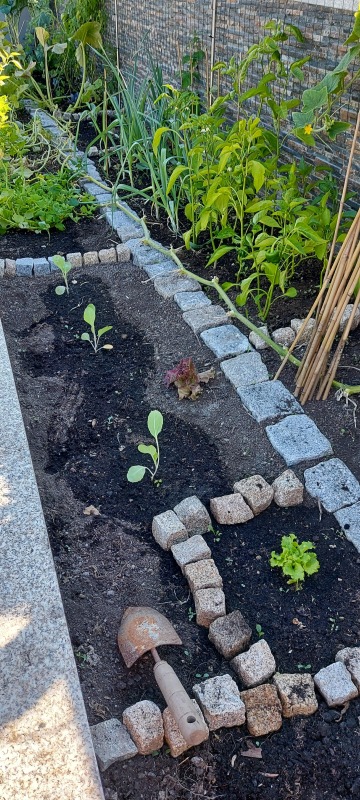
We started a pep project during this pandemic to reduce stress, but it ended up improving our food: a biological garden that was initially small and got bigger and bigger!
And my team at DevScope grew even more and we hope it will continue to grow during this year in terms of business but full of challenging and great projects worldwide. We are doing a fantastic job;
My Blog is growing every year…
With all these constraints caused by the pandemic, both in personal and professional terms, It was to imagine that I had little time to do something I like: sharing knowledge. But when you do something that you enjoy, you always find the time. It was also a way to escape from all the problems and worries that have happened and relax. So it actually was a very productive year:
Publish 92 new posts on my blog; This goes directly to the podium, being the second most productive year since I start my personal blog.
More than 392,535 visits to my blog – that’s an average of 1,075 visits per day!
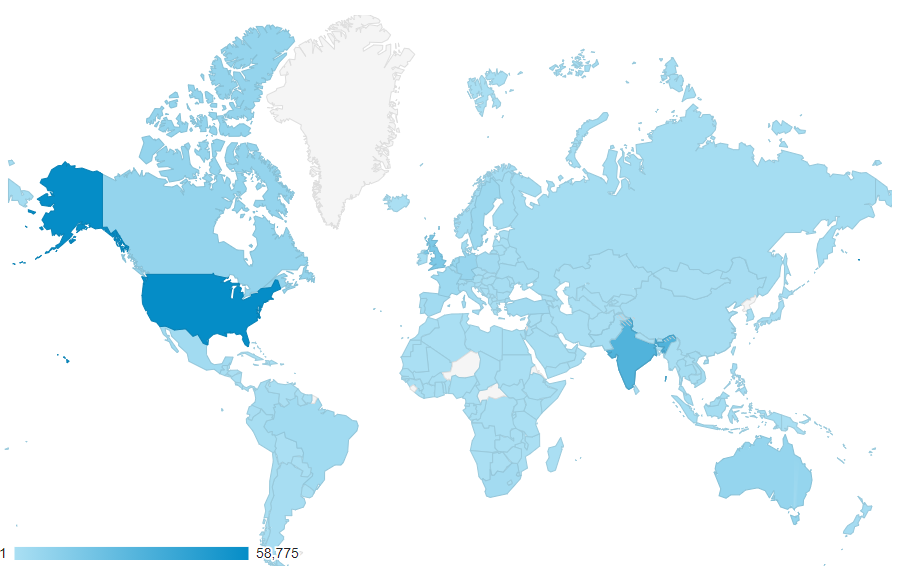
Coming from 214 countries across the world in the past year.
7 new countries compare to the previous year
And the countries that most visited my blog are once again the United States, followed by India, the United Kingdom, and Canada
Not bad if we compare to previous years:
2019: 431,000 visits, 207countries, 43 new posts
2018: 246,381 visits, 194 countries, 70 new posts
2017: 210,000 visits, 167 countries, 63 new posts (migrate to a new blog)
2016: 318,576 visits, 190 countries, 50 new posts
2015: 350,000 visits, 184 countries, 79 new posts
2014: 310,000 visits, 183 countries, 52 new posts
2013: 200,000 visits, 176 countries, 79 new posts
2012: 170,000 visits, 171 countries, 102 new posts
2011: 91,000 visits, 61 new posts
I want to say thanks to all my readers. I appreciate all the visits to my blog, and thanks for your support.
Attractions in 2020
These are the top 10 posts that got the most views in 2020:
With all of this activity on my blog and to support my posts, I end up reorganizing and add several repositories and contributions to my GitHub account and organizations. Here are some samples:
Migrate all the BizTalk Server tools and Open Source Community projects to BizTalk Server 2020:
BizTalk Port Multiplier Tool: a tool that aims to simplify this process by allowing you to easily “clone or duplicate” an existing port (Receive Port or Send Port).
BizTalk Filter Finder Tool: a tool that aims to simplify the process for better understand and maintain solutions based on content-based routing. By allowing you to have a quick overview of all the artifacts, send ports, or orchestrations that have filters associated.
BizTalk Server SSO Application Configuration Tool: a tool that provides the ability to add and manage applications, add and manage key-value pairs in the SSO database, as well as import and export configuration applications so that they can be deployed to different environments.
BizTalk MapperExtensions Functoid Wizard: a Custom Functoid Project Wizard for Visual Studio 2010. It allows you to create a new Functoids project for BizTalk Server without having to create manually the project.
BizTalk MapperExtensions Functoid Project Template: a Custom Functoid Project Template for Visual Studio 2019. It allows you to create a new Functoids project for BizTalk Server 2020 without having to create manually the project.
BizTalk Pipeline Components Extensions Utility Pack: a set of custom pipeline components (libraries) with several custom pipeline components that can be used in received and sent pipelines, which will provide an extension of BizTalk out-of-the-box pipeline capabilities.
BizTalk Mapper Extensions UtilityPack: a set of libraries with several useful functoids to include and use in a map, which will provide an extension of BizTalk Mapper capabilities.
Azure Learning Path: still in progress but already has one code sample about Functions Apps
Generic Resources: this is a public repository for Generic resources mainly PowerShell scripts that I want to share that are not related to Azure or Integration.
And if you think I stayed and contribute only on my blog, you are very wrong I perform several other publications outside my blog:
Publish 12 guest blog posts on Serveless360 about Azure Integration Services on topics like Logic Apps, API Management, Azure App Configuration, and Power Automate.
And 3 of them still waiting to be published (soon).
And contributing in all crazy ideas with my dear friend Nino Crudele on his blog: https://ninocrudele.com/
A year of on-line speaking engagements…
However, that not all! I still was able to deliver 10 virtual sessions in several conferences and User Groups worldwide on topics like BizTalk Server, Logic Apps and Power Automate:
Virtual Global Azure Lisbon | April 25, 2020 | Logic Apps: Best practices, Tips, and Tricks
Integration Use Group | May 4, 2020 |Microsoft Power Platform: Learn what Power BI + PowerApps + Power Automate + Office 365 can do for your organization
Integration Use Group | May 25, 2020 |Logic App: Best Practices, Tips & Tricks
INTEGRATE 2020 Remote | June 1-3, 2020 | BizTalk Server 2020: Migration Path
On-Demand | July 16, 2020 | Current Vision Enterprise Integration & Automation
Collabdays Lisbon | October 10, 2020 | Power Automates: Best Practices, Tips & Tricks
Global Microsoft 365 Bootcamp Lisbon 2020 | November 21, 2020 | Power Automates: Best Practices, Tips & Tricks
Global Integration Bootcamp Madrid 2020 | November 28, 2020 | BizTalk Server 2020 In Action
Integration Use Group | December 07, 2020 | Logic Apps: Development Experiences
Developer! Developer! Developer! (DDD2020) | December 12, 2020 | Logic App: Best Practices, Tips & Tricks
For all of you…
Once again, thanks for following me, for reading my blog, and I promise that I will continue to share my knowledge during 2021.