ISO image mounting for Server 2008
Here’s a good ISO image mounter that works on Server 2008
http://static.slysoft.com/SetupVirtualCloneDrive.exe

Here’s a good ISO image mounter that works on Server 2008
http://static.slysoft.com/SetupVirtualCloneDrive.exe
Recently, in October 2010, at our Professional Developers
Conference (PDC) we made some exciting roadmap announcements regarding Windows
Azure AppFabric, and we have already gotten very positive feedback regarding
this roadmap from both customers and analysts (Gartner Names Windows Azure AppFabric “A
Strategic Core of Microsoft’s Cloud Platform”).
As result of these announcements we wanted to have a series
of blog posts that will give a refreshed introduction to the Windows Azure
AppFabric, its vision and roadmap.
Until the announcements at PDC we presented Windows Azure
AppFabric as a set of technologies that enable customers to bridge applications
in a secure manner across on-premises and the cloud. This is all still true,
but with the recent announcements we now broaden this, and talk about Windows
Azure AppFabric as being a comprehensive cloud middleware platform that raises
the level of abstraction when developing applications on the Windows Azure
Platform.
But first, let’s begin by explaining what exactly it is we
are trying to solve.
Businesses of all sizes experience tremendous cost and
complexity when extending and customizing their applications today. Given the constraints of the economy,
developers must find new ways to do more with less but at the same time
simultaneously find new innovative ways to keep up with the changing needs of
the business. This has led to the
emergence of composite applications as a solution development approach. Instead of significantly modifying existing
applications and systems, and relying solely on the packaged software vendor
when there is a new business need, developers are finding it a lot cheaper and
more flexible to build these composite applications on top of, and surrounding,
existing applications and systems.
Developers are now also starting to evaluate newer
cloud-based platforms, such as the Windows Azure Platform, as a way to gain
greater efficiency and agility. The promised benefits of cloud development are
impressive, by enabling greater focus on the business and not in running the
infrastructure.
As noted earlier, customers already have a very large base
of existing heterogeneous and distributed business applications spanning
different platforms, vendors and technologies.
The use of cloud adds complexity to this environment, since the services
and components used in cloud applications are inherently distributed across
organizational boundaries. Understanding
all of the components of your application – and managing them across the full
application lifecycle – is tremendously challenging.
Finally, building cloud applications often introduces new
programming models, tools and runtimes, making it difficult for customers to
enhance, or transition from, their existing server-based applications.
Windows Azure AppFabric is meant to address these challenges
through 3 main concepts:
1.
Middleware Services – pre-built
higher-level services that developers can use when developing their
applications, instead of the developers having to build these capabilities on
their own. This reduces the complexity of building the application and saves a
lot of time for the developer.
2.
Building Composite
Applications – capabilities that enable you to assemble, deploy and manage a composite
application that is made up of several different components as a single logical
entity.
3.
Scale-out Application
Infrastructure – capabilities that makes it seamless to get the benefit of
cloud, such as: elastic scale, high availability, density, multi-tenancy, etc’.
So, with Windows Azure AppFabric you don’t just get the
common advantages of cloud computing such as not having to own and manage the
infrastructure, but you also get pre-built services, a development model, tools,
and management capabilities that help you build and run your application in the
right way and enjoy more of the great benefits of cloud computing such as
elastic scale, high-availability, multi-tenancy, high-density, etc’.
Tune in to the future blog posts in this series to learn
more about these capabilities and how they help address the challenges noted
above.
Other places to learn more on Windows Azure AppFabric are:
If you haven’t already taken advantage of our free trial
offer make sure to click on the image below and start using Windows Azure
AppFabric already today!
Please leave your comments and questions in the comments
section below.
Itai Raz, Product Manager
While looking into an authentication problem I discovered this ’new’ header sent back
from a SharePoint 2010 machine.
Health Score? hmmm I thought, what’s the max and what’s the min
values. Is this good/bad? or don’t care?
So SharePoint 2010 has several Throttling features it used such as Client
Auto Back-off which predominately when triggered, prioritises HTTP requests
– such as HTTP POSTS are non delayed or throttled, but HTTP GETs are and new HTTP
connections are throttled.
Here is one MS
page that barely describes the Header – could do with updating that one.
SharePoint 2010 determines the health of a server by initially looking
at system counters.
Let’s dig further.
Upon Reflecting the classic Microsoft.SharePoint.dll, there’s a Microsoft.SharePoint.Diagnostics
section which I thought would be a great place to start. I found a
SPWebFrontEndDiagnosticsPerformanceCounterProvider class (amongst
others there’s a SPDatabaseServer class as well)
The line above collection[0] = . refers to the following collection
So putting all this together, the performance counters are:
It appears the main class behind all of this is
SPHttpThrottleSettings where it appears that the throttling setting
is turned off in ’Single-Server’ deployments.
Digging further I came across the big-daddy class of it all (I think) –
SPPerformanceInspector – notice the method IsInThrottling() and
the other is 2 constants that describe the displayed Throttled messages.
I also noticed another method on this class SetupRegKeyHealthScore.
Where HKLM\SOFTWARE\Microsoft\Shared Tools\Web Server Extensions\14.0\WSS\ServerHealthScore is
the actual value you want to assign.
A value of 0 is great, 10 is bad. Over 10 means the server will go into Throttling
(letting your clients know as well).
There’s many other things here, but I’ve got to head swimming.
Hope we unraveled this mystery a little more.
Mick.

By default, the following BizTalk jobs aren’t configured and enabled upon installation. Backup BizTalk Server (BizTalkMgmtDb) DTA Purge and Archive (BizTalkDTADb) MessageBox_Message_Cleanup_BizTalkMsgBoxDb If you want these functionalities you must configure and enabled them. How to configure Backup BizTalk Server (BizTalkMgmtDb) This Job consists of four steps: Step 1 – Set Compression Option – Enable or […]

This week I participated in a leadership breakfast hosted by the Cowen Group. The breakfast was attended by lawyers and IT personnel from a variety of industries including media and entertainment, manufacturing, law, electronics, healthcare, utilities and more. The point of the roundtable was to discuss the impact of cloud computing on eDiscovery and included […]
InfoPath is a great tool for creating simple and complex forms that can be easily managed and utilized. It is designed in such a way to try to make the process easy for non-programmers so that anyone can use the software to implement a form. This sometimes causes problems when you want to do a […]

Introduction Inmylast post I mentioned the registry content for registering a custom WCF LOB SDK binding as an adapter. I am still working out the details of how this should be done for a custom adapter and will be hoping how to do thisina walkthrough in a later post. To give yousome preview of the […]
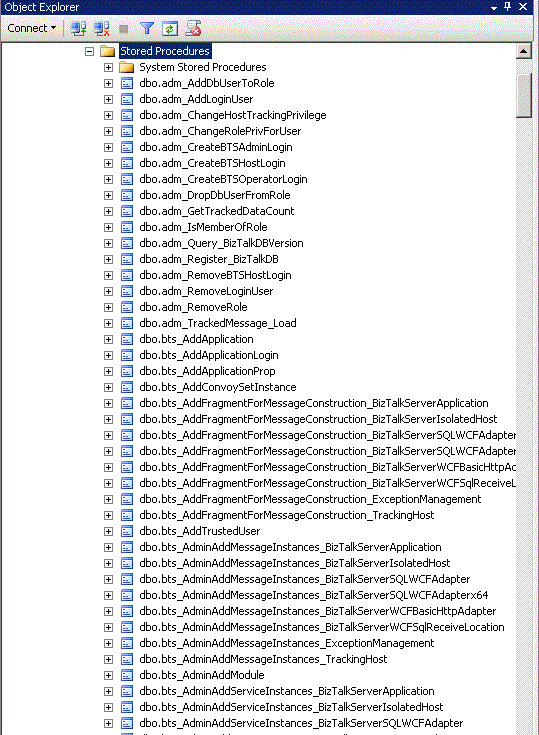
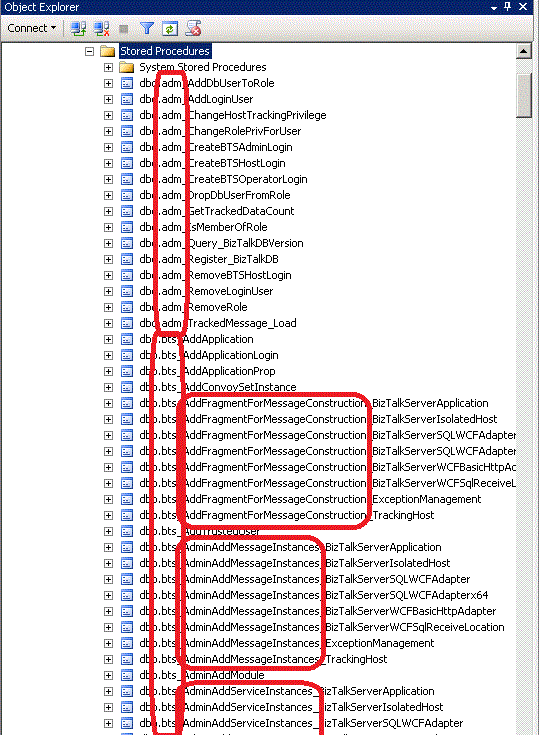
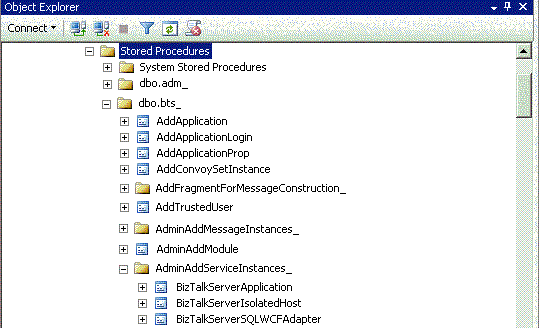
From my limited experience working for a client in the Health Care business I saw the magnitude of positive change the right solution can have on a problem. In the health care business it is often the case that patient information needs to be managed in such a way that it is easy to organize […]
Gartner’s Magic Quadrant for Application Infrastructure for Systematic Application Integration Projects (October 2010) places Microsoft in the leader’s quadrant for integration, with BizTalk Server and the global integration platform, as the company with a clear lead in the ability to execute dimension.
Gartner’s report can be found here with all the details. Check the Microsoft section to learn about the strengths and cautions to have. Some interesting details are: “the least-expensive perpetual license of commercial offerings that Gartner analyzed”, “BizTalk Server installed base of more than 10,000 customers – two-thirds are estimated to be BizTalk Server 2006 Enterprise Edition”, “Microsoft garnered 13 % of the ESB suite market software revenue” or the ever important skills question: “results in the availability of skills, services and add-ins”.