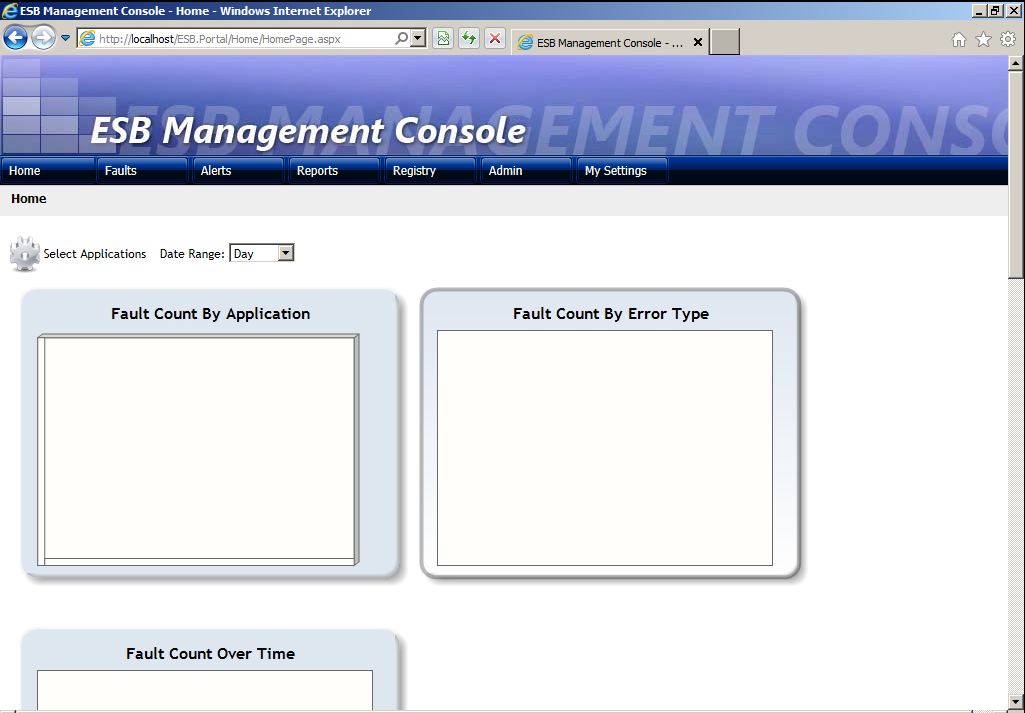
In the past I never got the version 1.x installed because of a complex installation guide, so now that I am looking at the toolkit again I thought that I better write done some notes for myself (and maybe other), so that you can get it up and running.
My base image is:
– Windows Server 2008 R2
– SQL Server 2008 R2
– BizTalk Server 2010
– Visual Studio 2010
– and some other stuff that I don’t think is relevant for the toolkit
First thing is to download the toolkit:
BizTalk ESB Toolkit 2.1
This also contains an installation guide, so what follows here is only the adds and special notes as I go through the installation guide.
Well you need some optional software from Microsoft before you can install it and the installation guide doesn’t contains links:
Visual Studio 2010 SDK (If you get an error which tells you that Visual Studio 2010 is missing then you might have the wrong version of the SDK. There is one for each service pack. Otherwise it is a “next next” type of installation).
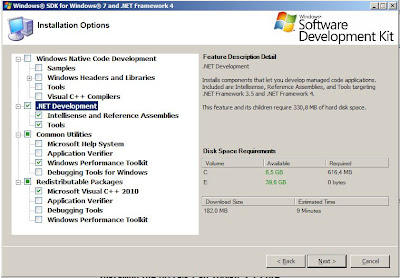
Windows SDK (Well this is a bit hard to predict what is needed. I don’t want to install the full monty as this is 1,8GB. Here is what I choose. We will see later if that is enough. It is used for the portal. I would guess that it has something to do with the .Net framework as the portal is an ASP.Net web application).

If you are running in a domain and you use domain groups for the “BizTalk Server Administrators” and groups like this. Then remember to change those when you run the ESB Config toolkit.
If you get an error like this “Cannot open database…” when you run the BAM definition import. Then you need to add your SQL Server Analysis account as a datareader for the databases BAMPrimaryImport and BAMStar: